You are using an outdated browser. Please upgrade your browser to improve your experience.

Let Your Creative Side Shine With These All In One Drawing Apps

Just because you're not a professional artist, or even that good at drawing, doesn't mean you shouldn't do it. Letting your creative side shine is fun for everyone, and now you can get creative without the mess right on your iPhone or iPad.

Concepts
ibis Paint X
Procreate Pocket
ibis Paint
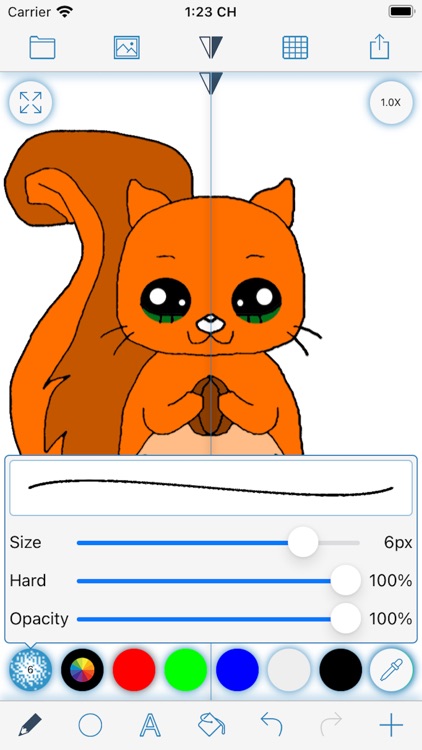
MediBang Paint for iPhone

Best Apps

Highest scored apps in the category

Concepts
Concepts

Concepts

TopHatch, Inc.

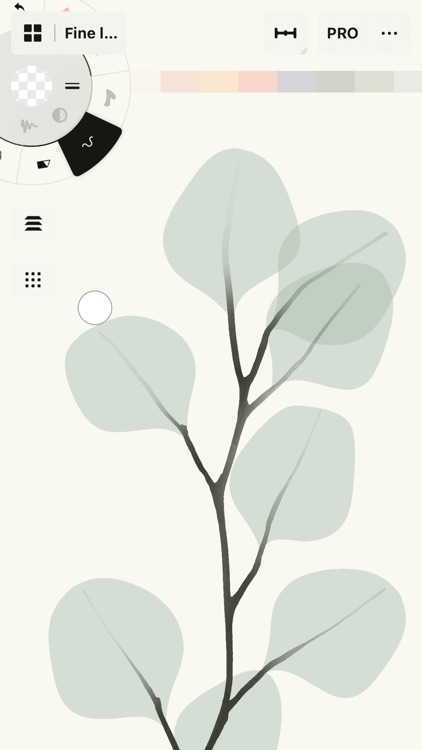
Think, plan & create – Concepts is a flexible vector-based sketchbook where you can take your ideas from concept to reality

Think, plan & create – Concepts is a flexible vector-based sketchbook where you can take your ideas from concept to reality.

Concepts reimagines the ideation process – offering a safe and dynamic workspace to iterate and explore your ideas, organize your thoughts, and experiment with designs.

With our infinite canvas, you can:
• Sketch plans and whiteboard ideas
• Make notes, doodles, and...

Professional results
Procreate

Procreate

Savage Interactive Pty Ltd

Procreate is a must-have

Procreate is one of the best and most powerful drawing apps available on iOs.

ibis Paint X
ibis Paint X

ibis Paint X

ibis inc.

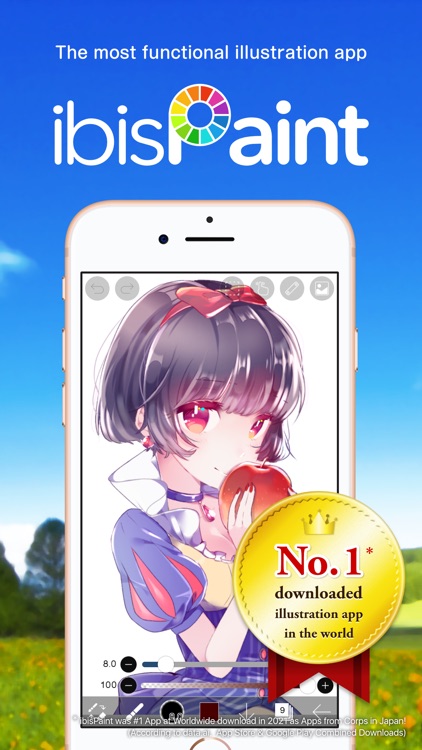
ibis Paint X is a popular and versatile drawing app downloaded more than 460 million times in total as a series, which provides over 47000 brushes, over 27000 materials, over 2100 fonts,84 filters, 46 screentones, 27 blending modes, recording drawing processes, stroke stabilization feature, various ruler features such as radial line rulers or symmetry rulers, clipping mask features

ibis Paint X is a popular and versatile drawing app downloaded more than 460 million times in total as a series, which provides over 47000 brushes, over 27000 materials, over 2100 fonts,84 filters, 46 screentones, 27 blending modes, recording drawing processes, stroke stabilization feature, various ruler features such as radial line rulers or symmetry rulers, clipping mask features.

*YouTube channel
Many tutorial...

Procreate Pocket
Procreate Pocket

Procreate Pocket

Savage Interactive Pty Ltd

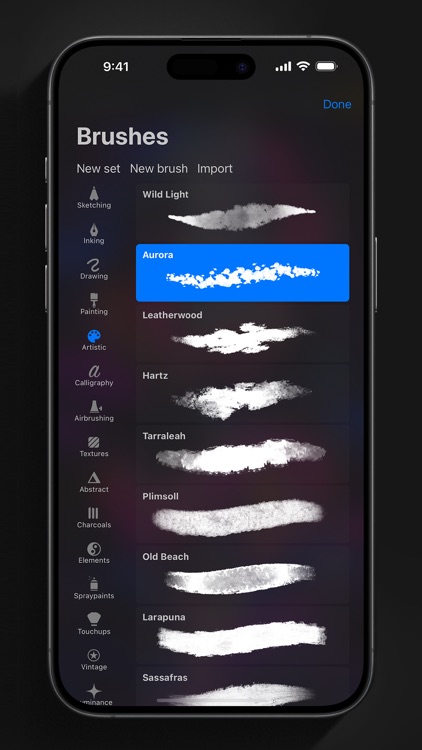
App of the Year winner Procreate Pocket is the most feature-packed and versatile art app ever designed for iPhone

The popular drawing tool is now powered by the same graphics engine found in the iPad version of the app.

ibis Paint
ibis Paint

ibis Paint

ibis inc.

This app is an ad-removed version of ibisPaint X

This app is an ad-removed version of ibisPaint X. An additional in-app purchase for Prime Membership is required to unlock all features, in which case it is cheaper to download ibisPaint X and purchase the Prime Membership there instead.
ibis Paint is a popular and versatile drawing app downloaded more than 460 million times in total as a series, which provides...

Also Good

Apps with average score

MediBang Paint – Drawing & Art

MediBang Paint – Drawing & Art

MediBang inc.

“Draw Anywhere, With Anything.”

MediBang Paint is an art app with more than 100 million downloads in over 150 countries!

【Key Features】

Everything You Need to Make Art
・180 default brushes that anyone can easily adjust to their liking. You can even make your own brushes too!
・700 additional brushes included in all MediBang Premium...

MediBang Paint for iPhone

MediBang Paint for iPhone

MediBang inc.

“Draw Anywhere, With Anything.”

MediBang Paint is an art app with more than 100 million downloads in over 150 countries!

【Key Features】

Everything You Need to Make Art
・180 default brushes that anyone can easily adjust to their liking. You can even make your own brushes too!
・700 additional brushes included in all MediBang Premium...
Sketchbook®
Sketchbook®
Sketchbook®

Sketchbook®

Sketchbook, Inc

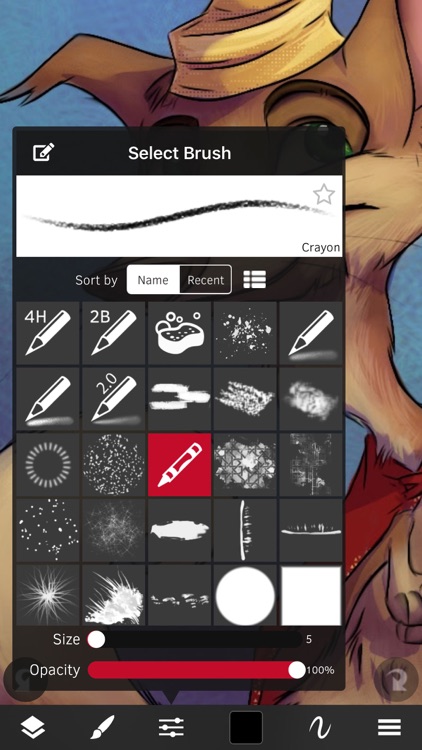
From quick sketches to fully finished artwork, Sketchbook goes where your creativity takes you.

Sketchbook is an award-winning sketching, painting, and drawing app for anyone who loves to draw. Artists and illustrators love Sketchbook for its professional-grade feature set and highly customizable tools. Everyone loves Sketchbook for its elegant interface...
Sketch Club
Sketch Club
Sketch Club

Sketch Club

blackpawn.com

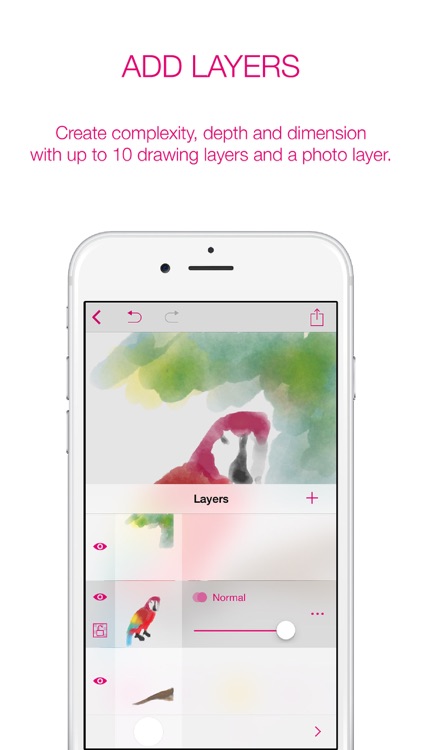
SketchClub not only gives you fantastic tools to sketch, draw, doodle, paint, and edit photos but also helps motivate you to keep creating! Check out the community where there’s a new drawing challenge every day, along with regular competitions and even co-ops where you can pick up where another artist...
2D - Paint, Draw, Sketch, Collage

2D - Paint, Draw, Sketch, Collage

Paul Webb

"2D, a new dimension in the market for design apps" - El Economista

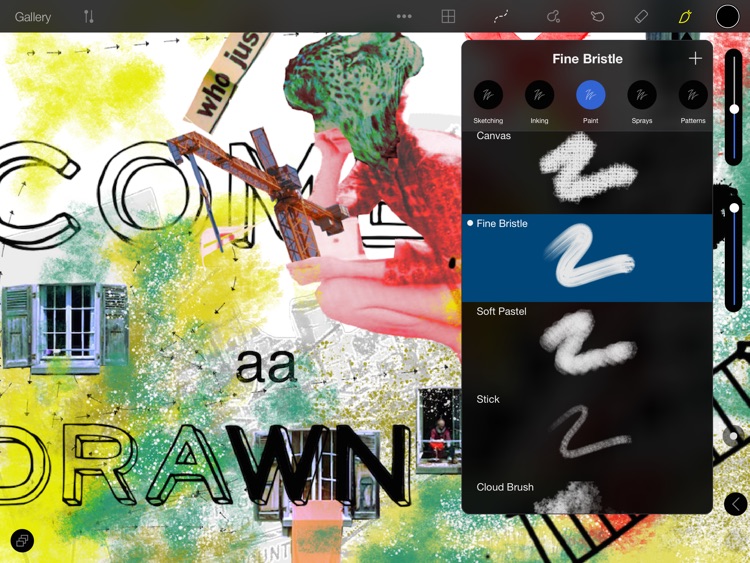
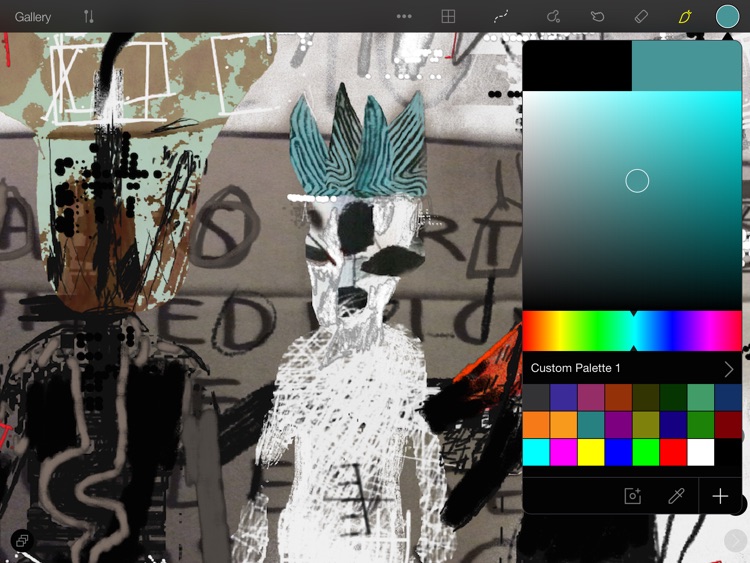
2D is the mixed media App for iPad® - create image macros and image memes for your posts and social media.
*Awarded as one of the best 5 Apps made in Spain 2014
*Telefonica Open Future_ Award Winner 2014


THE MIXED...

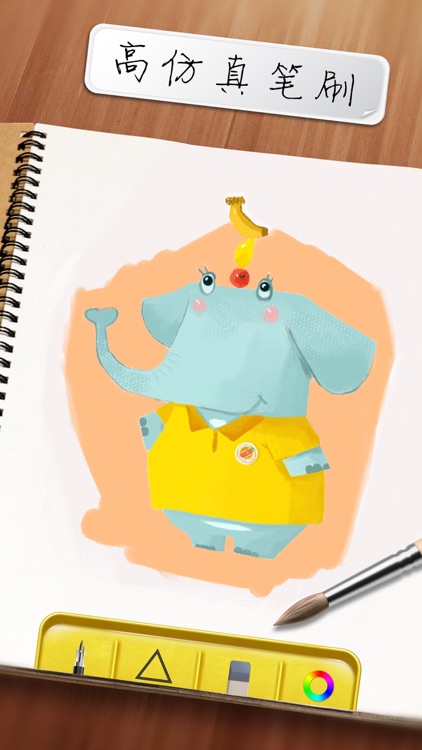
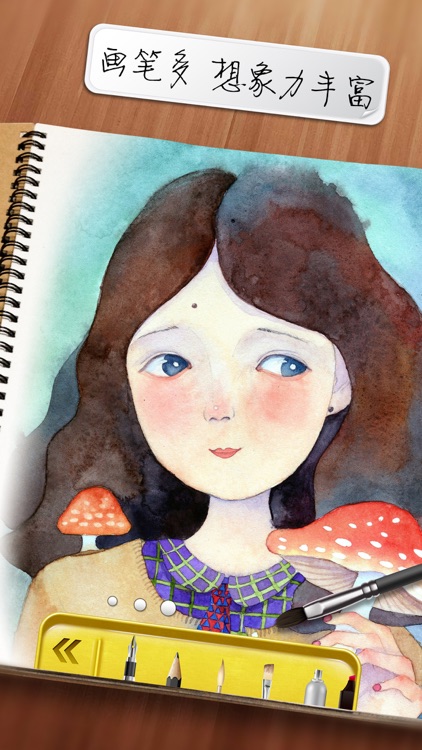
Doodle on what feels like real paper
Tayasui Sketches
Tayasui Sketches

Tayasui Sketches

SKETCHES SRL

Sketches is the most realistic, versatile and user-friendly sketching app designed for a mobile device. This exhaustive artist's toolbox helps users create dazzling sketches, cheerful paintings and smashing illustrations on the go. It has a ton of features and has stylus support.

Drawing Box
Drawing Box
Drawing Box

Drawing Box

Etienne Nguyen Tan Hon

Drawing Box is recommended by schools for their students for its creativity tools and recreational features. Bring a painting studio in your pocket, and enjoy unlimited painting activities.

1/ Creativity: painting tools are amazingly funny to use. Discover dozens of hidden features for drawing and painting. More than only painting...

Chill Paint
Chill Paint
Chill Paint

Chill Paint

Norbyte

An inspiring and capable drawing/painting app for just about everyone.
Tools include Standard Brush, Eraser, Serpentine Brush, Pulse Brush, Lighten, Darken, Serpentine Hue-Brush, and Confetti Brush.

APPLE PENCIL SUPPORT
The strokes change characteristics depending on how you use the Pencil (pressure, tilt).
You can also opt to have different functionality for the Apple Pencil...

Drawing Box Ltd
Drawing Box Ltd
Drawing Box Ltd

Drawing Box Ltd

Etienne Nguyen Tan Hon

Enjoy the LIGHT VERSION of one of the most awarded painting app on the market. You will be surprised by the incredible number of features provided by this app.

Bring along this small mobile studio with you, make life sketching, studying forms, shapes, architecture, human figures.

This is an excellent...

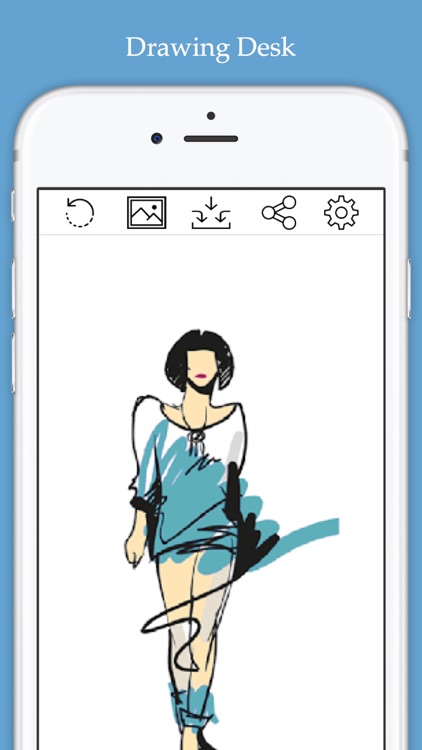
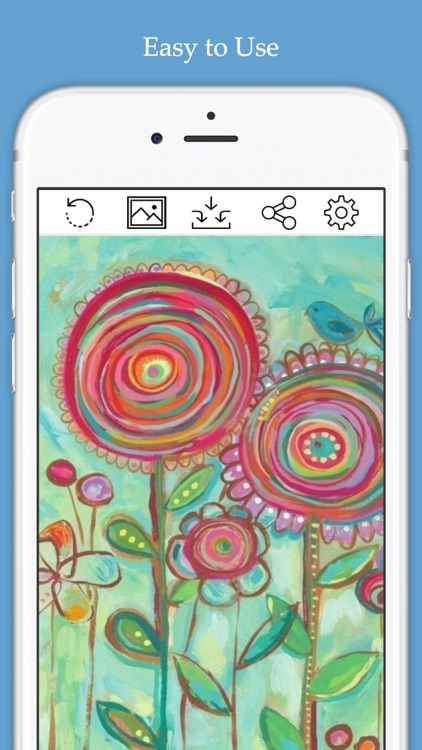
Drawing Desk:Learn to Draw App

Drawing Desk:Learn to Draw App

4Axis Technologies Pte Ltd

Trusted by over 70+ million users and 100K+ 5-star reviews, Drawing Desk makes learning to draw fun with creative drawing games.

Supports Apple Pencil

Drawing Desk is for adults, kids & anyone who is interested in learning & creating digital art. Explore professional drawing tools tailored with 1000+ engaging art lessons designed...

Sketch Pad - My Drawing Board

Sketch Pad - My Drawing Board

毅 朱

Sketch Drawing Board lets your iPhone or iPad into a drawing board. You can draw anything you can imagine. The program offers 10 different kinds of pens, including ball pen, pencil, brush, brush, watering can, etc., you can draw a variety of different shapes of lines. With these pens, you...

Drawing Box Pro
Drawing Box Pro
Drawing Box Pro

Drawing Box Pro

Etienne Nguyen Tan Hon

Drawing Box Pro is the best app for painting and designing on a mobile device. A complete artist necessary tool set, with gorgeous pencil and brush effects. The strong feeling of comfort and the variety of the painting tools are incomparably rich. The pencil has 3 different stroke styles and...

Doodle • Art
Doodle • Art
Doodle • Art

Doodle • Art

Zafar Ullah

KEY FEATURE

• Draw, Sketch and Paint anything your imagination desires.
• Access a full spectrum of colors for your creations.
• Customize colors to make your drawings even more vibrant.
• Adjust brush size and stroke opacity for precision.
• Use a resizable eraser to refine your artwork.
• Import or capture photos to incorporate...

UBrush - Draw a life

UBrush - Draw a life

MinSang Hwang

Create expressive drawings and paintings without opening a sketchbook. Taking notes, sketching, and drawing is as straightforward and simple as using real pen and paper.

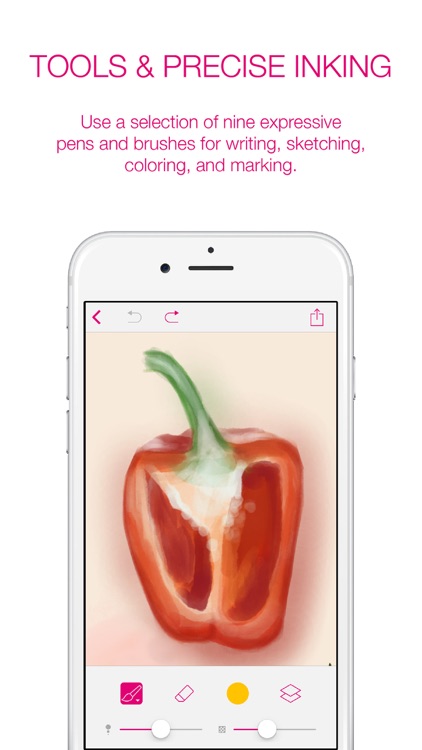
TOOLS & PRECISE INKING
Use a selection of nine expressive pens and brushes for writing, sketching, coloring, and marking. UBrush´s Universal Ink technology VINCENT-1 gives you...

Doodle Art - Draw.ing

Doodle Art - Draw.ing

Zobayed Ullah

Doodle Art is one of the most popular Drawing App, loved by over millions of users worldwide. The easiest & user-friendly, yet smooth, with lots of feature & functionality, a perfect app to Draw, Sketch & Doodle.
With the tools of this app you can create dazzling sketches, wonderful illustrations &...

Zoodle Pad
Zoodle Pad
Zoodle Pad

Zoodle Pad

Pokey Toad Studios

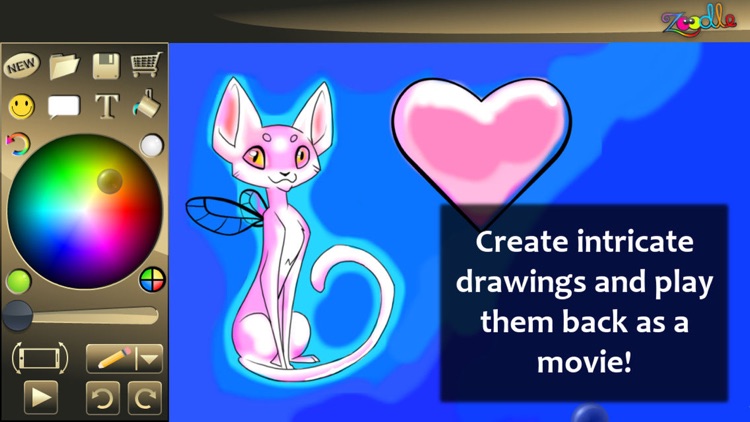
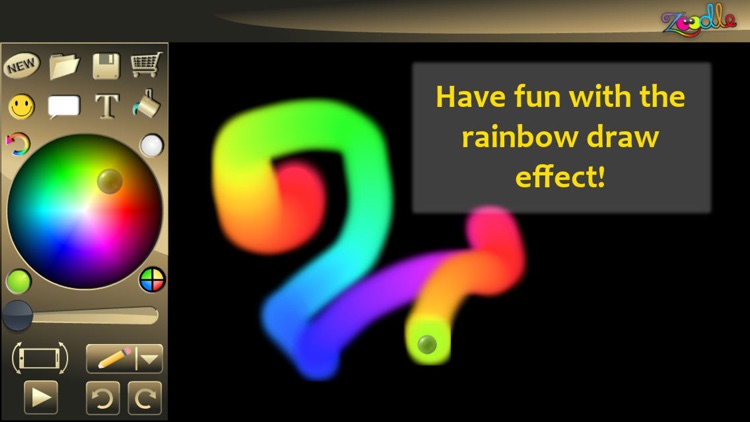
This app is amazing! Use it to paint, draw, or just doodle crazy designs, and then play them back as a movie. You can even control the color, width, and direction of your line while you are painting without lifting up your brush. Let your creativity flow like a glowing...

Drawing Pad - apps for Drawing

Drawing Pad - apps for Drawing

Minh Nguyen

Drawing Pad - Drawing Apps
Main Features:
- Drawing with Pencil, Brush, Eraser, Marker, Pen.
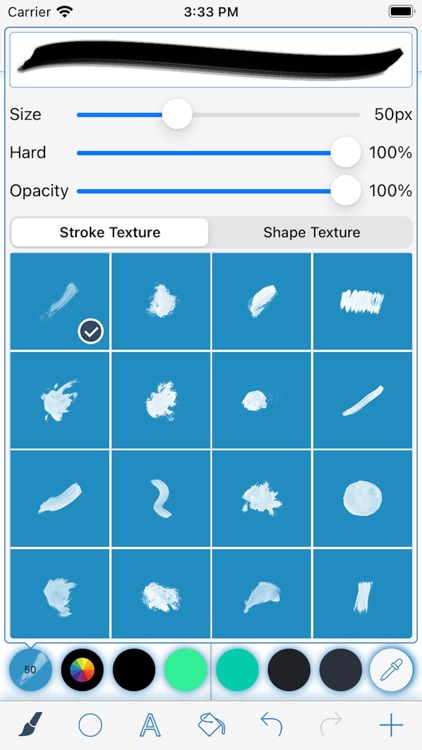
- Customize Brushes with texture.
- Fill color with bucket.
- Adding Text on drawing.
- Adding Shape on drawing.
- Change drawing Background with color, texture and picture.
- Speed up drawing with Mirror.
- Easy drawing with Grid
- Share drawing.

Water Color Pencil
Water Color Pencil
Water Color Pencil

Water Color Pencil

Raysoft Co.

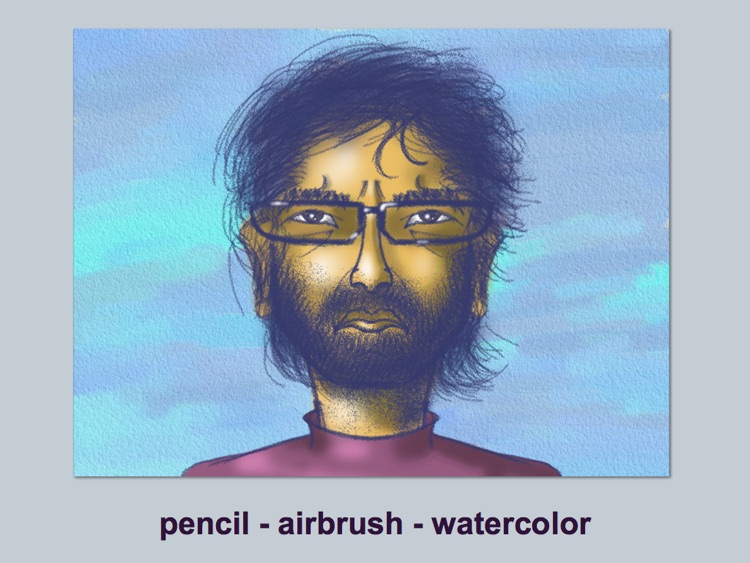
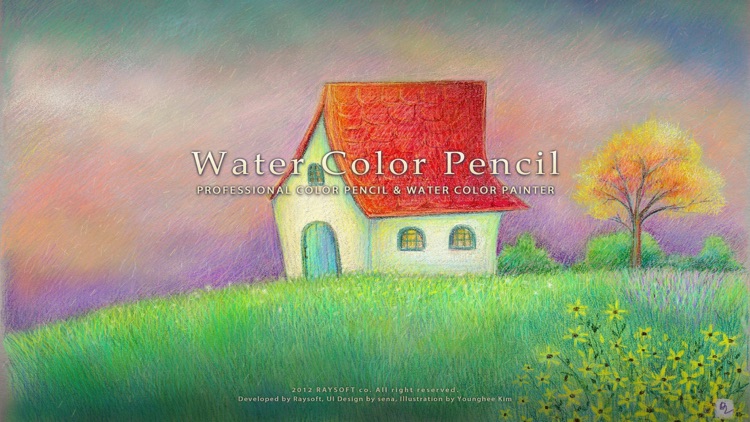
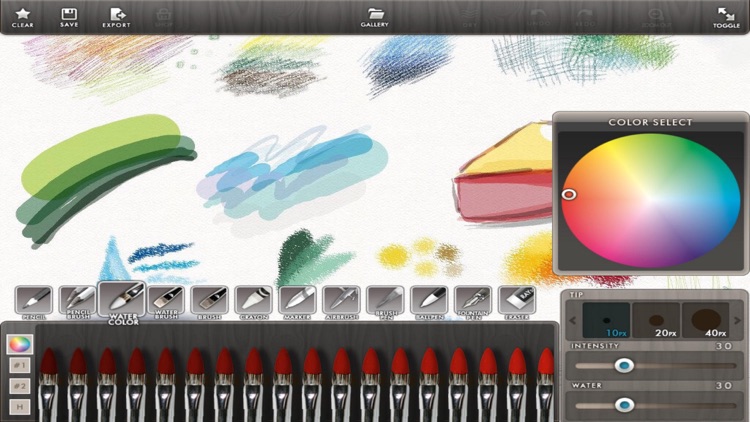
"Water Color Pencil" is a drawing & painting App which implements realistic color pencil and water color brushes and more. 

Water Color Effect
realistic fluid simulation based water flow effect. : Water flow effect, mix color, melt color pencil

Color pencil
pencil stroke with texture of paper surface

Retina Display Support
2048*1536 image...

Drawing Desk:Paint,Sketch Book

Drawing Desk:Paint,Sketch Book

Tuan Bui Duc

*** FEATURES ***

* Draw, Sketch & Paint anything.
* You will find Every color to use.
* You can also customize your color as you wish.
* Import photo from gallery or by capturing a new photo. Draw on photo. Have fun!
* You can change Brush size & Opacity settings.
* You can vanish...

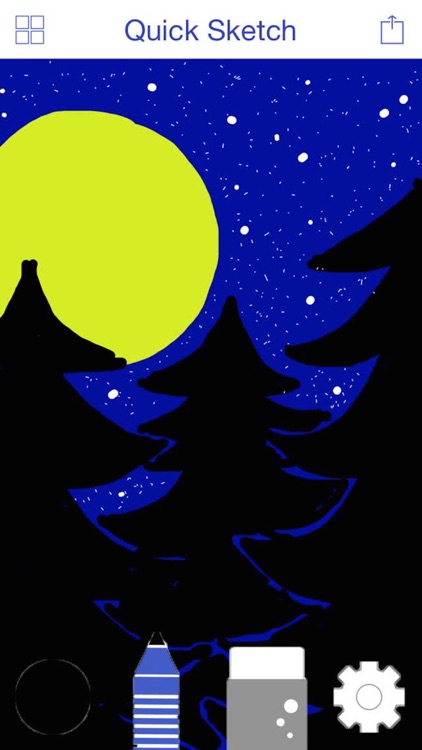
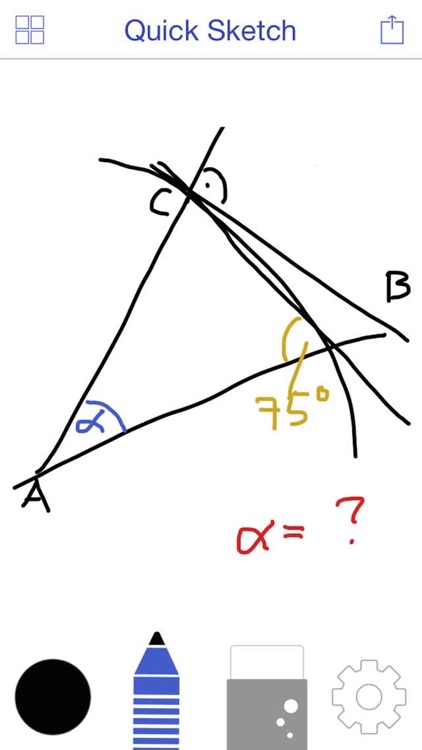
Quick Sketch - Whiteboard

Quick Sketch - Whiteboard

Nicholas Ingulfsen

Quick Sketch - Whiteboard Drawing is the perfect app to draw some sketches quickly or to paint beautiful pictures! The only limit is your imagination!

Choose from many colors and set the thickness of the line to whatever you want, save files and complement them later, erase mistakes quickly and export...

Sketch Pad 2 - My Prime Painting Drawing Apps

Sketch Pad 2 - My Prime Painting Drawing Apps

ZHU YI

Sketch Pad lets your iPhone or iPad into a drawing board. You can draw anything you can imagine. The program offers 10 different kinds of pens, including ball pen, pencil, brush, brush, watering can, etc., you can draw a variety of different shapes of lines. With these pens, you can...

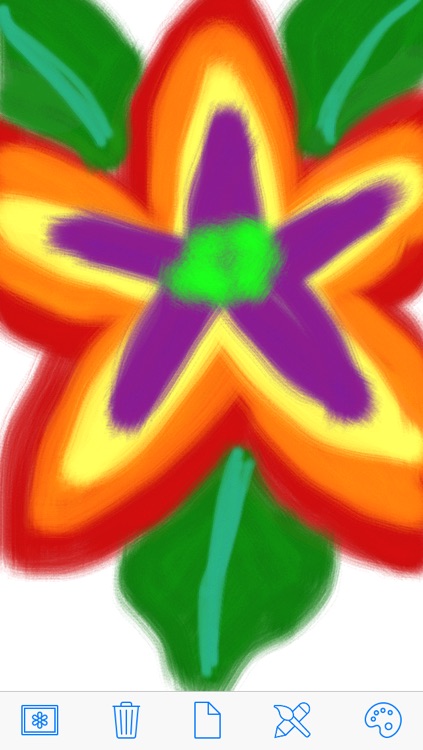
Free Paint
Free Paint
Free Paint

Free Paint

Jeff PEDERSEN

Free Paint is an easy to use freehand drawing app for iPad, iPhone, and iPod Touch. Choose from a variety of different backgrounds, drawing and painting tools, and colors. Use your imagination and create a masterpiece right on your device, and then save your work of art to your photo...

Other Apps

Could be good for special cases

OmniSketch

OmniSketch

Software Logix LLC

Previously featured in the Explore Your Creativity promotion.

August 8, 2011 - OmniSketch listed by PC Magazine as one of The 100 Best iPad Apps.

OmniSketch is listed in the iTunes Essential Paint & Drawing Apps section.

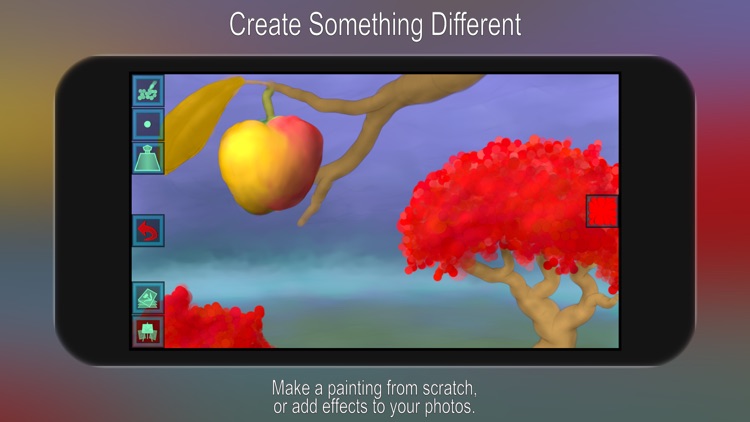
OmniSketch is a procedural drawing tool that allows you to create stunning sketches with very little effort. A procedural brush is a brush that uses a mathematical algorithm to draw patterns. These patterns can interact with lines that have already been drawn to produce amazing effects. The speed at which you draw will affect the look of the brush you are using. The brush algorithm can also be adjusted to produce different effects.

PadGadget.com says:
Now you might be reading this thinking, “There are already a large number of really good painting and drawing tools so what does OmniSketch bring to the game?” Instead of standard brushes and pencils, OmniSketch’s brushes use mathematical algorithms to draw patterns which interact with previously drawn lines to produce a cool sketch with detailed effects.

and:
One of the coolest OmniSketch features is its mirrored drawing mode. You can opt to have your strokes mirrored across your iPad’s screen (top and bottom, left and right or both options) to produce really stunning designs.

Unlock your inner artist with one of the best drawing tools available for the Apple iPad. With OmniSketch, store a nearly unlimited number of pictures in your local gallery and show them off to your friends and family with the slide show feature. Show off your creations to the world by submitting them to the online photo gallery. Mirrored drawing modes allow you to create beautiful symmetrical and even kaleidoscopic paintings.

* 24 amazing brushes draw shapes and patterns automatically
* Blend Modes (Lighten, Darken, Color Dodge, Color Burn, etc)
* Draw with up to 3 fingers at the same time
* Intuitive user interface
* Mirrored Drawing – Vertical, Horizontal and Kaleidoscope mode
* Eraser plus the Clear Blend Mode allows you to use any brush as an eraser
* Line width adjustment
* Opacity adjustment
* Brush custom adjustments
* Full color support with an intuitive color picker
* Selectable background color
* Gallery allows you to view, add, edit, delete and export your artwork
* Built in slide show feature lets you show off your creations
* Online gallery lets you share your pictures with friends, family and the world
* Full undo/redo
* Draw in portrait or landscape mode
* Post your artwork to your Facebook Wall
* Post your artwork to Twitter

You can expect many new features and new brush styles in future releases of OmniSketch!

Sketch Art - Draw, Paint & Doodle

Sketch Art - Draw, Paint & Doodle

Aaron Prentice

Sketch Art is a professional-grade painting and drawing application designed for all your iOS devices. With the same paint engine as its powerful desktop counterpart, SketchBook delivers fluid pencils and sophisticated brushes in a simple and easy-to-use interface. Sketch Art allows you to capture everything from your smallest doodles to your biggest ideas all in one place, no matter where you are.


Features:
- The entire screen is your canvas with a full screen workspace and unobtrusive user interface
- Customize brushes exactly how you want them – adjust brush radius, opacity, rotation, and more
- Control the finest details of your art with up to a 2500% zoom
- Choose from over 10 preset brushes, including pencils, pens, and markers that deliver a natural drawing experience
- Synthetic pressure-sensitivity
- Easily organize your sketches in Sketch Art's gallery with multiple view options, albums, and flexible ordering
- Save and store your works of art on your iCloud or Dropbox account
- Choose from a comprehensive brush library with over 100 preset pencils, pens, markers, and brushes, including new Synthetic and Smudge brushes
- Full layer controls, including layer grouping, multiple layer transform, and layer blending modes, makes whole or partial image manipulation, transformation, and selection easier than ever
- Full Copic® Color Library
- Advanced Selection tools for improved precision – select items using Marquee and Lasso tools or the Magic Wand
- Capture speed drawing sessions with Time-lapse Record
- Other workflow improvements, including new ruler guides, advanced gradient flood fill, and much more
- Pressure Stylus support

Photo pencil drawing sketch

Photo pencil drawing sketch

Mireia Lluch Ortola

Enhance your photos with different and unique filters and effects to pencil drawing or oil painting. PencilPic editor is a simple, fast and fun photo editor. We have filters and effects that do not exist in any application, these filters are unique in our application.

HOW TO USE:

• Choose photos from your mobile gallery or take a new pic using your mobile camera
• Photos can be adjusted to frames with crop button
• Select any filter all we have
• Move slider to change value of filter
• Change color background black or white
• You can save and share photos with your mobile's social networking apps

FEATURES:

• Free and easy to use.
• Friendly interface.
• HD quality filters and effects provided.

Craytin Art - Paint & Draw

Craytin Art - Paint & Draw

Varun Ajani

◉ The easiest way to paint, draw and sketch beautifully on the iPhone and iPad.

Features:

・ Natural watercolor, pen and pencil tools
・ Fullscreen zoom up to 4x
・ 42 curated colors in an innovative palette system
・ Import photos / paintings, and paint over them
・ NO COMPLICATED SETTINGS!!!, letting you focus on painting
・ Automatic tool-size and sensitivity adjustment for intuitive smooth strokes
・ Built-in sharing with apps that you have on your device
・ Minimal UI that never gets in your way

Coloring Book Pages Adult

Coloring Book Pages Adult

vipul patel

Painting is an Art to express your creativity. This app will gives you or your child hours of fun.

We have design this app for the creative people who value their spare time and love to do something new everyday. If you are a painter or sketch artist you will definitely love this amazing app. We have bring a unique painting book app to bring out a hidden artist in you.

App Key Features:

* Simple & Hard Painting Designs
* 3D touch Feel like real Painting on Paper
* 1000+ Colors for Painting
* Image Zoom in-out for better Display
* Give shades or do multi color with Draw button
* Erase outside border's color if made mistake while painting
* Give color to borders
* Unique filter styles to add in your picture;
* Save & share image on social media;
* Print your colored picture.