




You are using an outdated browser. Please upgrade your browser to improve your experience.

Apps That
Went Free on
2014-02-25

Stream 50 styles of music and millions of songs with 50music. We also have an educational app that has your child counting with the Beast, and a productivity app that allows you to clip images and GIFs from any website.

The Lonely Beast 123 - Preschool Number Counting
iPhone
iPad
The Lonely Beast 123 - Preschool Number Counting

The Lonely Beast 123 - Preschool Number Counting

James Kelleher

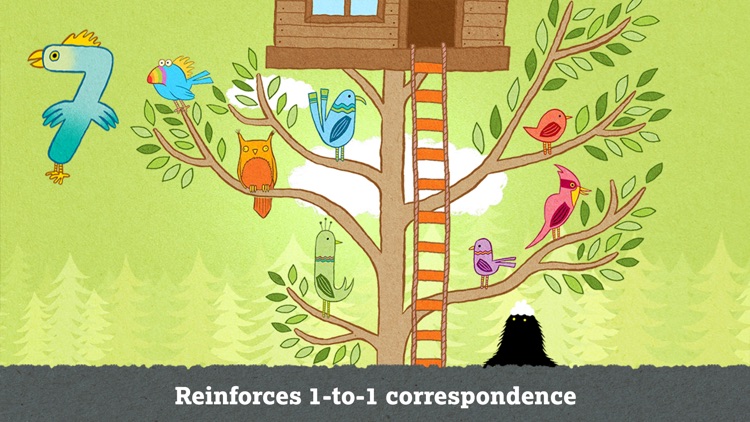
Your child gets to count their way around The Lonely Beast’s home in this educational app.
FREE ($1.99) For a limited time FREE ($1.99) For a limited time
Why we picked this?

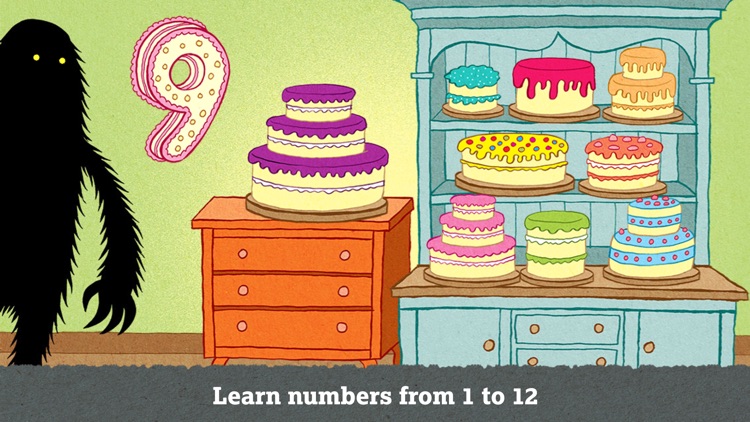
The Beast loves to count everything in his home, from rubber duckies to sheep to his breakfast eggs. Your child gets to join him in the process by interacting with colorful, hand-drawn scenes. As they tap on the objects in each scene, they will hear the narrator count up. The app includes a total of 12 scenes to work through.
50music - listen to 50 music styles & thousands of playlists
iPhone
iPad
50music - listen to 50 music styles & thousands of playlists

50music - listen to 50 music styles & thousands of playlists

VT1 Media Inc.

For when you don’t know exactly what to listen to, there’s 50music.

$2.99 $2.99
Why we picked this?

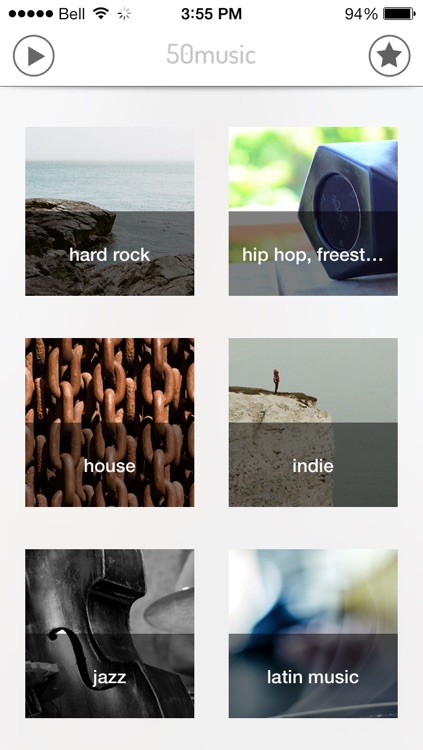
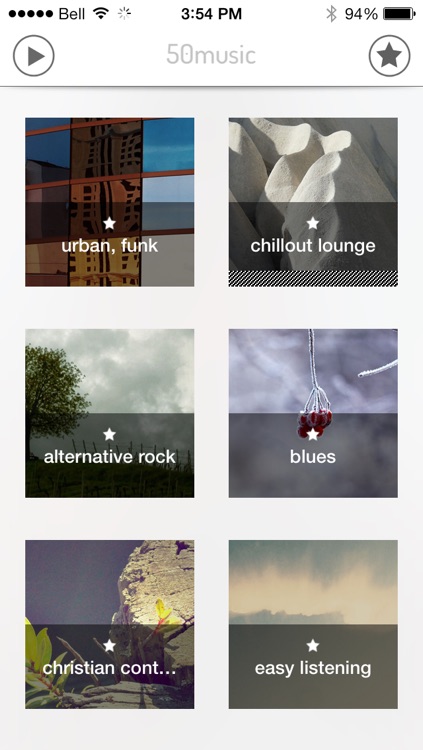
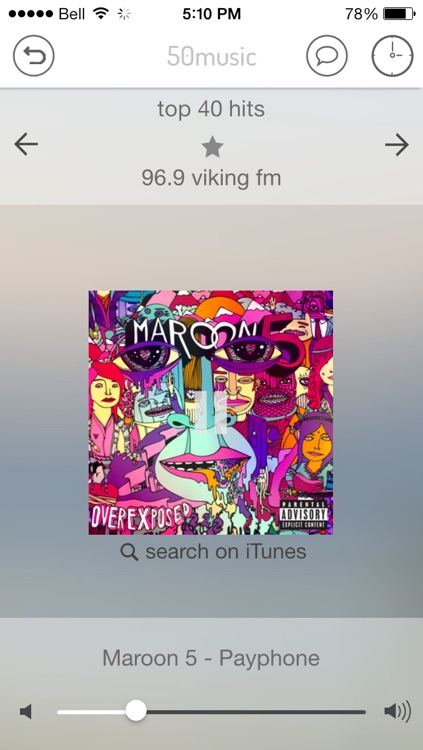
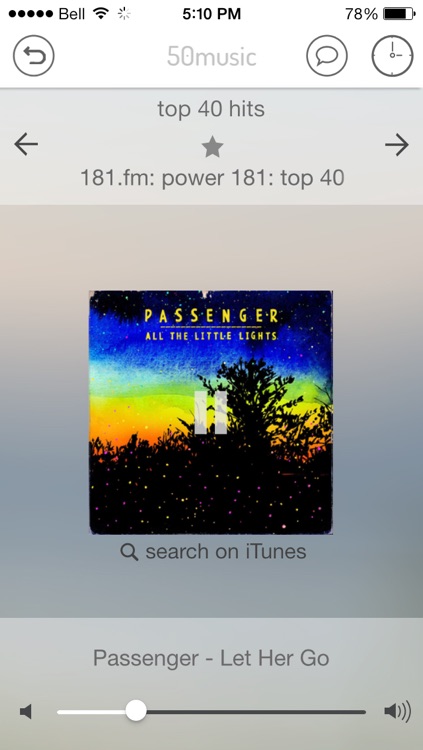
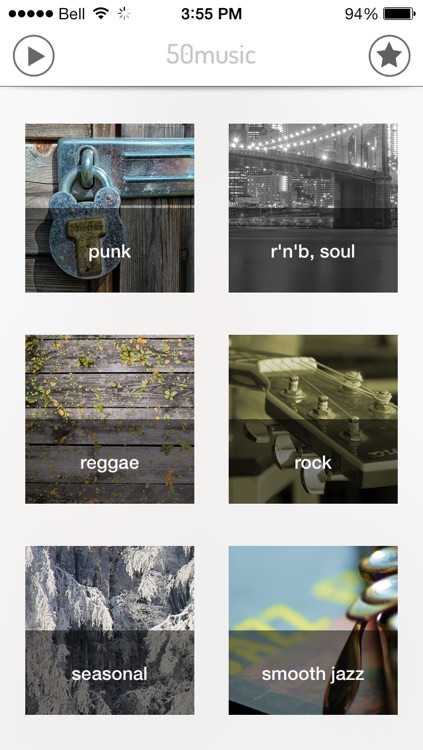
50music allows you to listen to 50 styles of music and millions of different songs. Just scroll through the vertical list of styles and tap on one that interests you. The music will begin to play immediately, and if it’s not something you want to hear, swipe across the screen to pick a new playlist within the style. You’re able to favorite playlists for quick access later on, share what you’re listening to via email, and even set a sleep timer. The app also includes AirPlay support.

On The Grass : Every day Note
iPhone
On The Grass : Every day Note

On The Grass : Every day Note

KIM KYUNG MIN

Take notes On The Grass every day with this productivity app.

$1.99 $1.99
Why we picked this?

You’re able to create folders for various occasions and organize your daily notes within them. When creating a new note you’re able to attach a photo, favorite it, and choose which folder you want it to reside in. Notes can be shared via Facebook, Twitter, or email. You’re also able to share a screen capture of your note via email instead of just the text. The app also includes search, eight folder colors to choose from, passcode protection, daily notifications, a full screen view for taking notes, the ability to backup and restore your data via Dropbox, and four fonts to choose from.

Toca Doctor HD
iPad
Toca Doctor HD

Toca Doctor HD

Toca Boca AB

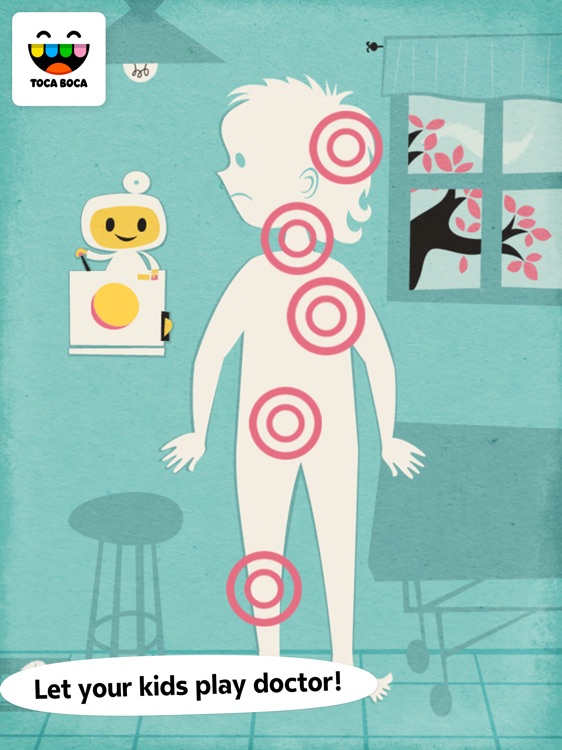
Your child can play doctor for the day with this educational game from Toca Boca.

$3.99 $3.99
Why we picked this?

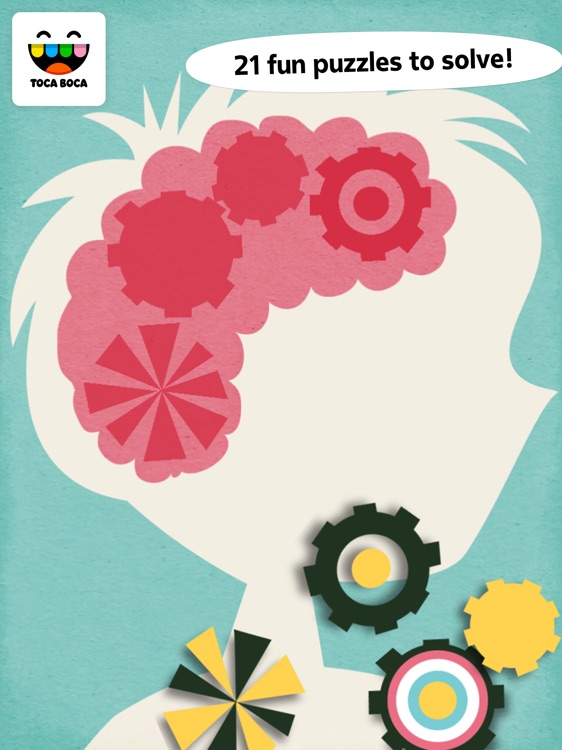
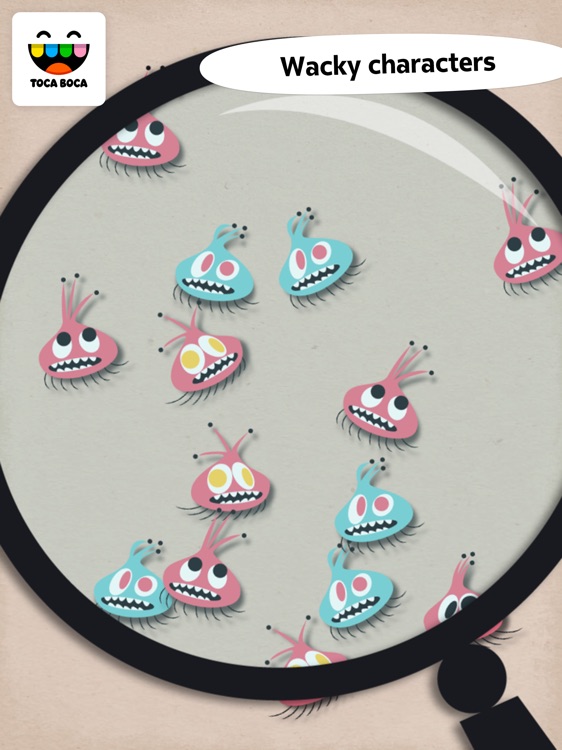
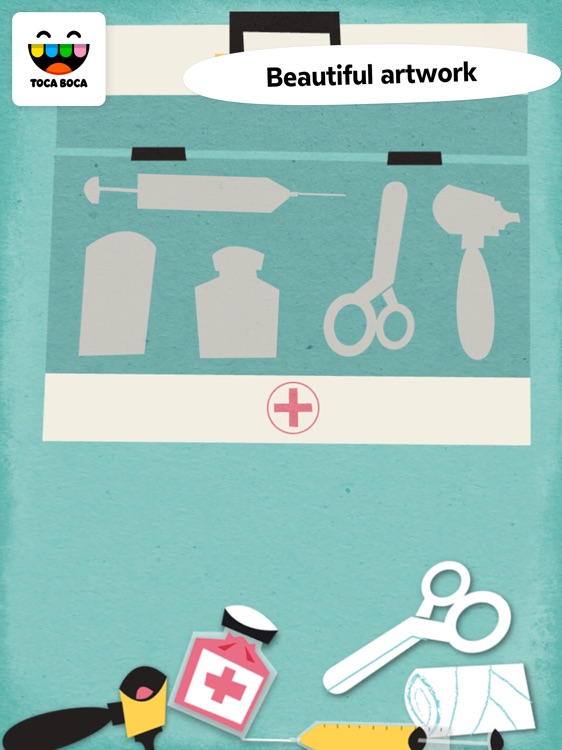
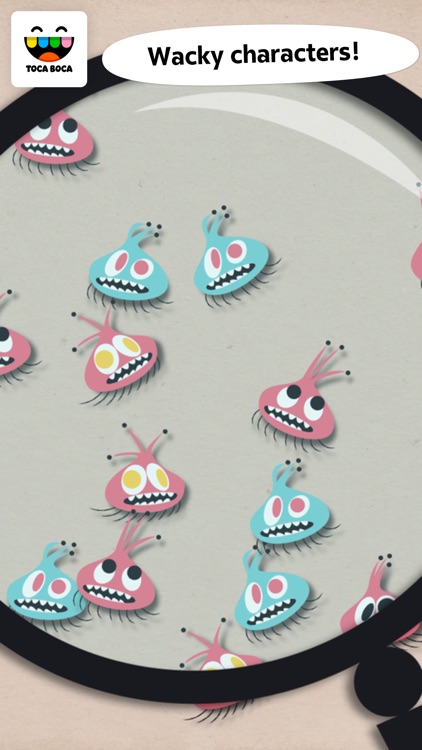
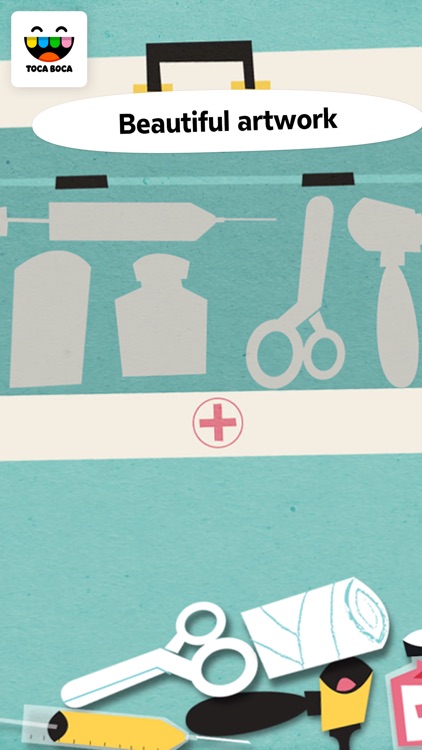
Toca Doctor is actually a collection of 21 puzzles and mini-games. Each game focuses on different parts of the human body and features wacky characters. Your child is able to play at their own pace since there aren’t any timer or other stressful elements, so just hand off your iDevice and let them explore.

Text Here - Create Funny Pictures with Photo Caption
iPhone
iPad
Text Here - Create Funny Pictures with Photo Caption

Text Here - Create Funny Pictures with Photo Caption

DahaBaska

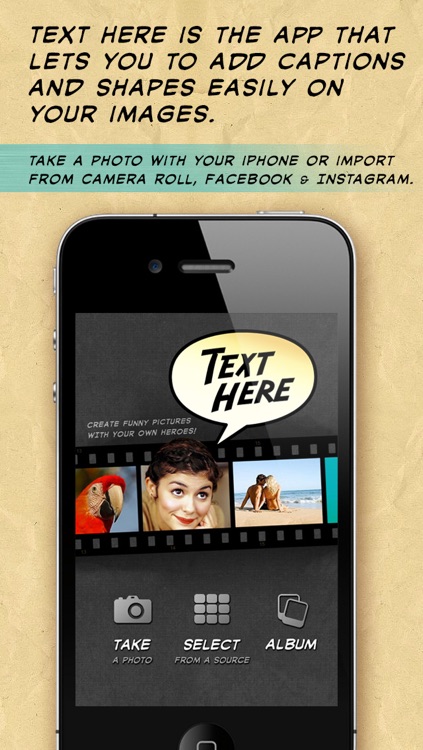
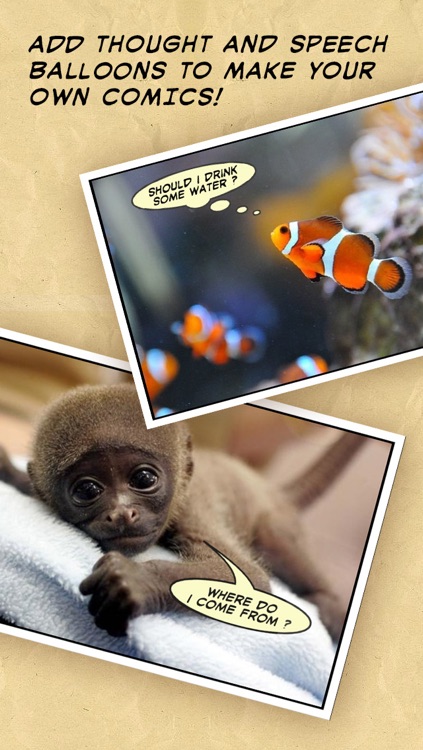
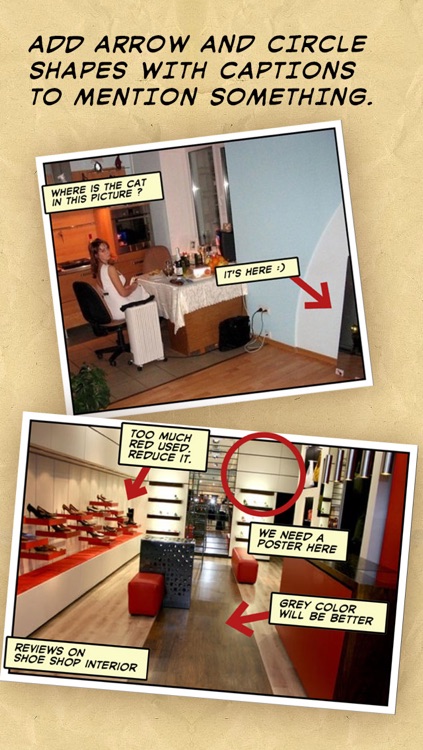
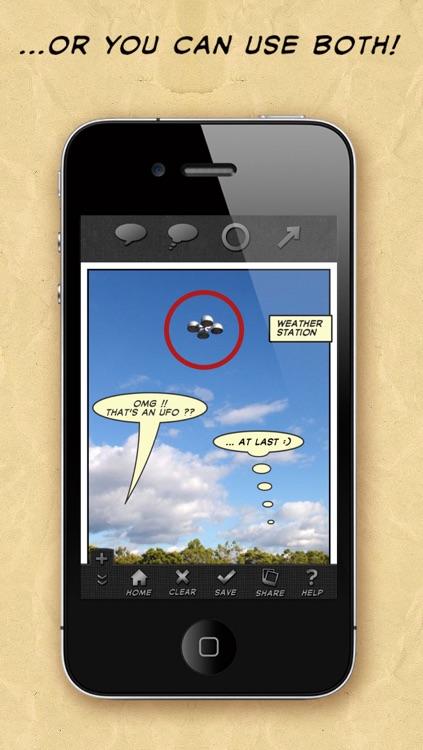
Place custom text notes over your photos with this photography app.

$0.99 $0.99
Why we picked this?

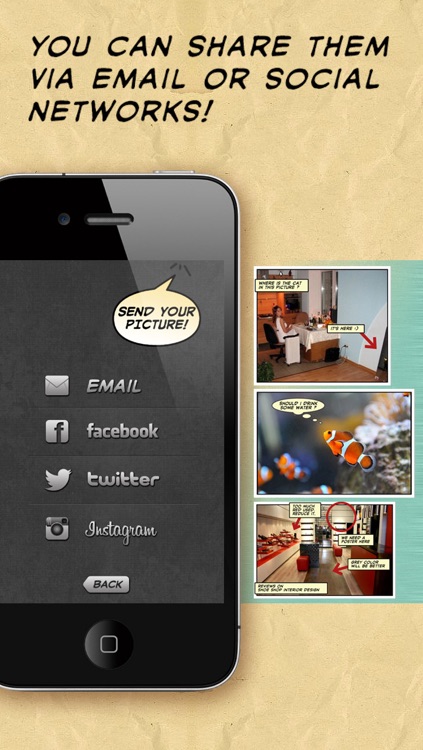
Choose from four different shape options, and then add your own custom text. You can include as many shapes as you want on each image. You're able to reposition your shapes by tapping and dragging them, and you can rotate and resize the arrows and circles using common multitouch gestures. The app allows you to import photos from your library, Facebook, or Instagram, and you can share them via email, Facebook, Twitter, and Instagram.

Toca Doctor
iPhone
Toca Doctor

Toca Doctor

Toca Boca AB

Your child can play doctor for the day with this educational game from Toca Boca.

$3.99 $3.99
Why we picked this?

Toca Doctor is actually a collection of 21 puzzles and mini-games. Each game focuses on different parts of the human body and features wacky characters. Your child is able to play at their own pace since there aren’t any timer or other stressful elements, so just hand off your iDevice and let them explore.

Pickle - Smart Clipper (WEB IMAGE, GIF & SCREENSHOT)
iPhone
Pickle - Smart Clipper (WEB IMAGE, GIF & SCREENSHOT)

Pickle - Smart Clipper (WEB IMAGE, GIF & SCREENSHOT)

ThirtyFive Inc.

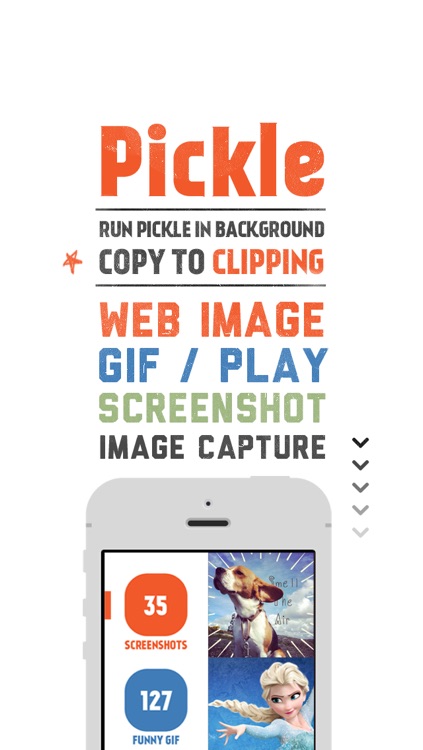
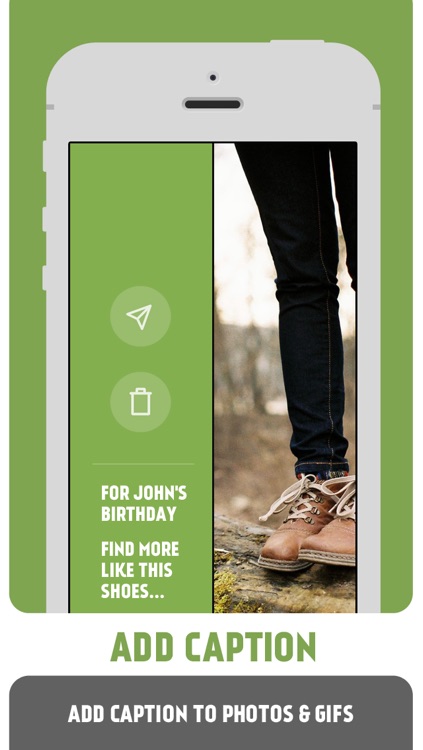
Clip images and GIFs from any website with this beautifully designed productivity app.

$0.99 $0.99
Why we picked this?

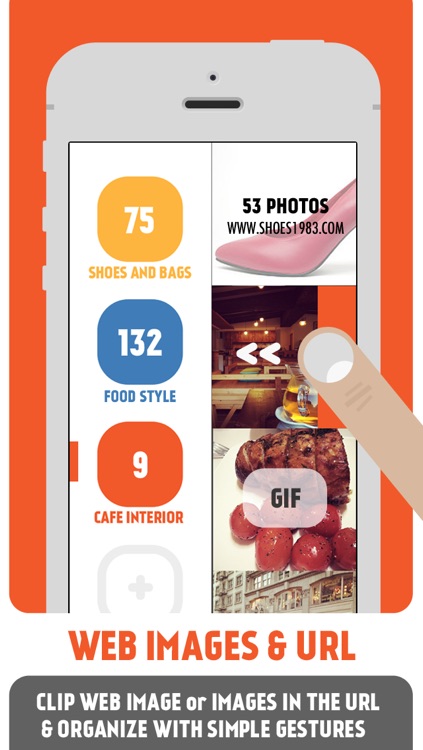
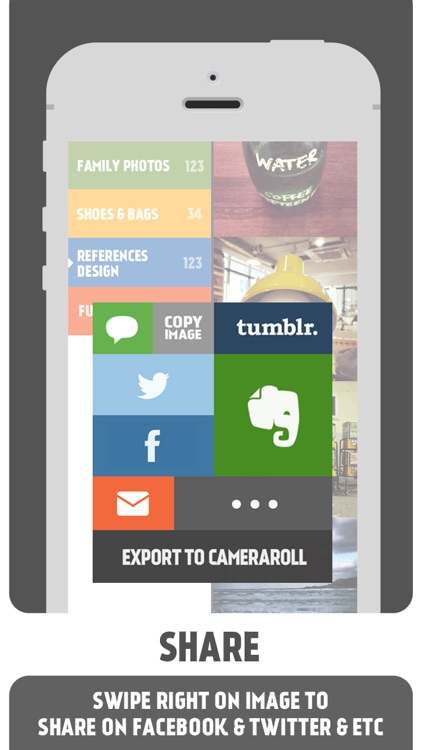
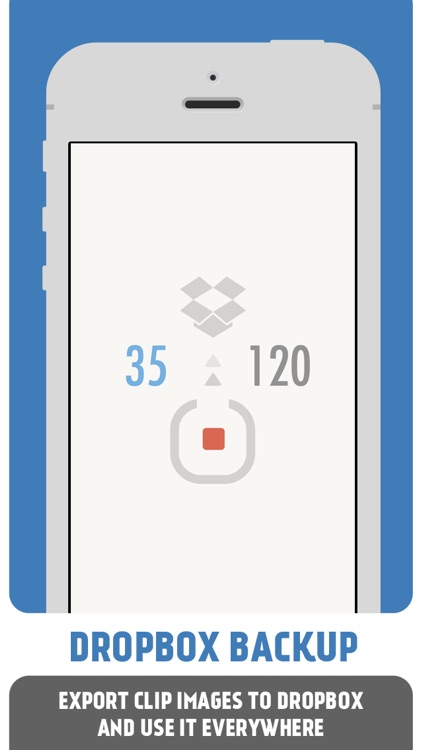
To clip an image or GIF from a website, you'll first need to launch Pickle. You can then head to Safari and copy the image, GIF, or URL, which will automatically place it into Pickle. If you choose to copy a URL, Pickle will automatically pull every single image and GIF from the website. You can then arrange your captured content within lists by selecting one and swiping right to left. Swipe left to right over an image or GIF to share or delete it. Pickle includes 10 list colors to choose from, the ability to edit and rearrange lists, and Dropbox support.