

You are using an outdated browser. Please upgrade your browser to improve your experience.

Apps That
Went Free on
2015-09-03

Manage and annotate PDFs, shake your sleep away, and compete in twisted games of rock, paper, scissors with today’s collection of apps and games.

PDF Box
iPhone
iPad
PDF Box

PDF Box

Alexey Plekhanov

Store, manage, view, and annotate PDFs with PDF Box.
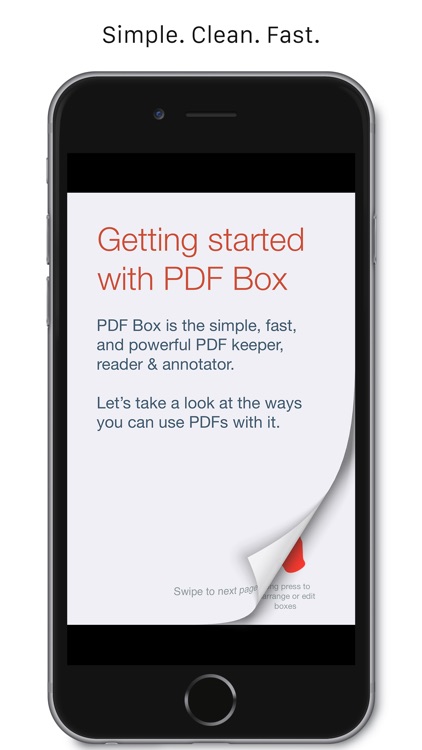
It’s for anyone who frequently deals with PDFs.

FREE ($2.99) For a limited time FREE ($2.99) For a limited time
Why we picked this?

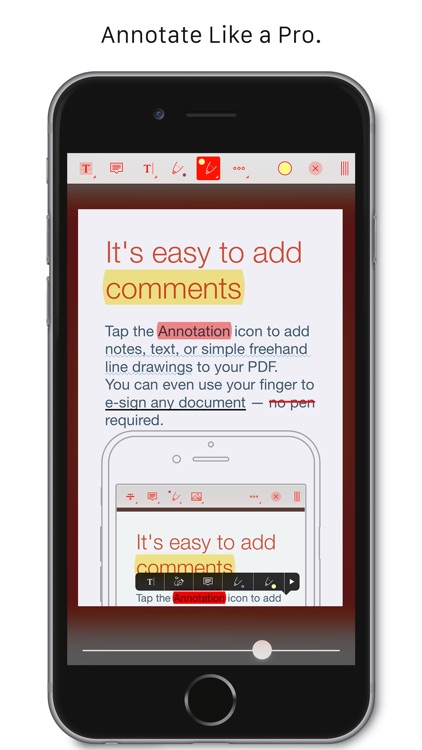
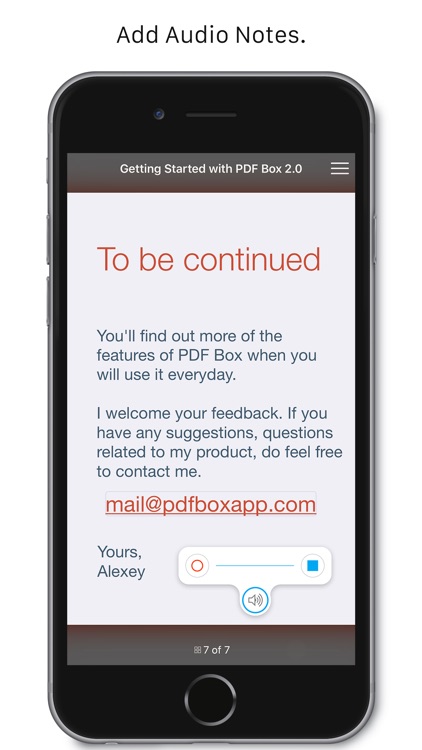
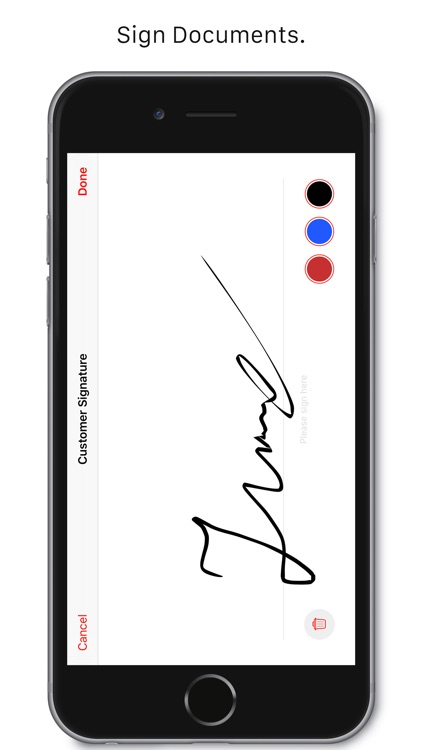
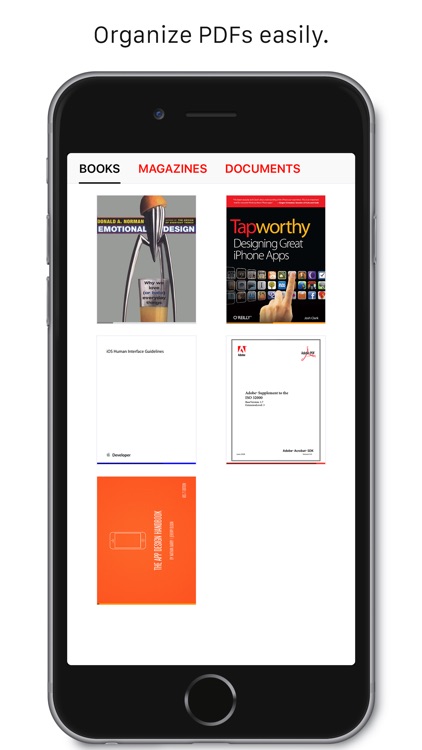
It’s time to stop searching for that perfect PDF manager because you’ve finally found it. PDF Box allows you to import PDFs from other apps using the “Open In…” function, transfer them from your computer, or download them from Dropbox. Once inside, you’re able to organize your PDFs within separate boxes. While viewing PDFs you’re able to draw freely over the top, apply stamps and attach stickies, and highlight, strikethrough, and underline text. PDF Box also includes the ability to search text, create bookmarks, and even save annotations for later use.

If you want to organize and better utilize your mess of PDFs, download PDF Box today.

PDF Box currently only supports Dropbox and iCloud Drive.
Wake Alarm Clock
iPhone
iPad
Wake Alarm Clock

Wake Alarm Clock

Jaded Labs Inc

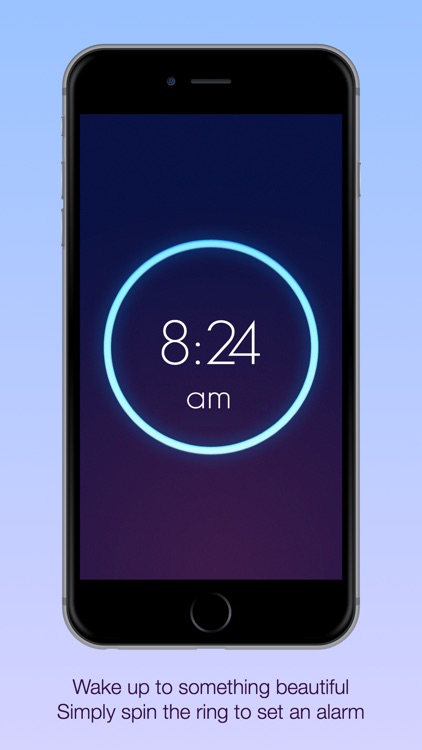
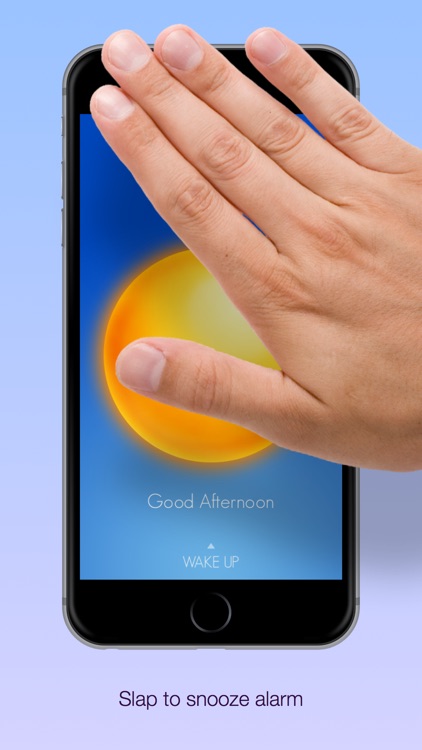
Slap, flip, swipe, and shake your sleep away with this innovative alarm clock app.

It’s ideal for anyone who has trouble getting out of bed.

FREE ($3.99) For a limited time FREE ($3.99) For a limited time
Why we picked this?

Its simple gesture-based UI allows you to quickly set and interact with your alarms. All you have to do is spin the dial to set and swipe down to customize. You're able to personalize your alarms with 12 exclusive sounds, and set recurring alarms for any day of the week. When it's time to get up, you can have the app require you to slap or shake to snooze, flip to disable, or swipe to snooze or disable. The app also includes progressive alarm sounds that gradually get louder, the ability to set your alarm with your voice, landscape orientation support, and three levels of shake difficulty.

If you constantly find yourself sleeping in, give Wake Alarm Clock a try. The app requires you to perform basic actions in order to get the alarm to stop, forcing you to shake the cobwebs off and pop out of bed.

If your iDevice isn’t your bedside clock, skip Wake Alarm Clock.

Quick Fit - 7 Minute Workout, Abs, and Yoga
iPhone
Quick Fit - 7 Minute Workout, Abs, and Yoga

Quick Fit - 7 Minute Workout, Abs, and Yoga

Jaded Labs Inc

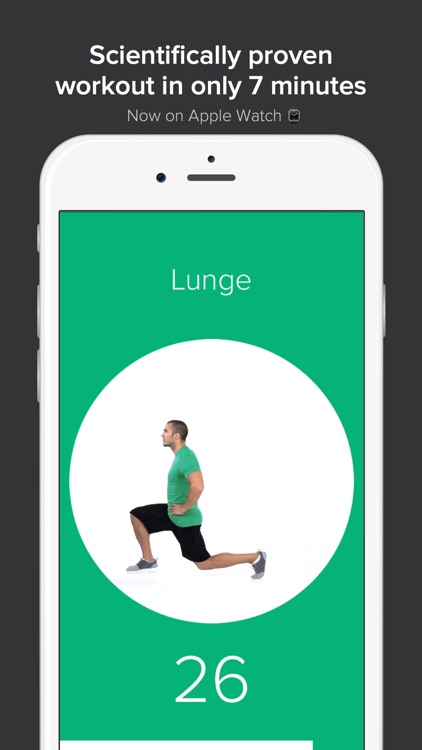
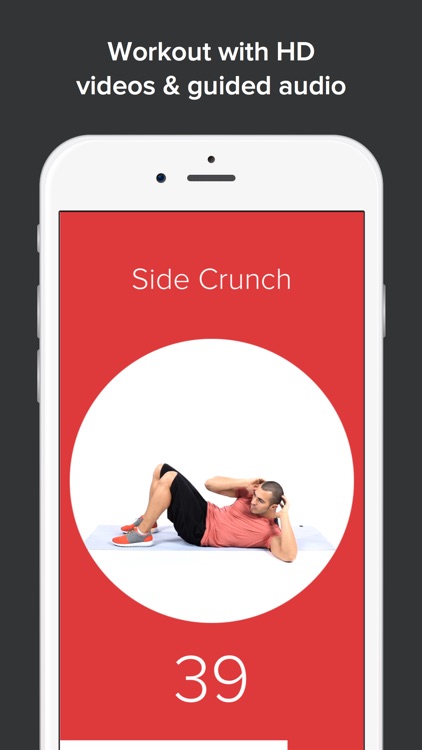
Get a complete fully body workout in only seven minutes with Quick Fit.

Quick Fit is for anyone who doesn’t have time to go to the gym.

FREE ($1.99) For a limited time FREE ($1.99) For a limited time
Why we picked this?

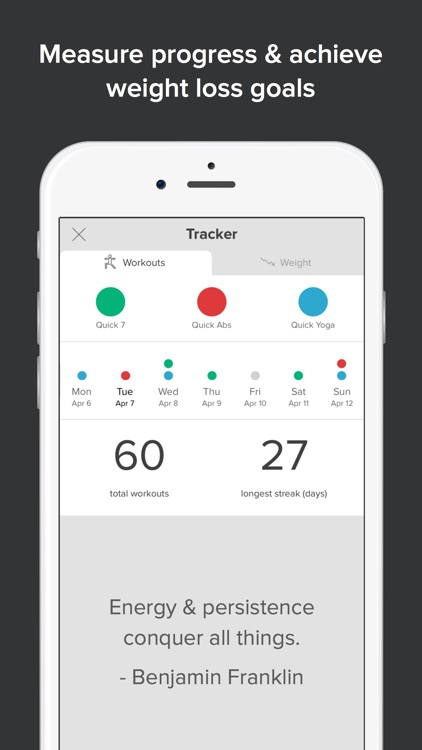
All included exercises can be performed anywhere, at anytime since Quick Fit doesn’t require any equipment. The seven minute workout requires you to perform a total of 12 exercises for 30 seconds. You are allowed a 10 second break in between each exercise. Each exercise is accompanied by a video, and you’re able to listen for audio cues so you can focus on the task at hand. You’re also able to track your body weight and workouts to see how far you’ve come.

If you lack the time and equipment to exercise, Quick Fit is here to help. You’re able to perform the exercises at home, at work, or even while traveling.

The app has a limited set of exercises since they’re all meant to be performed quickly and without weights. If you’re looking for a robust workout, this isn’t it.

RPSwipe
iPhone
iPad
RPSwipe

RPSwipe

Ahmed Khalifa

A game of rock, paper, scissors, but with a handful of twists.

Surprisingly, it’s ideal for fans of matching puzzle games like Threes.

FREE ($1.99) For a limited time FREE ($1.99) For a limited time
Why we picked this?

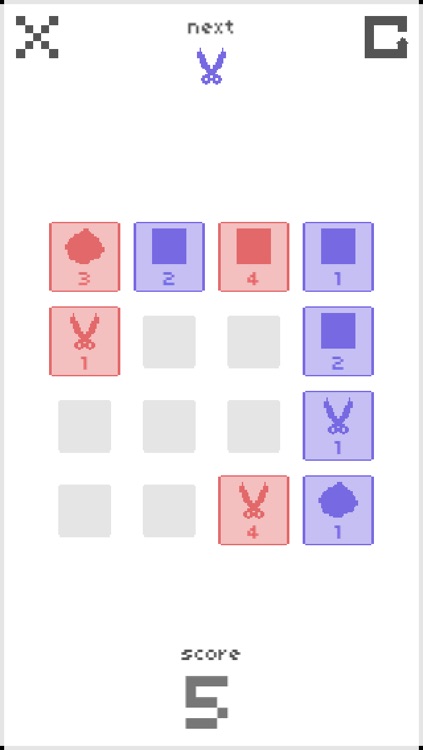
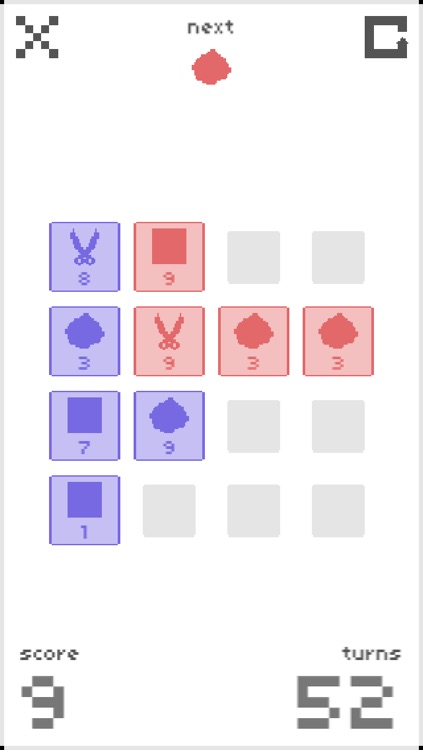
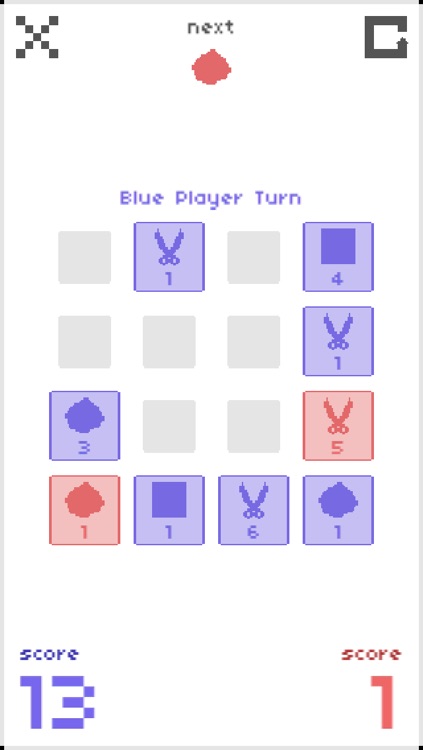
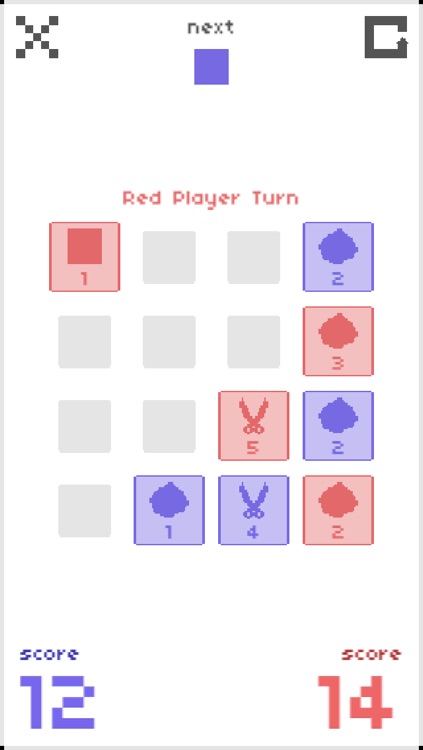
RPSwipe feels familiar yet totally unique. The idea of the game is to swipe in any direction in order to make the blue tiles overtake the red ones. That’s the only way you can score. Basic rock, paper, scissors rules apply, but there are a couple of twists. Tiles have “Tile Power” attached to them, which makes overtaking tiles a little more difficult since blue tiles must have equal or higher power to overtake red. You can combine blue tiles of the same type in order to increase their power. The game includes a full tutorial, so don’t worry if this all doesn’t quite make sense to you. It also includes single and local multiplayer modes.

If you’re a fan of casual games, definitely give RPSwipe a try. It’s rather calming and addictive.

Unless you are opposed to trying new gaming concepts, there really isn’t a reason to skip this one. It’s a ton of fun.

Match a Number
iPhone
iPad
Match a Number

Match a Number

Ahmed Khalifa

Hit the target value by combining number tiles in this matching puzzle game.

It’s ideal for gamers of all ages thanks to its fun use of mathematics.

FREE ($1.99) For a limited time FREE ($1.99) For a limited time
Why we picked this?

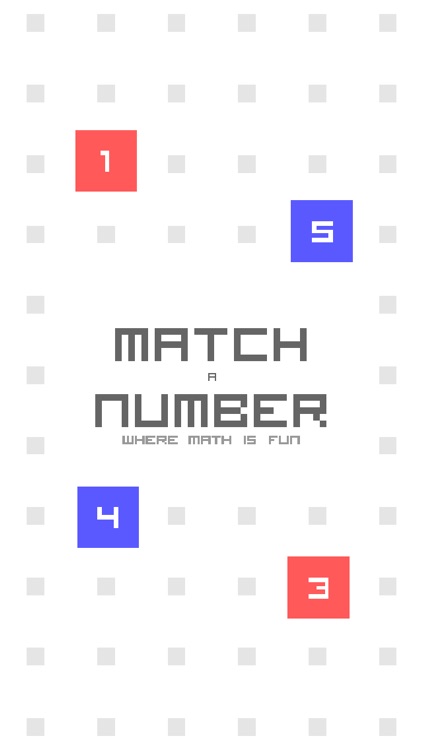
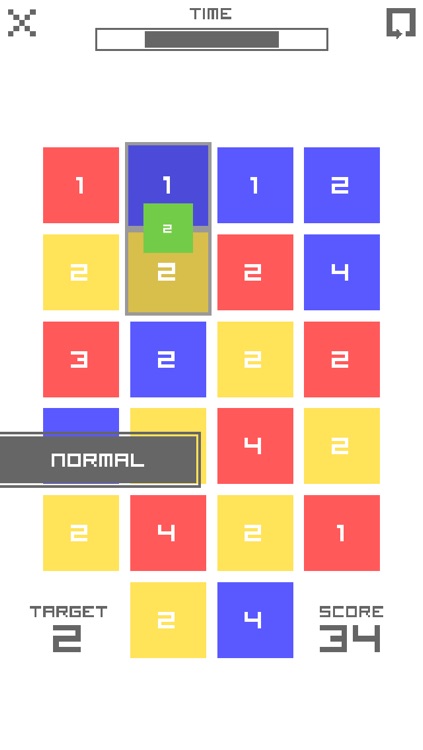
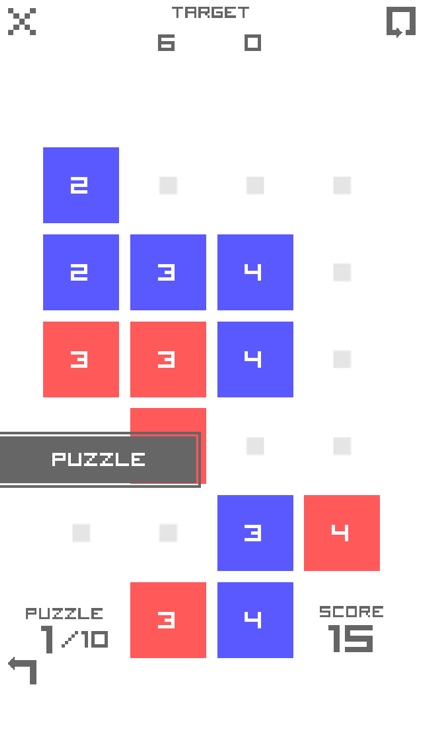
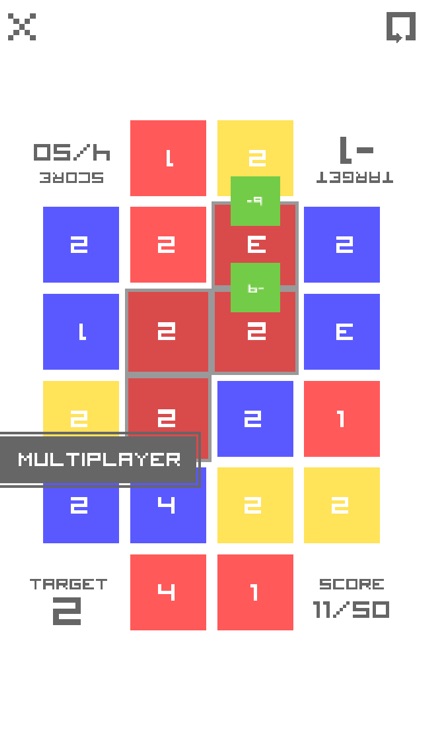
Match a Number’s objective may be simple, but achieving it can be downright difficult. You must drag your finger over the top of numbered tiles in order to achieve a target value. Blue tiles represent addition. Red tiles represent subtraction. Yellow tiles represent multiplication. The order in which you drag your finger over the tiles represents the order of operation, further complicating matters. The game includes a variety of modes including timed and multiplayer, and multiple levels of difficulty.

If you’re in need of a casual brain training game, Match a Number is perfect for you.

Match a Number is all about numbers. No matter how many different modes it offers, if you’re not a numbers person, this isn’t your game.