



You are using an outdated browser. Please upgrade your browser to improve your experience.

Apps That
Went Free on
2015-09-17

Craft retro-style posters, build custom workout plans, and access your computer remotely with today’s collection of apps and games.

Splashtop Personal for iPhone
iPhone
Splashtop Personal for iPhone

Splashtop Personal for iPhone

Splashtop Inc.

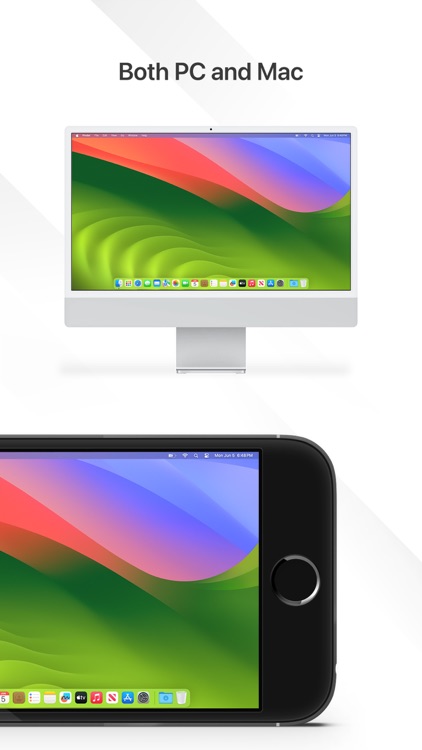
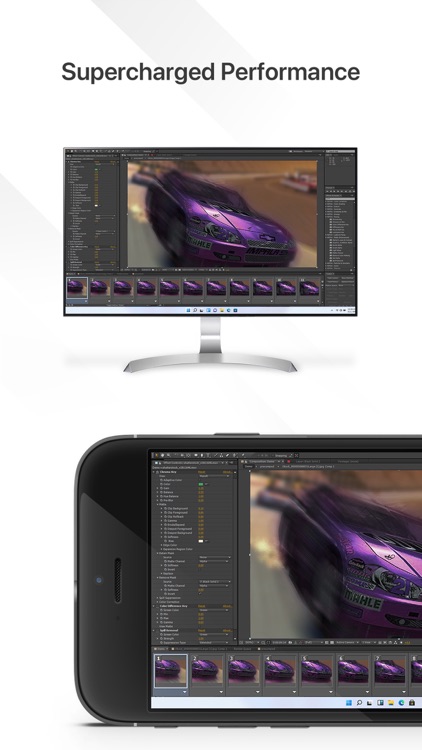
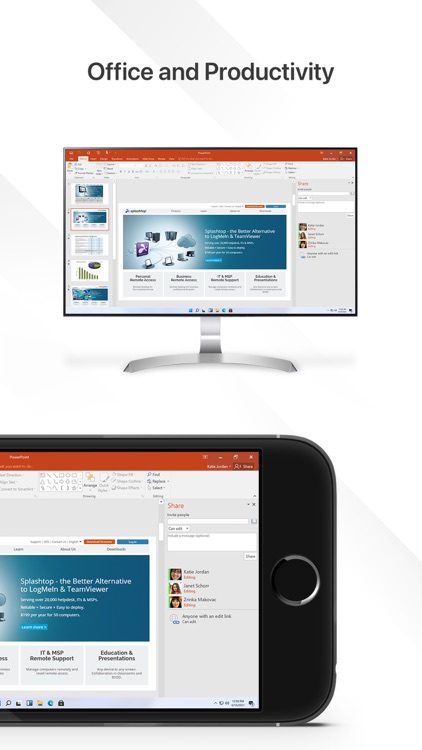
Access your Mac or PC remotely from your iPhone or iPod touch with this business app.
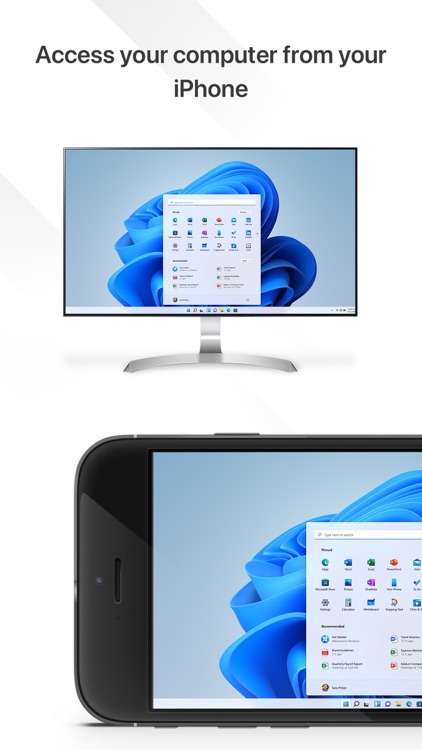
It’s perfect for those who want to operate and utilize computer apps and files on their iDevices.

FREE ($2.99) For a limited time FREE ($2.99) For a limited time
Why we picked this?

You must first install the free companion software on your home computer. Splashtop will then be able to automatically discover and connect as long as you’re on the same Wi-Fi network. Once connected, you’ll be able to access and view files on your computer, watch videos, play games, and listen to music remotely.

If you need to access files on your computer often, Splashtop 2 will help you get the job done.

All of your devices have to be on the same Wi-Fi connection in order to utilize Splashtop 2. If you want to access your computer from anywhere, you’ll need to purchase a subscription.

Intervals Pro - HIIT Timer
iPhone
Intervals Pro - HIIT Timer

Intervals Pro - HIIT Timer

Haim Benshimol

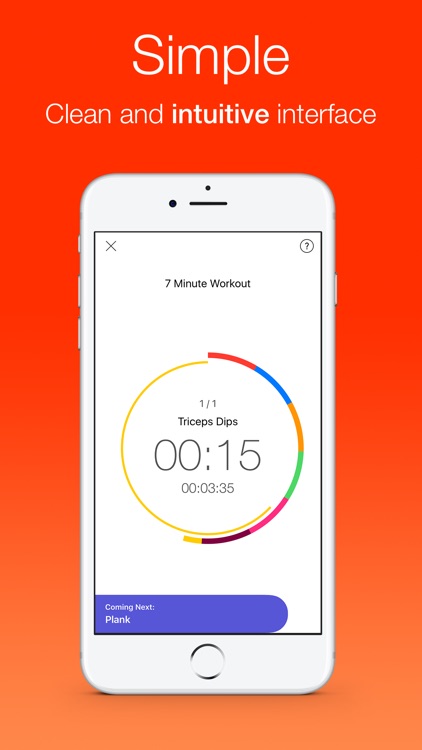
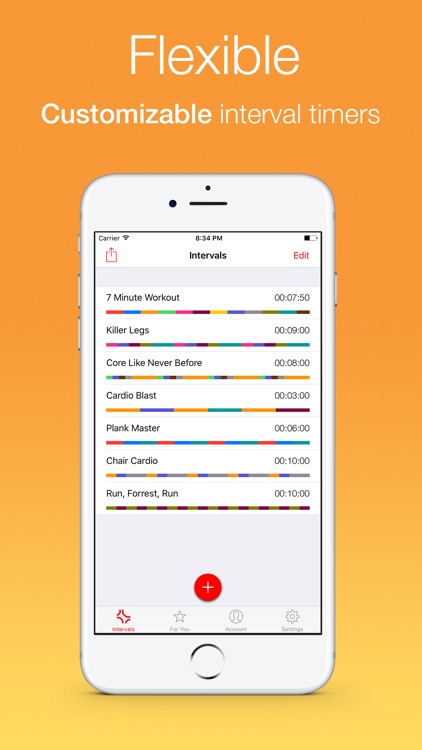
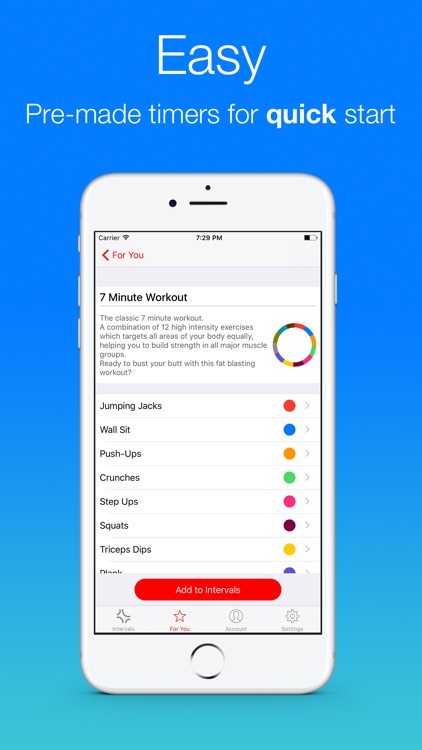
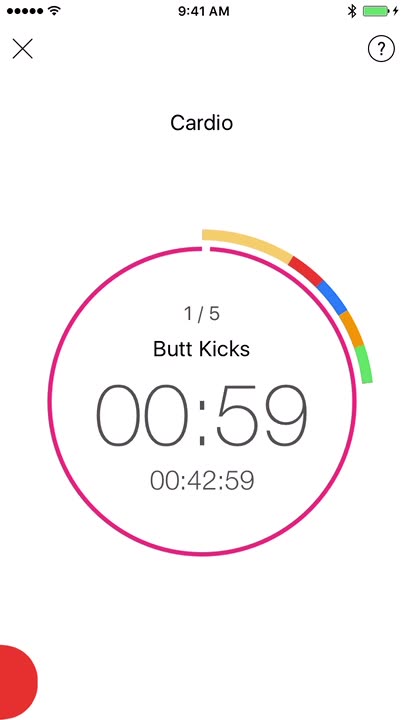
Build your own custom workout plans with this flexible fitness app.

It’s ideal for anyone that has multiple and varying workouts.

$3.99 $3.99
Why we picked this?

Intervals helps you to focus on your training. Entire workouts can be set up in just a few seconds. Tap to create a custom workout and give it a title. Then define the number of sets in your workout, add as many exercises as you like, and define your warmup and cool down periods. Exercises can include custom durations, colors, and specific music. When it’s time for training, tap on your workout of choice and start the timer. You’re able to control the timer and switch between exercises with common gestures.

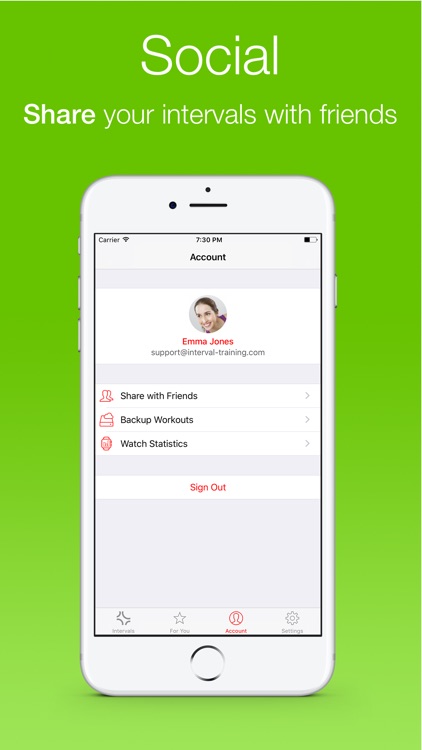
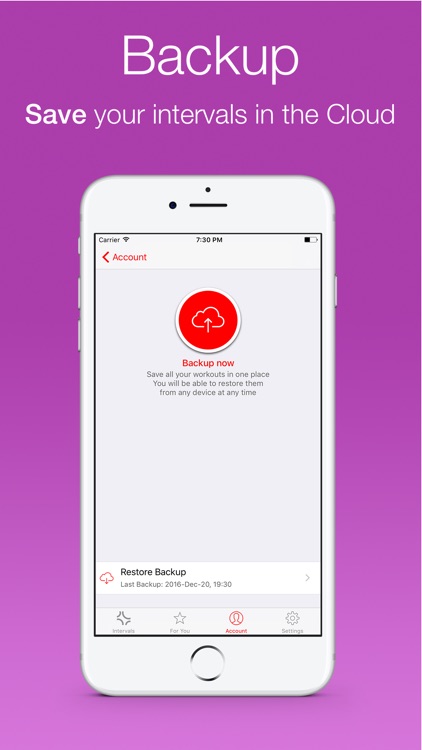
If you want more control over your workouts, Intervals is able to provide it. Each workout can be as customized in a variety of ways, allowing you to get exactly what you need out of your exercises for the day.

If you have a very basic workout schedule, Intervals is overkill. It’s meant for those who like to perform multiple exercises throughout their day.

ipash - the command line for iOS
iPhone
iPad
ipash - the command line for iOS

ipash - the command line for iOS

Martino Orlandi

Inspired by the Unix shell Bash, this utility app allows you to get a little taste of the good old times.

It’s for passionate programmers who can’t do without a command line.

$0.99 $0.99
Why we picked this?

Having a command line in iOS is not only efficient, it’s also a lot of fun. You're able to type out all of the most common shell commands, or you can try ipash-specific commands to perform simple tasks like launch Apple's Maps app or generate an email. Common gestures allow you to quickly access command history, autocomplete text, and interrupt the execution of commands. The app also includes Dropbox support. If you're new to Bash, just type in "help" to get a list of commands.

If you know your Unix commands, ipash is a total blast to use. It’s remarkably easy to use, even though there are some limitations thanks to iOS.

If you don’t know anything about programming or Unix, this isn’t for you.

Retromatic HD 2.0
iPad
Retromatic HD 2.0

Retromatic HD 2.0

Peta Vision

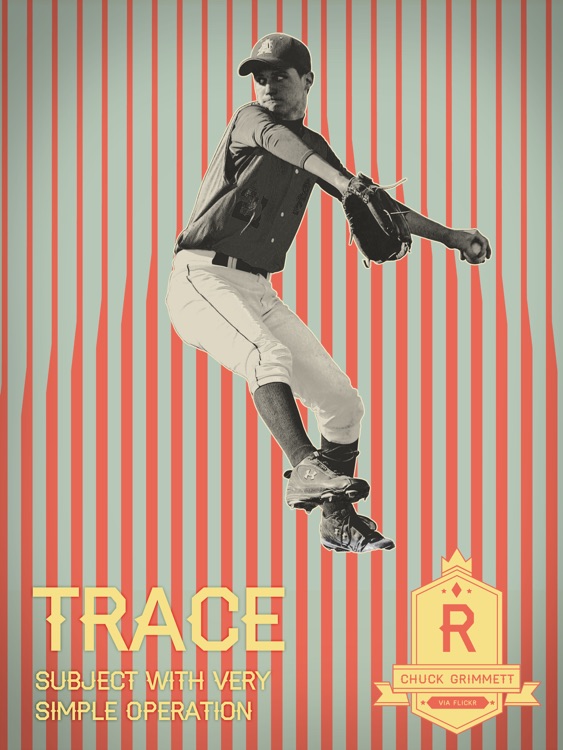
Craft your very own retro-style poster with this photo effects app.

It’s ideal for those who enjoy graphic design.

$1.99 $1.99
Why we picked this?

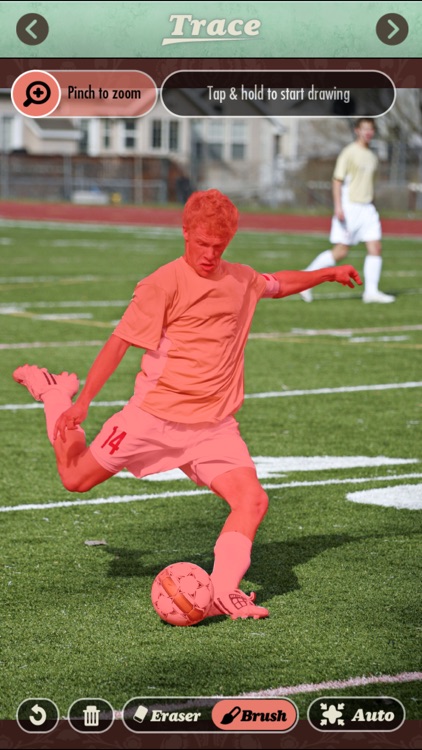
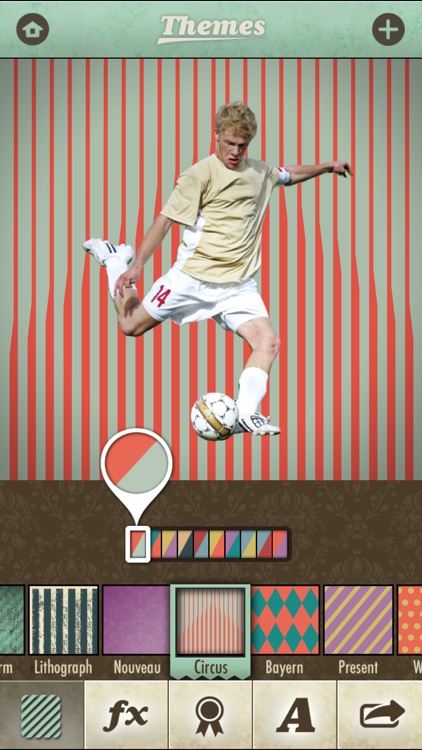
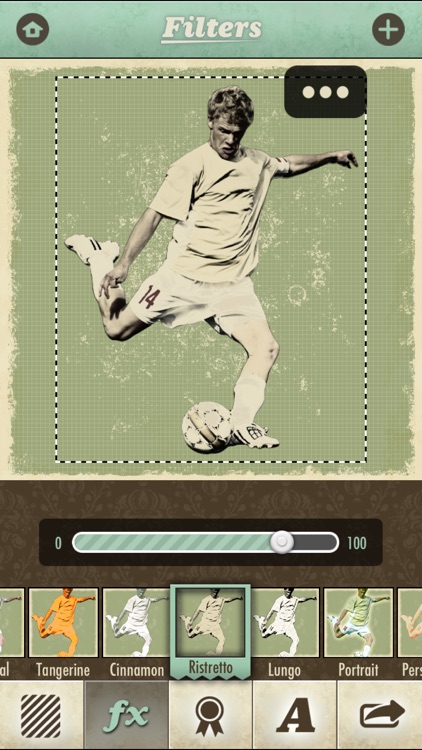
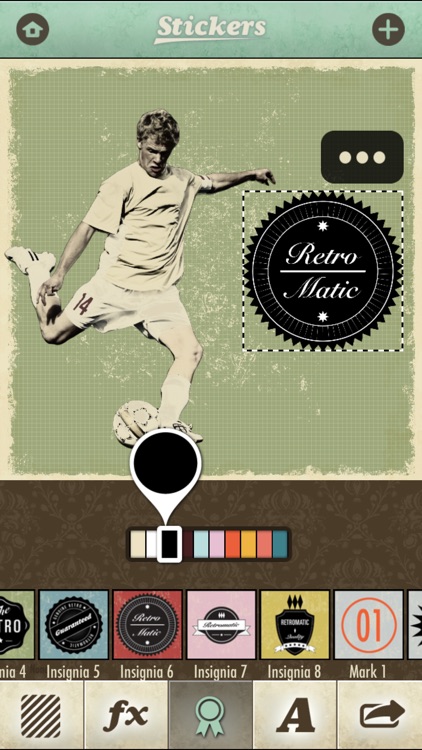
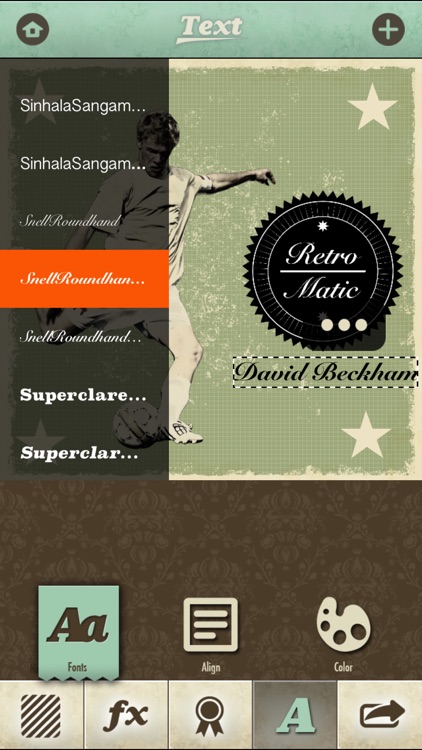
You can either import a photo from your library or snap a new one from within the app. Then highlight the edge of your subject to grab only what's necessary. Your subject will be placed on a colorful wallpaper, where you can also apply effects, stamps, and text. The app includes 18 retro filters, 17 themes with 17 color options, 70 modifiable retro stickers, and the ability to share your photos via Instagram, Facebook, Twitter, or Flickr.

If you’re feeling retro, Retromatic is just for you. It provides you with a very unique way to show off your creative talent. All you need is a steady hand and a little imagination.

Retromatic has a specific use case. If you don’t have a subject in a photo that’s meant to stand out, it’s not overly useful.

The Fourth Dimension
iPhone
iPad
The Fourth Dimension

The Fourth Dimension

Lunar Skydiving LLC

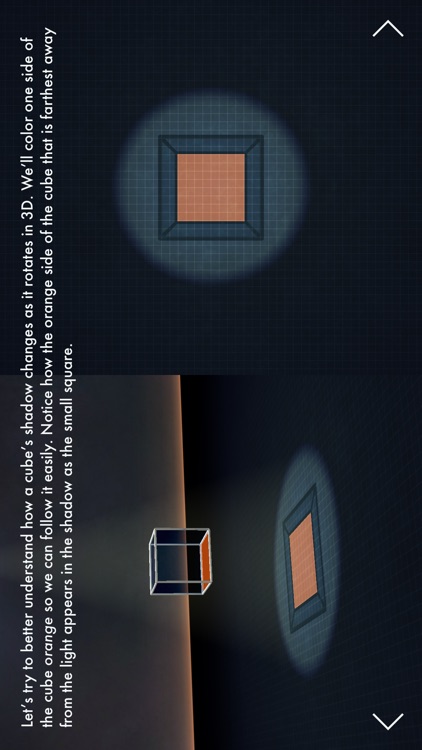
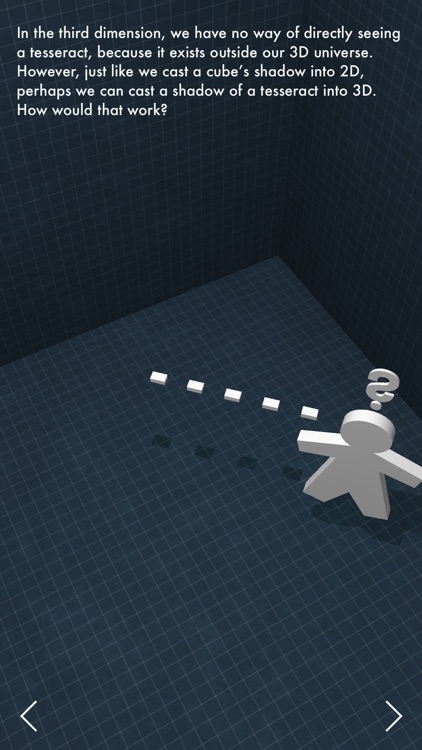
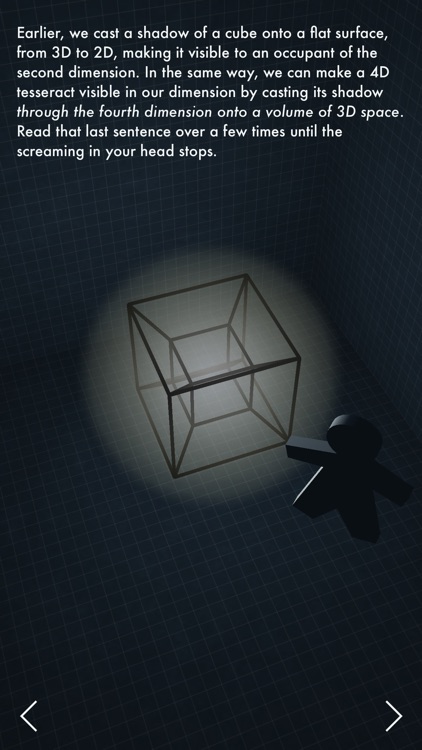
This stunning interactive book explains the fourth dimension.

It’s for anyone with a curious mind.

$2.99 $2.99
Why we picked this?

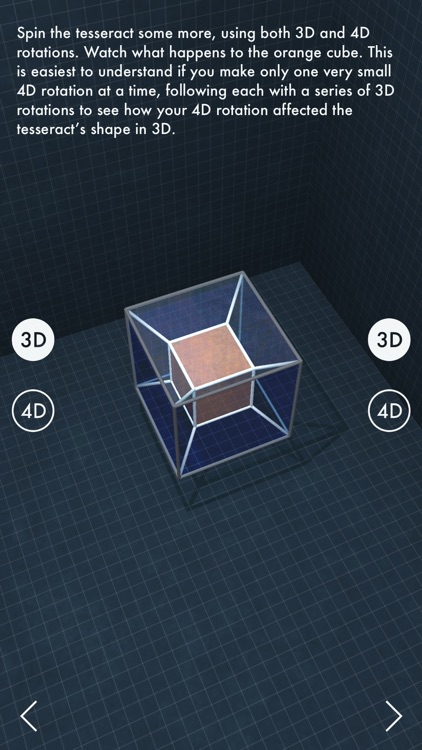
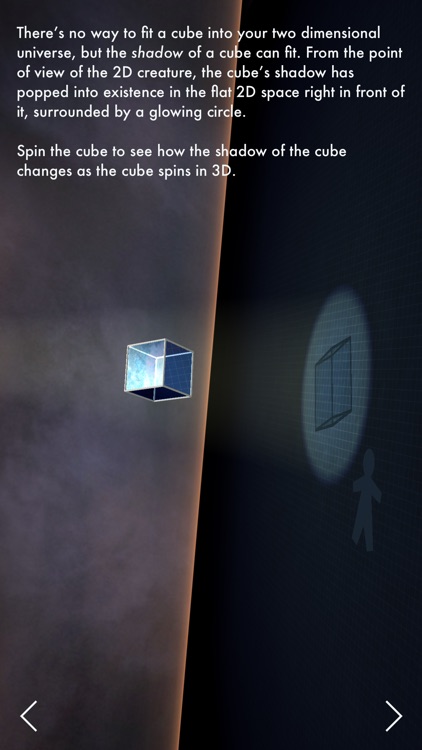
The Fourth Dimension will blow you away. Not just the mathematical idea, but the app itself. It takes you on a 30 page journey that starts at dimension zero and works towards the fourth dimension. Each page includes detailed yet engaging text and interactive models that will help you grasp the concept.

This isn’t just another educational app. Even if you have little interest in the fourth dimension, you need to check this app out. The way the content is presented is fantastic.

If you know everything there is to know about everything, then we suppose you can skip The Fourth Dimension.

Retromatic 2.0
iPhone
Retromatic 2.0

Retromatic 2.0

Peta Vision

Craft your very own retro-style poster with this photo effects app.

It’s ideal for those who enjoy graphic design.

$1.99 $1.99
Why we picked this?

You can either import a photo from your library or snap a new one from within the app. Then highlight the edge of your subject to grab only what's necessary. Your subject will be placed on a colorful wallpaper, where you can also apply effects, stamps, and text. The app includes 18 retro filters, 17 themes with 17 color options, 70 modifiable retro stickers, and the ability to share your photos via Instagram, Facebook, Twitter, or Flickr.

If you’re feeling retro, Retromatic is just for you. It provides you with a very unique way to show off your creative talent. All you need is a steady hand and a little imagination.

Retromatic has a specific use case. If you don’t have a subject in a photo that’s meant to stand out, it’s not overly useful.