You are using an outdated browser. Please upgrade your browser to improve your experience.

Appointments And Tasks All In One Place

If you're looking for a calendar with a basic and easy-to-use interface, that also includes things like tasks, to-dos, and reminders, you've come to the right place. This collection of apps will not only let you easily create appointments but help you get things done as well.

Fantastical Calendar
Google Calendar: Get Organized
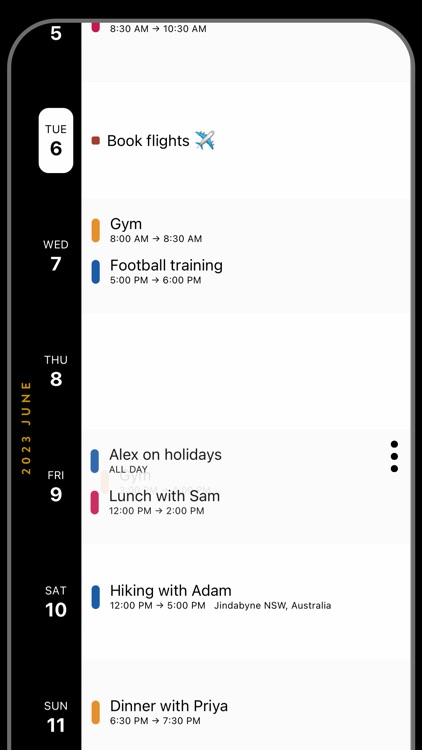
Timepage: Calendar Planner
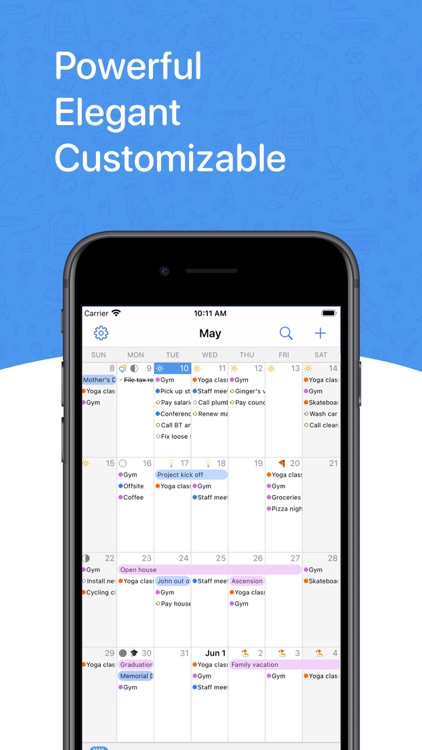
BusyCal: Calendar & Tasks
Informant 5 Calendar

Best Apps

Highest scored apps in the category

Customize
Fantastical Calendar

Fantastical Calendar

Flexibits Inc.

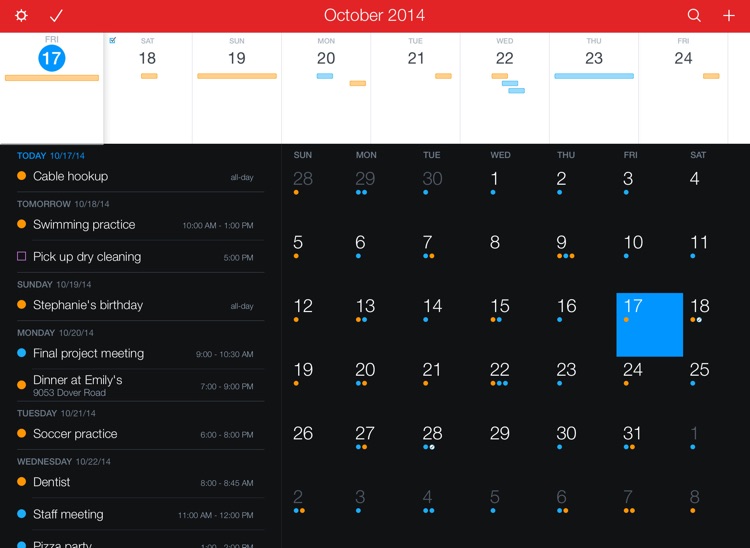
One of the best calendars for your iPhone

Fantastical is a beautiful and intuitive calendar app.

Get back to today
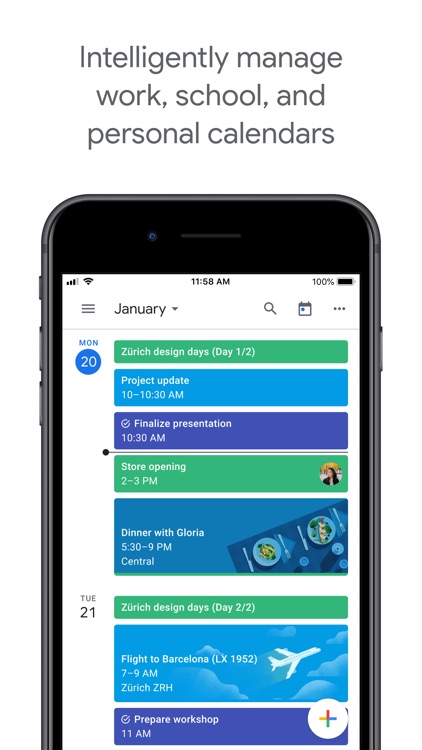
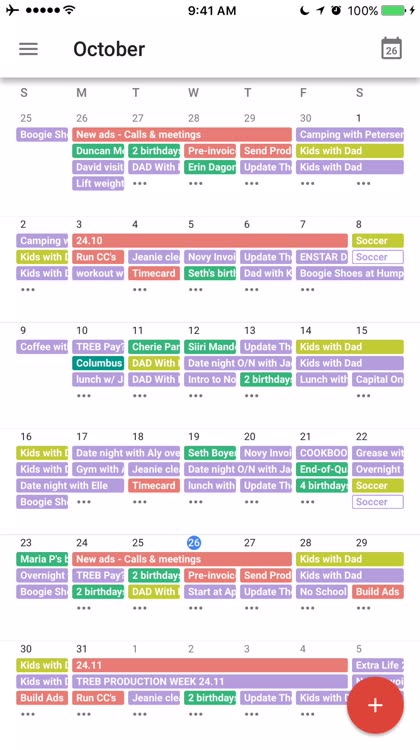
Google Calendar: Get Organized

Google Calendar

Google

Never miss a date again with Google Calendar

The Google Calendar app is a native app that recreates the web experience on the iPhone with a high fidelity to the source.

Heat maps of your schedule
Timepage: Calendar Planner

Timepage

Bonobo

Digitally plan your days with Moleskine

Moleskine Timepage is a classy and tasteful digital planner for your iPhone.

List and day
BusyCal: Calendar & Tasks

BusyCal

Busy Apps FZE

When life is busy, you want a powerful calendar that can keep up

BusyCal is a powerful calendaring app that has finally made the jump from Mac to iOS.

Also Good

Apps with average score

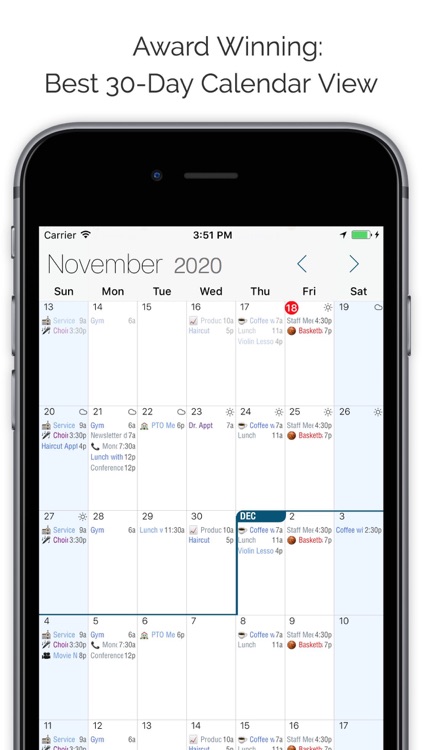
Informant 5 Calendar

Informant 5 Calendar

Fanatic Software, Inc.

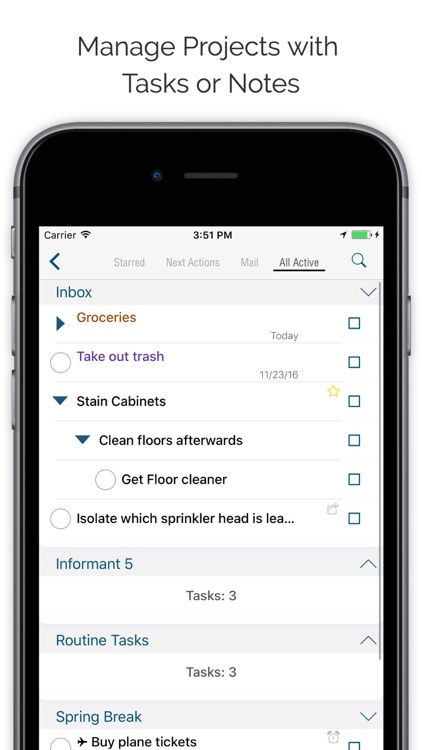
Informant is a trusted planner app with Calendar, Tasks, and Projects.

More than just a calendar app, Informant also organizes your tasks into projects, and has many options for your agenda organized. Informant is a planner in your pocket.

Free calendar app version or paid version unlocks more sync options and...

Calendars: Schedule Planner

Calendars: Schedule Planner

Readdle Technologies Limited

Calendars by Readdle is another well put-together calendar that is both eye-catching and functional. The app itself is available for free, but to get the most use out of it, you'll want to purchase the in-app upgrades. With the ability to sync to your Google calendar, an integrated task list,...

Week Agenda + Todo List | WeekUp Calendar

Week Agenda + Todo List | WeekUp Calendar

WayDC

WeekUp Calendar is the revolutionary event scheduling app that helps you set your week up for success.

It promotes weekly planning and helps you get back on track toward achieving your goals.

You can view all the things you care at one glance, while modifying and prioritizing them within the same...

PocketLife Calendar
PocketLife Calendar
PocketLife Calendar

PocketLife Calendar

OvalKey Ltd.

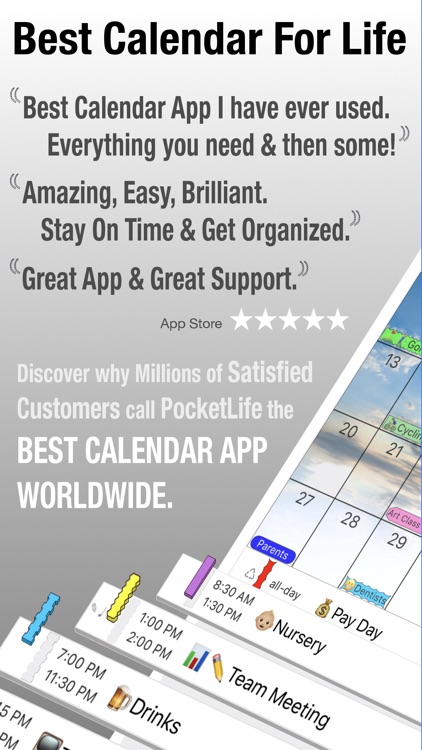
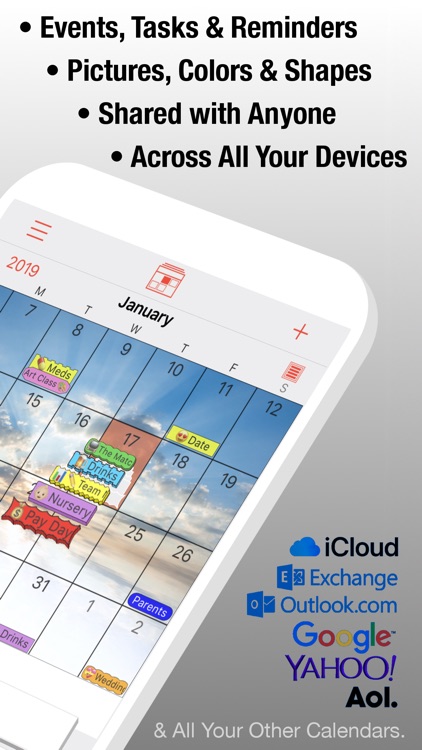
PocketLife Calendar is the calendar app for the super organized. Yes, all of the calendar apps mentioned here will help keep your schedule organized, but PocketLife offers so much more. With 7 different calendar views, custom alerts, the ability to import your own images into the calendar, and the ability...

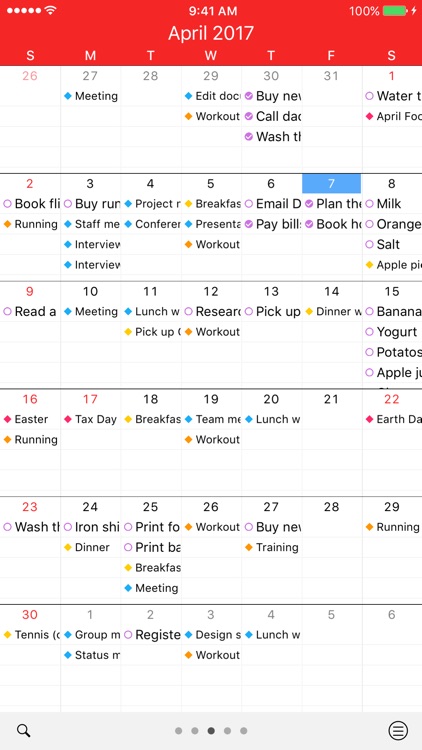
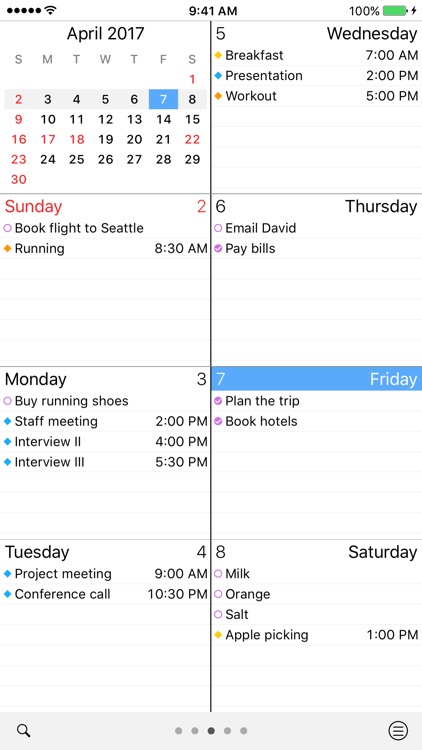
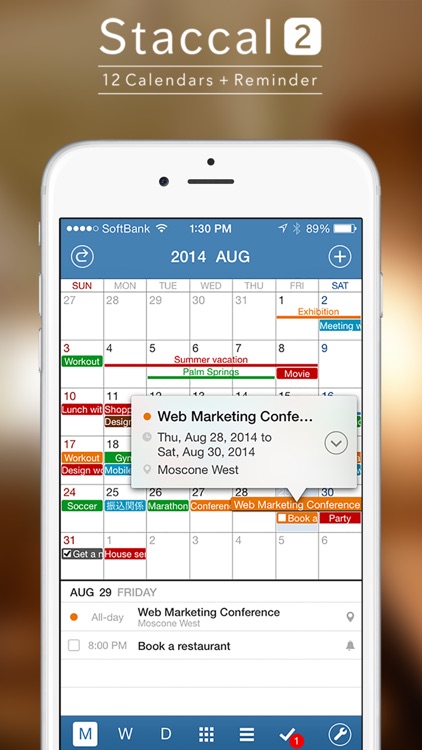
Staccal 2
Staccal 2
Staccal 2

Staccal 2

gnddesign.com

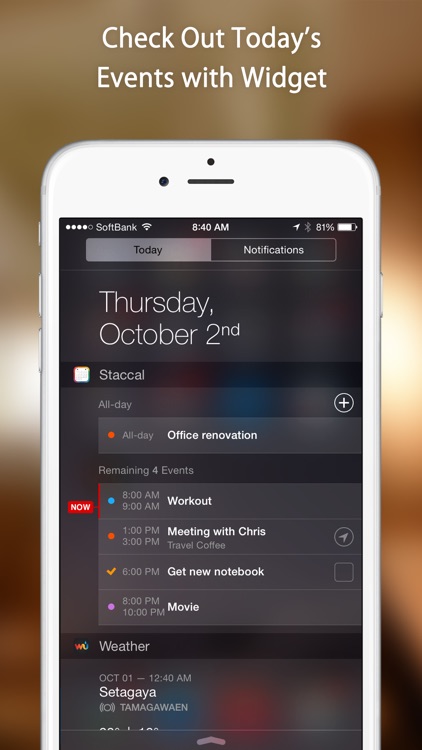
Staccal brings you calendar functionality that is easy to use, quick, and flexible to your scheduling style.
It also works with all of your pre-existing calendars making transition from a different calendar app a breeze.

Here are the 5 main ways Staccal makes life easier:

-------------------------------------------

12 Calendar Views to Suit Your...

Extreme Agenda
Extreme Agenda
Extreme Agenda

Extreme Agenda

Birdsoft LLC

Premium class organization.

Extreme Agenda is your planner for iOS with powerful calendar, reminder, note, list, search, and contact views. Integrate and completely customize your organizer with themes, icons, and views to give you full control of your life.
________________________________

What they Say:

"Cant find a better value anywhere in the AppStore...

CCal 11 Lite
CCal 11 Lite
CCal 11 Lite

CCal 11 Lite

Catalystwo Limited

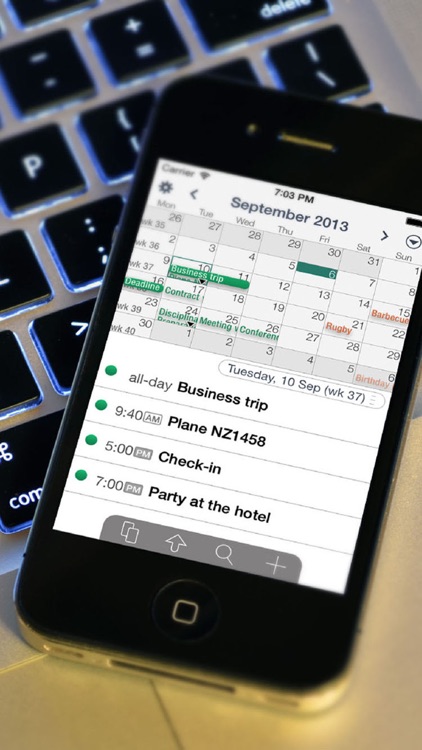
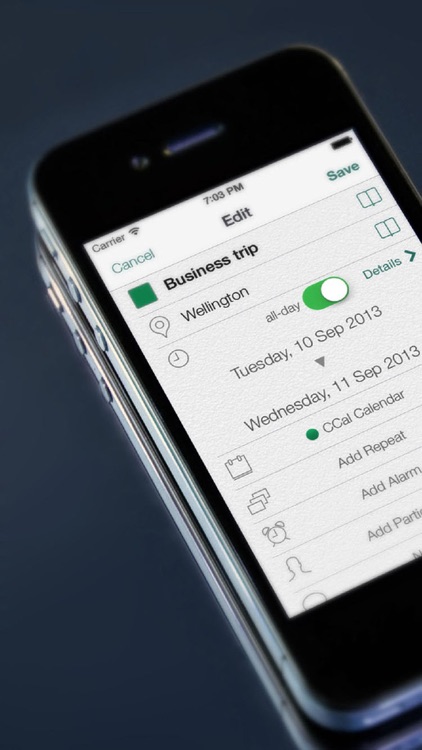
CCal is the perfect app for anyone who needs to efficiently and quickly arrange their busy schedules on your iPhone or iPod Touch.

CCal is an intelligent and elegant calendar application that can upload to Google Calendar.  


=== Features ===

- CCal has a sophisticated and intuitive user interface which allows you to...

Glass Planner
Glass Planner
Glass Planner

Glass Planner

Slide Rule Software

AN APP STORE "BEST NEW APP” — ALSO A “GET THINGS DONE” AND “STAY ON TASK” SELECTION IN PRODUCTIVITY.

FEATURED IN MACWORLD, FORBES, LIFEHACKER, MACLIFE, EXAMINER.COM, AND MORE.

GLASS IS YOUR OS FOR LIFE—A dynamic calendar that integrates tasks, to-do lists, and goals into your scheduled daily workflow.

In Glass, you manage your...

Extreme Calendar
Extreme Calendar
Extreme Calendar

Extreme Calendar

Birdsoft LLC

One of the most powerful calendars on iOS. Advanced views with plenty of options all designed for speed and flexibility.

You wont get this much information at a glance from any other calendar, and adding events in-line allows you to get in and out and on with your busy day....

Month Calendar 2
Month Calendar 2
Month Calendar 2

Month Calendar 2

Procrasty

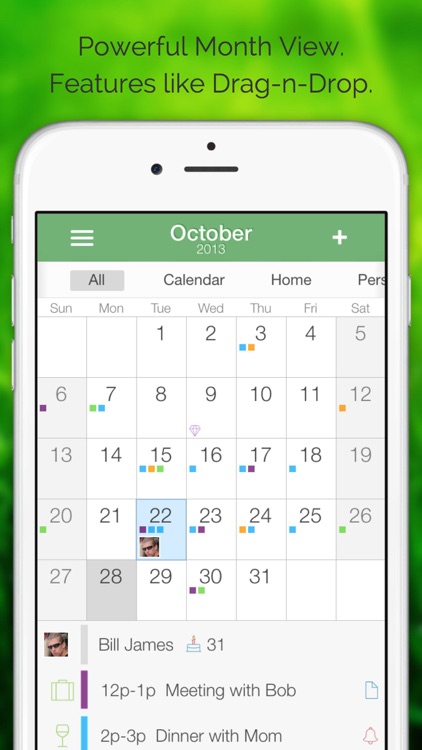
Month Calendar is an amazing and simple way to manage your calendar. You get a brilliant overview at a glance when planning. Use decorations to add color and icons to your events. Month Calendar gives you powerful yet easy ways to browse, organize, edit, and share your calendars.

Month Calendar has...

miCal - The missing Calendar

miCal - The missing Calendar

entwicklungsschmiede UG & Co KG

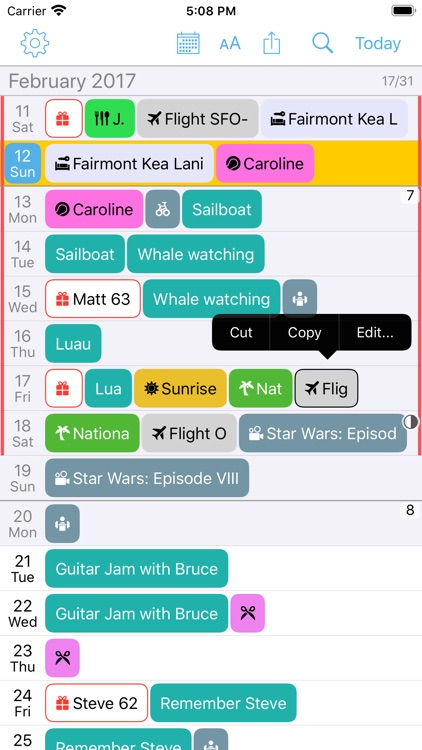
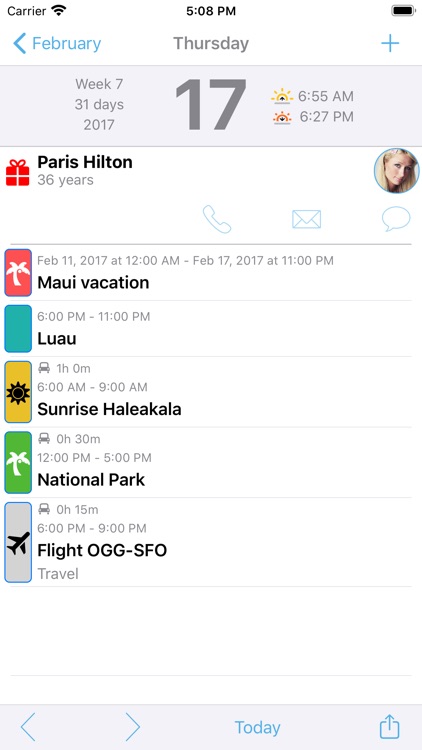
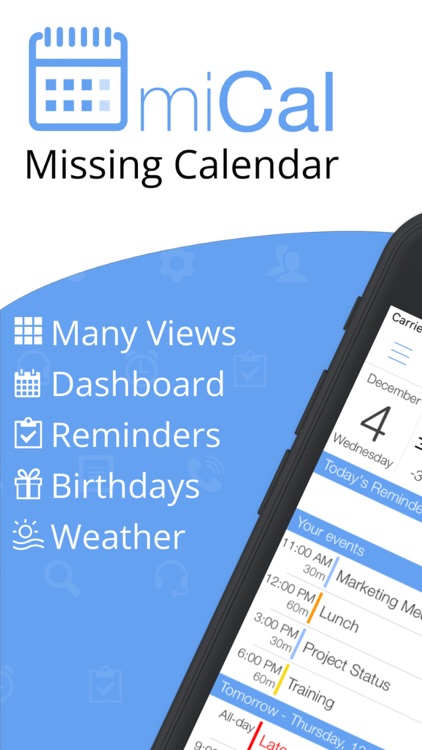
miCal is THE calendar that you’ve always wished your iPhone or iPad had! miCal makes scheduling easier, clearer—and better looking—than ever before.

Quick Overview
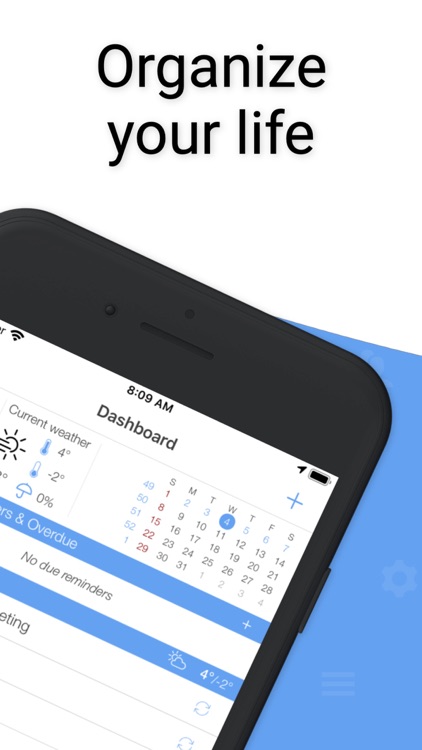
The dashboard displays your current appointments and events, tasks and birthdays. You can also see the current weather and an overview of the current month at a glance.

Intuitive...

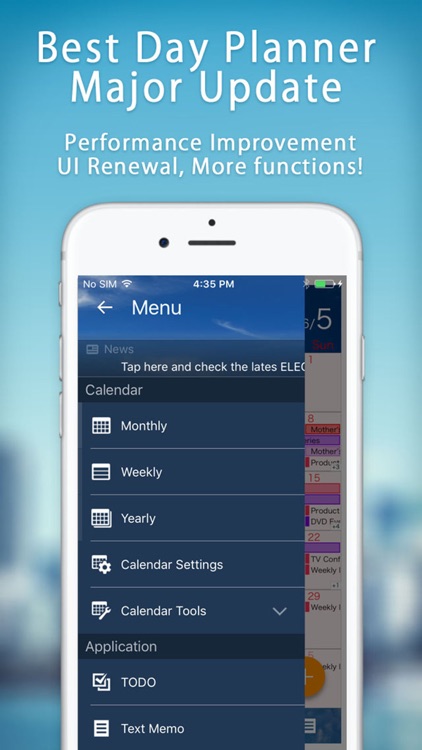
Schedule St. 2: Calendar App

Schedule St. 2: Calendar App

ELECOM CO.,LTD.

Total 2.5 millions DL, popular day planner application is large evolving new appearance!

◆Use Case for Schedule St.

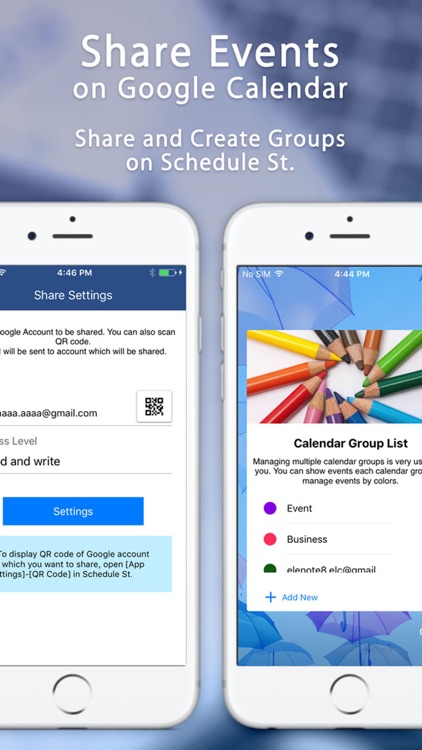
I want to share the plan with family and co-workers.
Share event on Google Calendar. Schedule of the other party will be automatically reflected in your calendar.

I want to config share settings for Google Calendar.
You...

Coyome Calendar
Coyome Calendar
Coyome Calendar

Coyome Calendar

Hiroyuki Igarashi

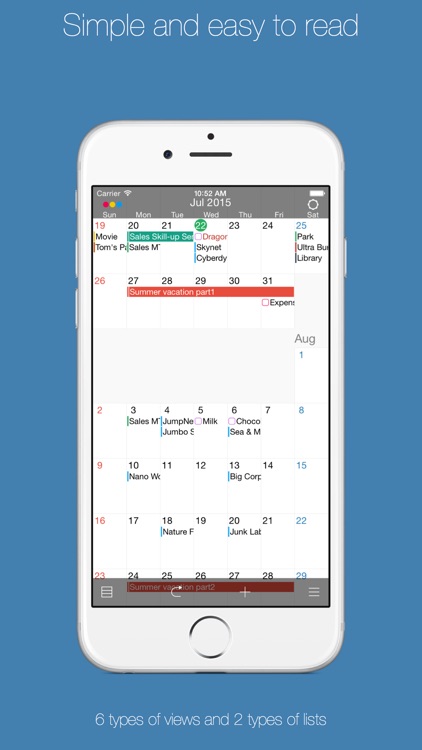
Coyome is easy to use and highly functional calendar application.
- Unified in vertical scrolling, it works lightly.
- You can manage events and reminders.
- Has a high level of customization.


■ Display layout
- You can use the 6 types of views and 2 types of lists.
- 6 types of views...

ActionAgenda Lite
ActionAgenda Lite
ActionAgenda Lite

ActionAgenda Lite

Appeople

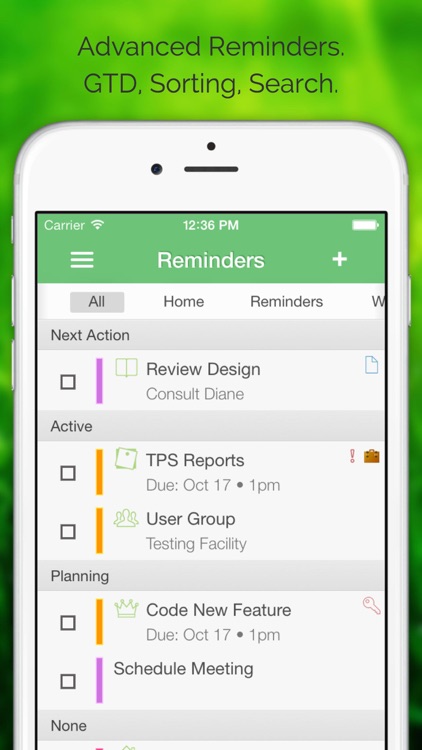
ActionAgenda is a hybrid planner capable of handling to-dos and calendar events simultaneously. You can organize your to-dos with projects, contexts, and tags in a GTD way, and then convert them to calendar events easily.

Calendar syncs with iOS Calendars which syncs with Google, Yahoo, and MS Exchange automatically.
To-do list syncs...

Super Calendar
Super Calendar
Super Calendar

Super Calendar

RONEL FERNANDEZ

iOS Premium Calendar

Most versatile calendar app and widget in the app store!

- day view, list or time view for day events
- customize list view for day events
- turn on/off month view in the widget
- choose from one of 10 styles for month view in the widget
- more customization options

Also the...

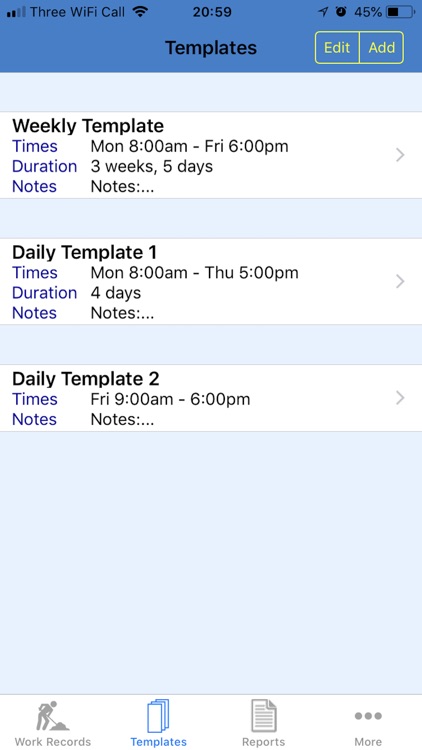
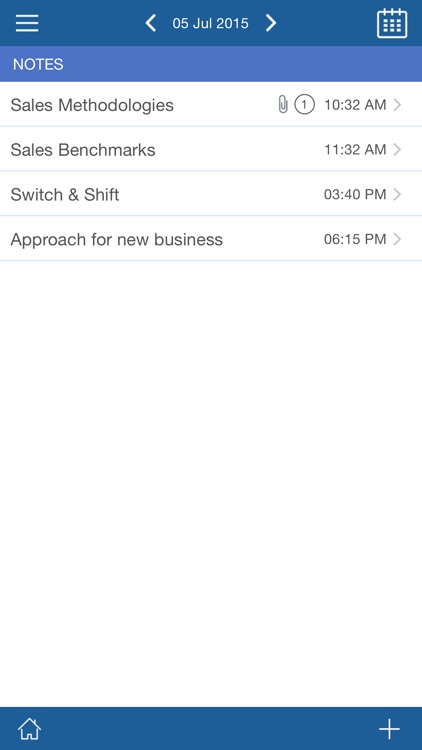
Work Diary Pro
Work Diary Pro
Work Diary Pro

Work Diary Pro

SMC Analysts Ltd

***** "An easy to use work diary is essential for my job planning. This one ticks all the right boxes!" - OIMDr

***** "Excellent app, easily configured and with comprehensive records & reports." - RobJ-UK


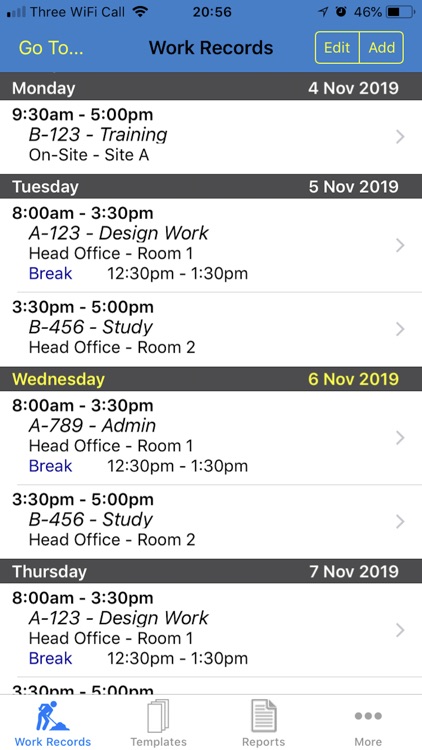
Work Diary Pro is an amazing new App, ideal for logging, planning, and/or reporting your day-to-day work...

Aezee: To Do List, Daily Tasks

Aezee: To Do List, Daily Tasks

Azvantage

To Do List for Task Management, Quick Notes, Time & Expense Manager by Aezee is simply a MUST HAVE PRODUCTIVITY APP on every iOS Device

Increase Your Leadership Skills

Whether you are an entrepreneur, struggling to become one, an employee, management team, or a devoted homemaker, we have built an application called...

MeetingMogul Conference Dialer

MeetingMogul Conference Dialer

Folio3 Software Inc.

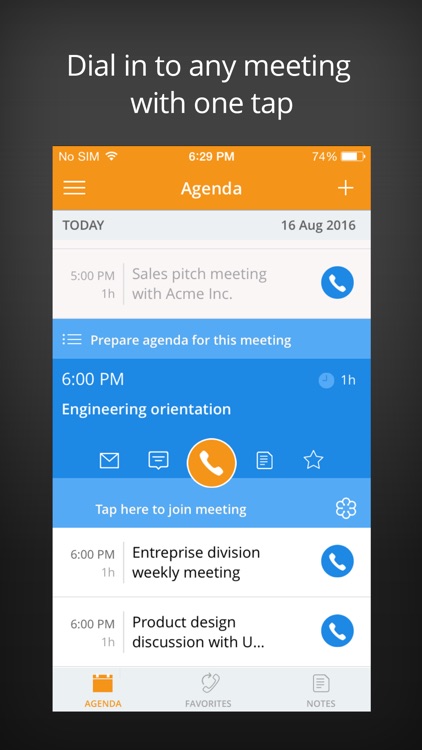
MeetingMogul allows you to join any conference call with one-touch, you won’t ever have to remember or enter phone numbers and audio pins to dial into conference calls again.

No more fumbling with your iPhone on the go!

MeetingMogul works with all conference call providers including WebEx, Skype for Business, GoToMeeting,...

TimeBlocks - Mobile Planner

TimeBlocks - Mobile Planner

TimeBlocks, inc.

Organize your time, Simply in one place
TimeBlocks is a mobile planner that enables smart time management through simple and easy interface.

[Detailed functions]
● Intuitive schedule management, Calendar
• Use it easily just like a paper diary through intuitive drag & drop action.
• Screen enlarges according to number of schedules, so you...

Robert, Schedule my Reminders

Robert, Schedule my Reminders

Trevor Labs

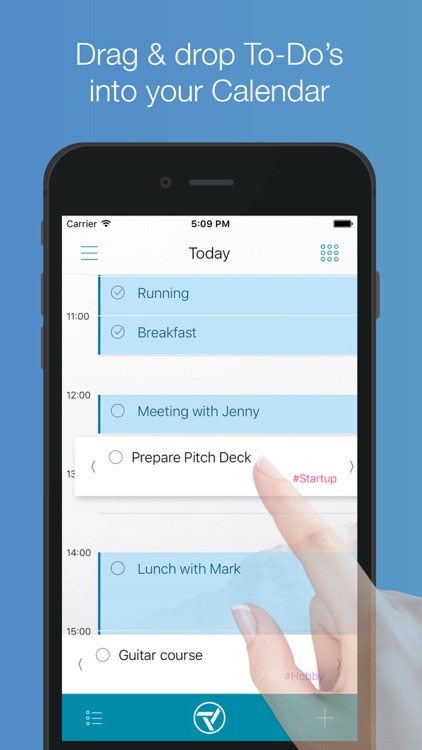
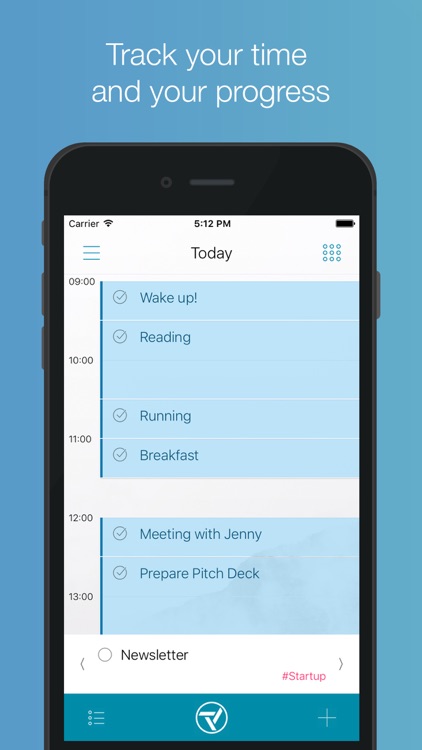
Robert is the first calendar that helps you get your tasks done. Schedule your Reminders into your Calendar and enjoy improved focus, realistic planning and peace of mind.

Your to-do lists are limitless, but your time is not.

Your meetings and events are already in your Calendar. Add your tasks for a...

iPlaniShare
iPlaniShare
iPlaniShare

iPlaniShare

Appilicious

iPlaniShare Is The Easy To Navigate Everyday Digital Planner with included Sharing

What makes us different from our competitors is our exclusive planning system which includes our unique Planning Drawer which allows you to quickly enter your ToDos, Project ToDos, or Appointments and then Drag and Drop them to any time...

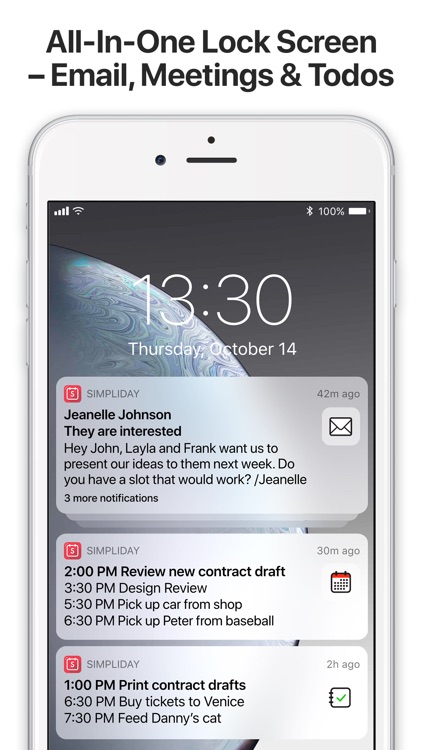
Add a meeting or reminder
Simpliday – Smart Lock Screen

Beauty meets robustness in this all-in-one calendar app.

Simpliday – Smart Lock Screen

Simpliday – Smart Lock Screen

Simpliday AB

Simpliday is an all-in-one calendar app that offers drag-and-drop actions, meeting invitations, simple reminders, and the ability to convert emails into meetings and reminders. It also offers a customizable background, flexible event options, and an intuitive interface.

Other Apps

Could be good for special cases

Pro.Calendar Task Planner

Pro.Calendar Task Planner

LightArrow Inc.

Grow your business with Pro.Calendar - the organizer for business owners, real estate agents, freelancers, contractors, and project managers! Unified views for all calendars, appointments, todo lists, checklists, tasks, reminders for managing work and life in one place. Pro.Calendar is a smaller version of LifeTopix. Start powerfully, add what you want.

Discover ALL our features with our FREE LightArrow Organizer on the app store - that has a 100 item limit.

NEW! Modern Dashboard - available with the LifeTopix Pack.

Improve the visibility of your daily events with a unified, intuitive and easy-to-read calendar. Includes list, day, week, month and year views with fast switching and customizable view choices. Perfect for busy entrepreneurs, small business owners, parents, students, GTD® enthusiasts and anyone else who wants to stay organized and on top of their daily agenda.

See which one of our apps is best for you: http://lightarrow.com/compare

Pro.Calendar is the Complete Calendar Edition app of LightArrow’s LifeTopix. Start with calendar-relevant topics, and grow with optional in-app purchases.

SUPPORTS POPULAR ONLINE & DESKTOP CALENDARS
Pro.Calendar works with any calendar that your iOS device calendar supports including iCloud and other online calendars.

SUPPORTS IOS CALENDARS, REMINDERS, CONTACTS
Create iOS reminders and iOS calendar items directly from Pro.Calendar and view these items unified in Pro.Calendar. Add invitees from your iOS contacts.

MULTIPLE CALENDAR VIEWS
Pro.Calendar includes a printable agenda and day, week, month and year views - configurable to individually show or hide your life and work events, such as appointments, health stats, tasks, trips, projects, checklists (to-do lists), notes, events from device calendars and more. Effortlessly switch to and from your views and easily search for any data item. Calendar item types and events from different calendars are color-coded for easy identification.

WORK WITH DATA FROM YOUR FAVORITE APPS
Associate notes from Evernote® and Toodledo® to projects, trips, goals and more. Associate tasks from Asana and GDrive to Pro.Calendar projects, goals and more. Link up files in Dropbox™, Box™, OneDrive™ (SkyDrive), and GDrive to Pro.Calendar projects, goals, events and other items. Instantly share and collaborate on items such as tasks through email. Discuss your items via Facebook, Twitter, and SMS.

CREATE REPEAT SCHEDULES FOR APPOINTMENTS, EVENTS, TASKS
Create custom daily, weekly and monthly schedules. Create custom schedules for specified days of the week. Designate a number of occurrences or use an end date.

TASKS, PROJECTS & MORE
Includes task and project management; events and appointments; travel; health, fitness and goals; notes, files and checklists; and media (audio and video). In-app purchases allow for additional topic items and views.

YOUR NOTES & FILES AT YOUR FINGERTIPS
Comprehensive note-taking and file management included. Record and add audio and video, add photos and hand-write and draw with your finger or stylus. Drawing tools include 48 colors with alpha options; line widths; eraser; clear; undo; and email for drawings. Printing is also available for notes and drawings.

CUSTOMIZE REMINDERS & NOTIFICATIONS
Customize your local notifications from Pro.Calendar to remind at custom times. The device calendar is used for local notifications allowing you to take advantage of the Notification Center.

DEVICE SYNC
Supports device-to-device sync to keep data on your multiple iOS devices the same by using a free Dropbox or Box account, as well as with our LightArrow Organizer for Mac.

NEAR ME
Enjoy one-tap access to calendar items that are in the vicinity of a selected or current location. Powered by a 3rd party location-based social networking service, you can search for entertainment, events, food, shops and more.

EXCELLENT SUPPORT

If you have an issue, give us a chance to help, you will be pleasantly surprised!

ZenDay - Calendar + Reminders

ZenDay - Calendar + Reminders

7 by Aerocom

With ZenDay, be better organized, maintain your work/life balance and fight procrastination.

ZenDay is an award-winning Time Management app, that displays your Reminders with your Calendar events on a fluid 3D timeline.

Our unique integration of your tasks inside your timeline shows what you can achieve today, with the work hours you set for yourself.

Tasks "float" and ZenDay re-schedules them automatically in your available time: no more "dummy meetings" in your calendar that you need to move manually!

ZenDay shows you which tasks are almost due or overdue, so you can act before it's too late.

And finally you can debrief what was done on time recently, so you can see how you've improved over time.

All this in a dynamic 3D view, like a GPS of your time: move forward and up towards your goals.

Stop listing tasks… plan your time!
Some detailed features:
Sync with your calendars, add your to-dos in your timeline and plan all your commitments in one place. With our unique ZenDay 3D timeline, you can clearly see what’s ahead of you, so you can take the right action.
• schedule tasks & meetings
• sync with all your calendars
• sync with all your iOS Reminders
• prioritize your tasks and set future tasks
• dynamic scheduling: your tasks follow the flow of time
• set your deadlines and start dates
• debrief on your previous weeks

It’s intuitive: zoom in, zoom out, move your timeline.
It’s simple: do everything in the 3D view.

Conference Call Auto Dialer

Conference Call Auto Dialer

Rony Ronen

Ever wished for an easier way to join a conference call?Conference Call Dialer is a powerful app designed for you. A business person who're looking for efficient yet simple way to save time.

–––TESTIMONIALS–––
“...app is surprisingly intuitive in one touch dialing in to the myriad conference calls from the invites. Fantastic!.”

–––WHAT’S CONFEFRENCE CALL DIALER?–––
Conference Call Dialer addresses a problem that many of us have when we need to join a conference call (or web conference, ATC Audio Tele-Conference, bridge) in a quick and easy way using our devices. Typically, after dialing the conference number, you need to type the the conference access code and maybe other numbers such option or passcode. Those codes are provided in the meeting invite so you have to switch back and forth and type it in. If you lucky you succeed to type the entire code without having the conference timed out. Otherwise, you need to start all over again. No more!. Conference Call Dialer does it for you with one single tap. Conference Call Dialer is integrated with Skype for Business® allow you start a chat directly from the app.

Notes: We recommend testing app features using our Calendar for Business freemium app before purchasing: https://itunes.apple.com/app/id749454893.

–––WHAT PEOPLE LOVE ABOUT CALENDAR FOR BUSINESS?–––
Conference Call Dialer main features:

Easy to Join:
+ One Tap Auto Dial Conference Calls using Conference Number, Option, Access Code and Pass Code.
+ Join your bridge instantly.
+ Speed Dial for the last 5 dialed conference sequence numbers.
+ Today Widget for quick joining.
+ Conference Now: Send an invite w/your conference details.

Great Calendar:
+ Daily and Monthly Calendar
+ Display all your meetings or filter only conference invites (Calendar).
+ Search meeting based on Event Title, Location, Organizer or Attendees.
+ Modify and Save the Conference Dial Numbers on any invitation.
+ Running Late, reply with a pre defined message.
+ Beautiful themes.

Conference Address Book:
+ Save your favorites Conference Sequence Numbers.

Learn more at app website.

Conference Call Dialer will make your day more productive!.

–––FEEDBACK, REVIEW or COMPLAINTS–––
We value any and all feedback (compliments or criticisms) and you’d be surprised how often and how quickly we act on comments. Please contact us with your testimonials, suggestions, criticisms, or any other correspondence, directly from the app by tapping on Settings > Feedback & Support or by emailing us. We’ll do everything we can to leave you happy.

*Skype for Business is trademarks of its respective company.

Ultimate Calendar - Complete Calendar Solution

Ultimate Calendar - Complete Calendar Solution

RONEL FERNANDEZ

Meet Beauty and the Beast, in one!

Search no more as uCal is the ultimate solution to all your calendar needs.

This is the calendar app with most features than any other, in any platform, each presented in the most elegant way.

Features include:

- Day View
- 3-Day View
- 5-Day View
- 2 Different Agenda Views
- 3 Different Week Views
- 3 Different Month Views
- Year View
- Task/Reminder View
- Invitations View

- Themes, with a wizard view to easily change app color, background and font!

- Multiple options for app badge icon

- Jump to Date to quickly go to a desired day, week, month or year
- Change color of individual events!

- Print Events
- Email Events

- Drag and drop to move events in week view #1
- Force touch on event to peek and pop on details
- Tap and hold on event to display popup menu
- Swipe left on event in list views to show action button for event

- Easy Settings
- Color code your calendars
- Select only desired calendars
- Choose default calendar
- Color code task/reminder calendars
- Select only desired task calendars
- Choose default task calendar

- Choose color for app
- Choose start day for week view
- Choose start day for month view

- Turn on/off display of tasks in views
- Hide/show completed tasks

- Turn on/off peek and pop on events (6s and 6s Plus)
- Turn on/off countdown on event details view

And so much more!

Your feedback is greatly appreciated. So please feel free to report a bug or send a feature request!

ActionAgenda

ActionAgenda

Appeople

ActionAgenda is a hybrid planner capable of handling to-dos and calendar events simultaneously. You can organize your to-dos with projects, contexts, and tags in a GTD way, and then convert them to calendar events easily.

Calendar syncs with iOS Calendars which syncs with Google, Yahoo, and MS Exchange automatically.
To-do list syncs with iOS Reminders and Toodledo at the same time.

GTD (Getting Things Done) is a proven methodology to free you from stress of managing complex tasks.

◆ Here's short how-tos on using GTD with ActionAgenda:

1. Put whatever comes to your mind in “Inbox”
 tab
2. Do simple actionable stuffs right away (tap on check-box to complete)

3. Make not-so-simple stuffs as project and break it down to smaller steps (drag it to “Project” tab)

4. Mark which ones need attention (drag it to “Focus” tab or mark star)
5. Make use of context and tag for further categorizing (drag it to “Context”, “Tag” tab)

6. Schedule it if it has a hard due date (drag it to “Scheduled” tab)

7. Make an appointment by drag & dropping to “Calendar”

8. Don't forget to review regularly to keep your trusted system current,
so that you know when, where, and how they can be done fast and easily.


◆ Features ◆

- Integrated to-do & calendar management
- GTD-powered to-do system
- Manage subtasks in project
- Sorting, filtering, and searching
- Drag & drop interface
- Group actions for multiple to-dos
- Various calendar views
- Automatic sync with Toodledo, iOS Reminders, and Calendar
- iCloud sync for settings and other data between devices
- Universal app : supports iPhone and iPad natively
- Supports today widget

◆ Please refer to "Developer Website" for full feature list and demo

GTD® and Getting Things Done® are registered trademarks of the David Allen Company. ActionAgenda and Appeople are not affiliated with or endorsed by the David Allen Company.

Calendars - Task & Reminders

Calendars - Task & Reminders

jaco botha

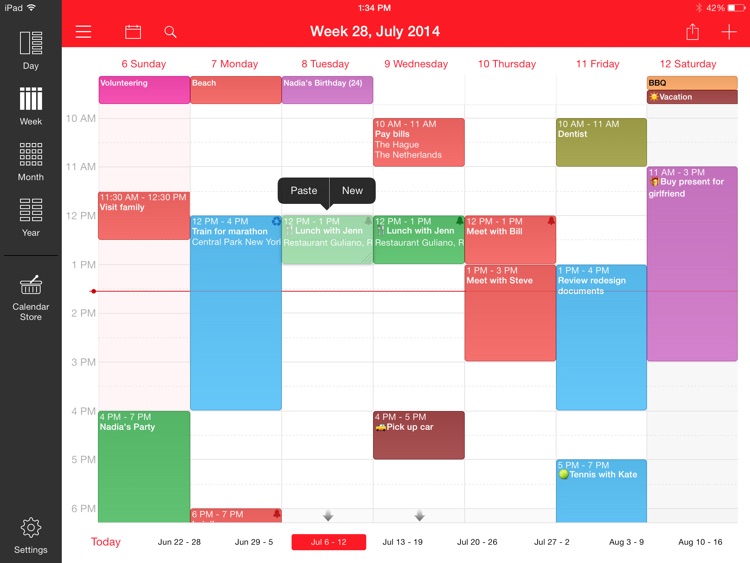
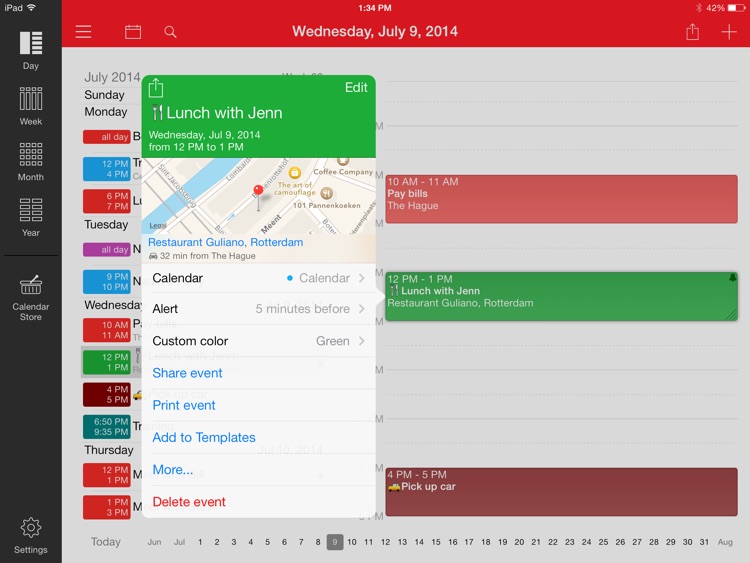
Calendars is the most elegant and easy to use calendar application available on the App Store. It works perfectly with Google Calendar and built-in iOS Calendar.

Calendars allows you to manage events both online and offline. Thanks to the unique interface you can move events simply with Drag & Drop, navigate quickly between dates, change event time and reminders rapidly with custom keyboards.

Calendars supports everything you can find in Google Calendar: appointments, SMS reminders and more. Sync is really fast and your information is always up to date.

What makes Calendars great:

◆ Interface focused on events
Elegant and easy to use interface makes it super simple to get a quick overview of the upcoming events and tasks. You always keep your focus on what's important; there is nothing to distract you.

◆ Day, Week, Month and List views of your events.
Calendars illustrates your Day, Week and Month on a small iPhone screen the best possible way. Depending on the situation, select the view that conveniently unveils your schedule.

◆ First-class iPad calendar
It's one of the best apps for the iPad. The iPad large screen is great for managing your daily schedule and enables richer interaction with your calendar.

◆ The fastest Sync
Sync with Google Calendar works really fast and keeps your schedule thoroughly.

What else Calendars lets you do:

- Drag & Drop your events -
You can move and change the duration of your events in a Day, Week or Month view with Drag & Drop. Just tap and hold on the event to activate it.

- Manage your events online and offline -
You can create, edit and delete events at any time. All changes will be synced back to your account once you are online.

- Get SMS reminders -
Calendars allows you to set SMS reminders for all events, you just need to add your phone info to the Google Calendar settings. It's much better than Push notifications!

- Special Keyboards -
Appointment time and reminders can be defined twice faster than in the built-in iOS calendar, all thanks to custom keyboards.

- Search -
You can search for events by name in the List view. Tapping on the status bar will show you a search field.

Schedule St. (Free Day Planner / Scheduler)

Schedule St. (Free Day Planner / Scheduler)

ELECOM CO.,LTD.

"Schedule St." is a day planner application.
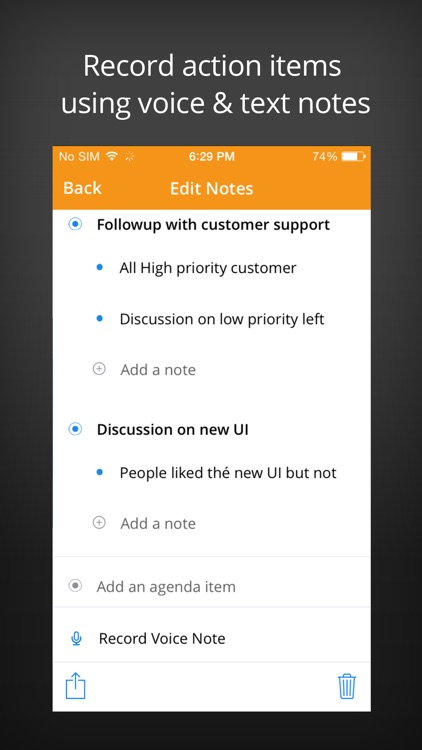
Incorporating various functions such as TO-DO lists, text memos, voice memos, photos and functions.
It can be further customized just like adding refills.

The integration of the TODO and Note memos allows linkage of the scheduled plan with its corresponding information.
This allows you to quickly access the registered information for reference.

* Upgrade to iOS9
After iOS is updated to iOS9, Google Calendar Sync will fail.
Please logout and login again.
Select calendar location to "Schedule. St" once, and reselect Google Calendar.
* "Schedule St. HD" is also avairable for iPad/iPad2.
http://itunes.apple.com/jp/app/sukejurusutoritohd/id489359104?mt=8

[Functions]
Day Planner
Multiple calendar management
Todo list
Text/Photo/Voice memo

This free version has the following limitations.
- Ads is displayed
- Non-support

Their limitations are unlocked by purchasing a paid application (InApp) for "Schedule St.".

[Support OS]
iOS 7 or higher