

You are using an outdated browser. Please upgrade your browser to improve your experience.

Create and edit text documents with these standard word processor apps

In this post-PC era, you don’t need a laptop or desktop computer to create and edit office documents — all you need is your trusty, handy iOS device. And when it comes to creating and editing text documents on iOS for business, school, or whatever purpose, look no further than the apps featured here. These apps offer features you’d expect from standard word processor apps, made accessible right at your fingertips, including plain and rich text formatting options, inline media attachments, and more.

Microsoft Word
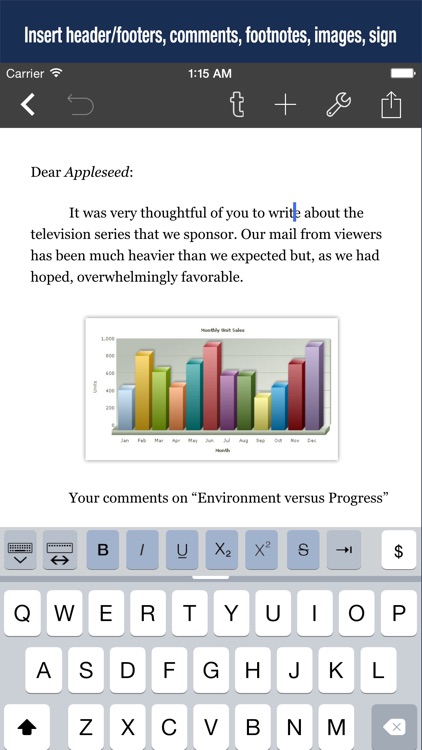
Word Processor - Textilus Pro
Werdsmith: Writing App

Best Apps

Highest scored apps in the category

It's Word, Jim, but not as we know it
Microsoft Word

Microsoft Word

Microsoft Corporation

Microsoft Word for iOS is one third of the Office suite of applications for Apple’s iOS devices

Microsoft Word is a feature-rich office staple and available on iOS.

Pages
Pages

Pages

Apple

When you want a word processor that is just as sleek as Apple themselves

Apple's own Pages app lets users get a simple and sleek word processor that is easy to use and packs in a ton of useful features.

Word Processor - Textilus Pro

Word Processor

Kairoos Solutions SL

Textilus Pro is a great word processor app for students and business people, also being excellent for writing reports, papers, blog posts, journals or ebooks

Textilus Pro is a great word processor app for students and business people, also being excellent for writing reports, papers, blog posts, journals or ebooks! Textilus Pro can help you organize your research, generate ideas, and remove distractions so you can focus on the most important thing: writing. Thanks to iCloud and Dropbox Sync, your documents in Textilus will synchronize...

Werdsmith: Writing App

Werdsmith

Werdsmith Pty Ltd

Writing, coaching, and motivation in one app

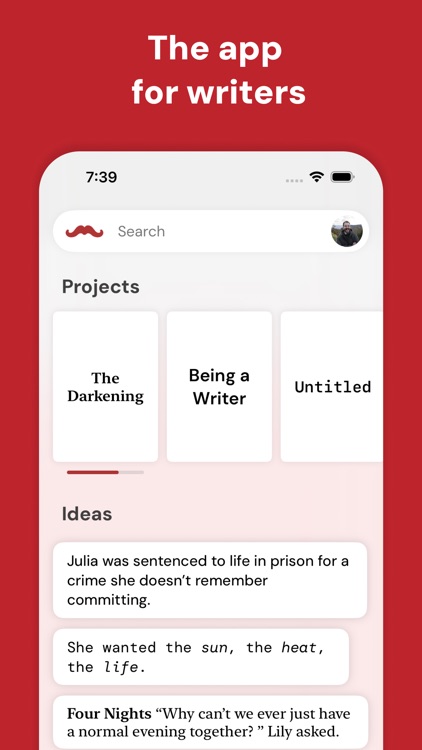
Writing is hard. Werdsmith makes it easier. 

Werdsmith turns your iPhone, iPad, Mac, Apple Vision Pro and Apple Watch into a powerful writing studio that helps you break through writer's block and motivates you to write.

BEAT WRITER’S BLOCK
Add your project to Werdsmith and whenever you get stuck, the app can suggest the next line of your story for you, in your...

Document Writer for Microsoft Office - Word & PDF

Document Writer for Microsoft Office

Mindspeak Software

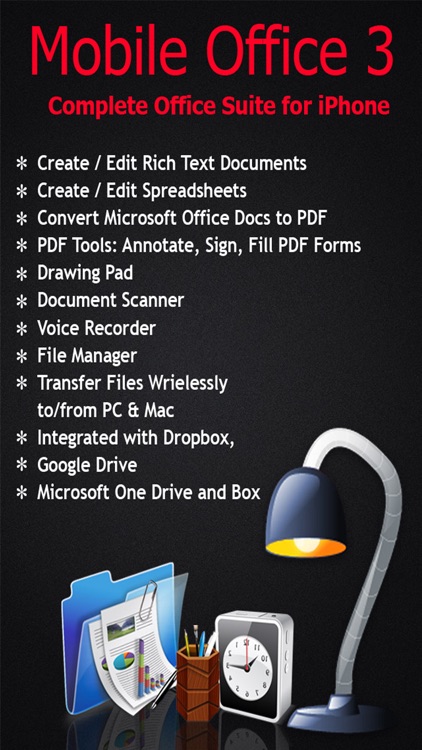
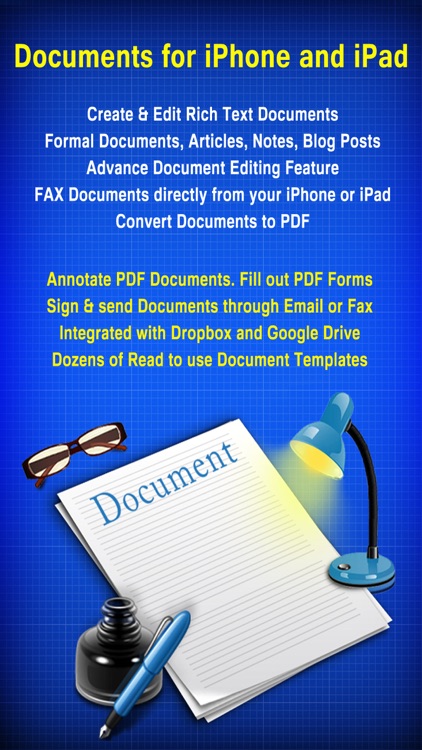
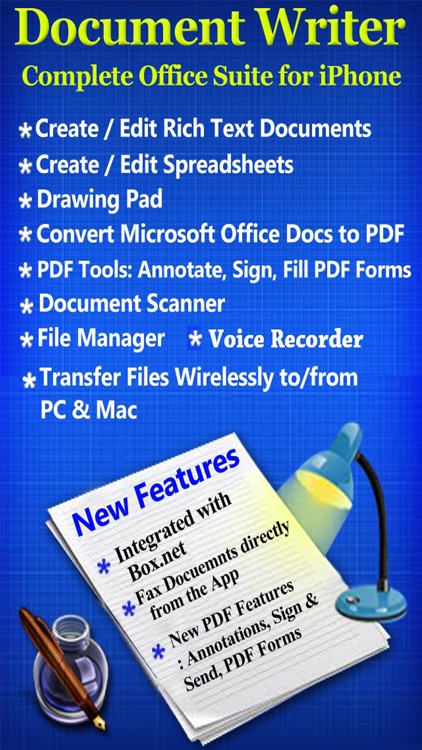
THE BEST DOCUMENT EDITING AND MANAGEMENT SUITE FOR IPHONE AND IPAD

THE BEST DOCUMENT EDITING AND MANAGEMENT SUITE FOR IPHONE AND IPAD.
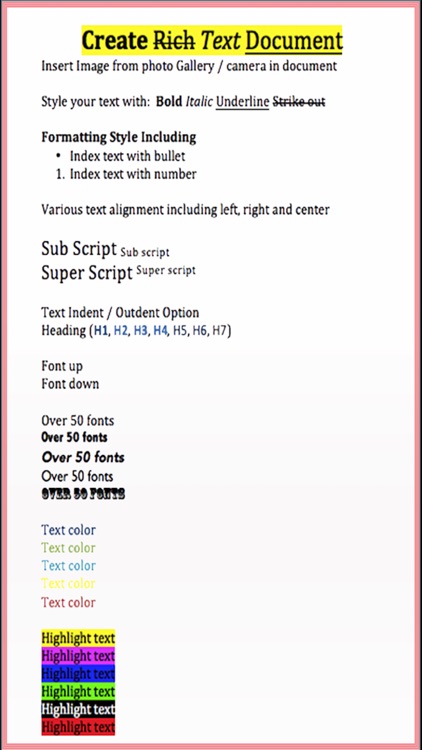
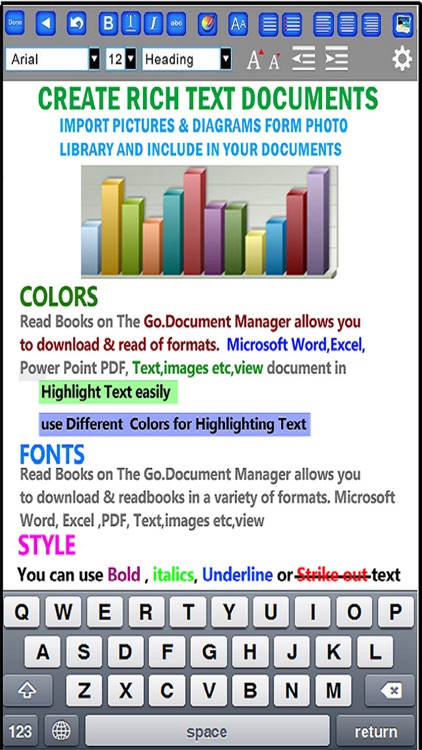
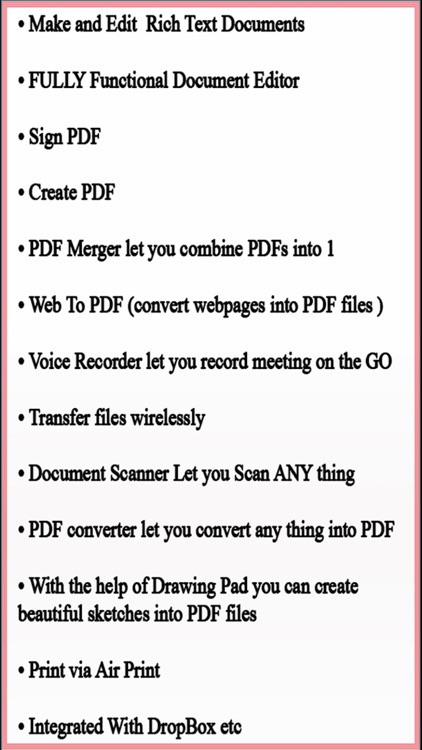
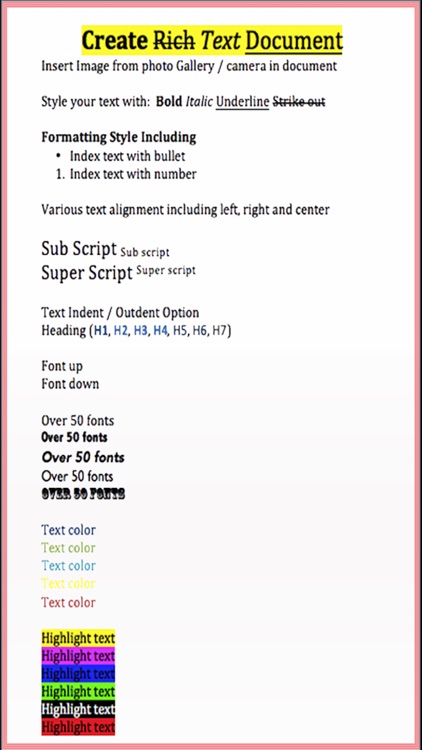
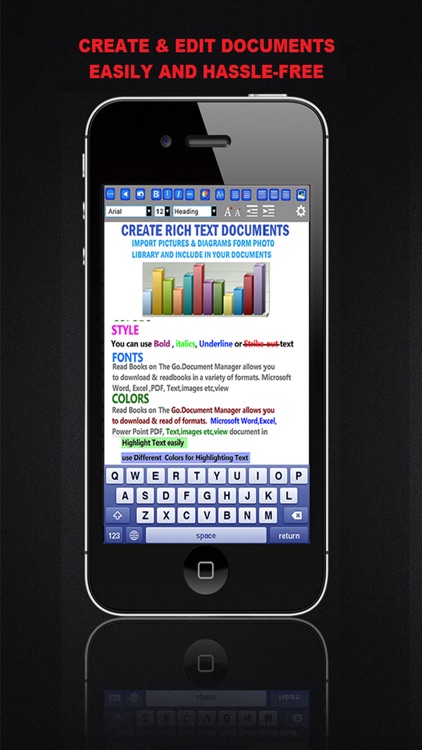
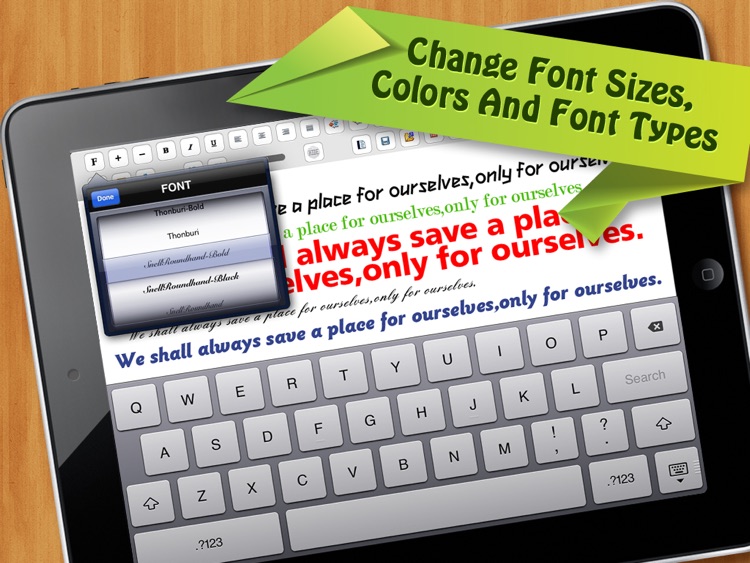
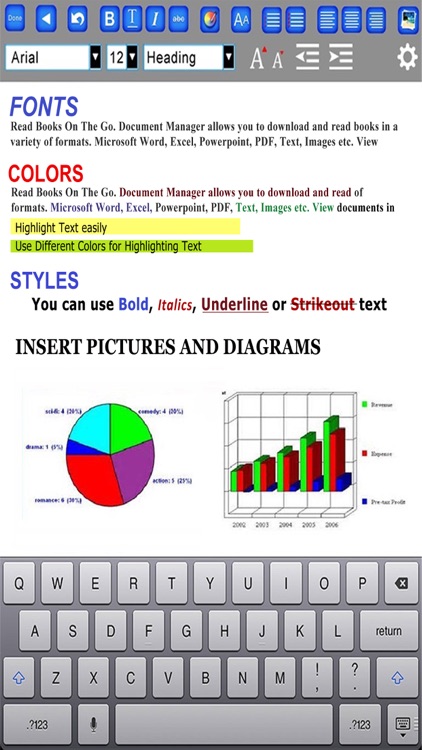
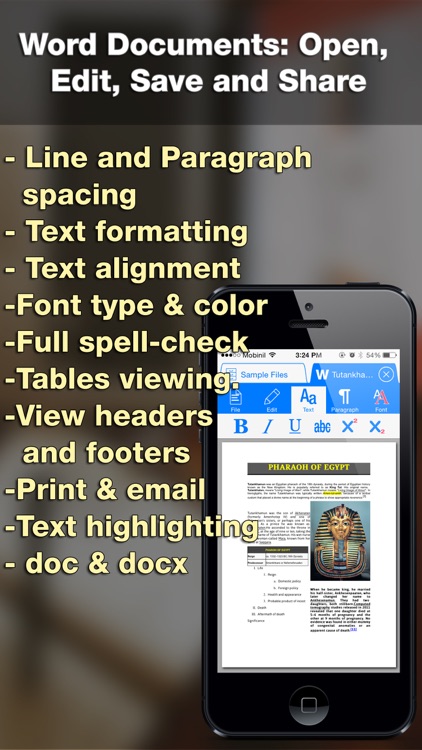
+ Create and Edit Rich Text Documents on your iPhone or iPad.
+ Create and Edit Spreadsheets
+ Scan documents and convert to PDF
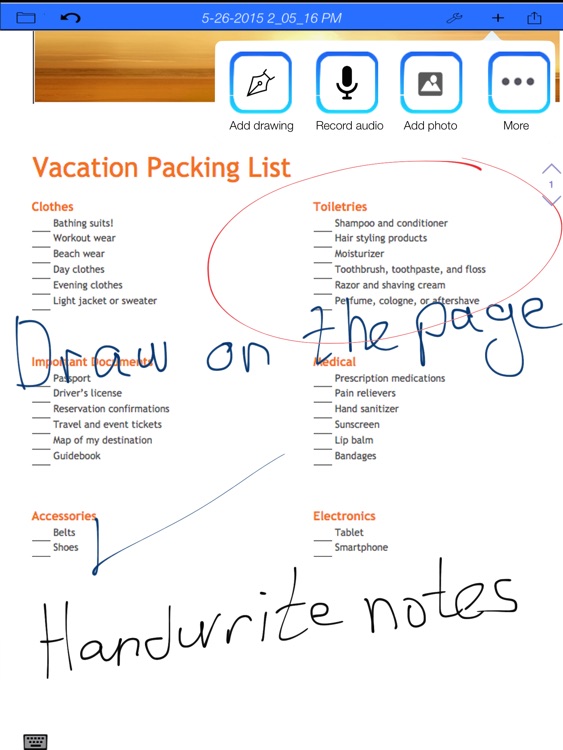
+ Create Hand-Written notes and Drawings
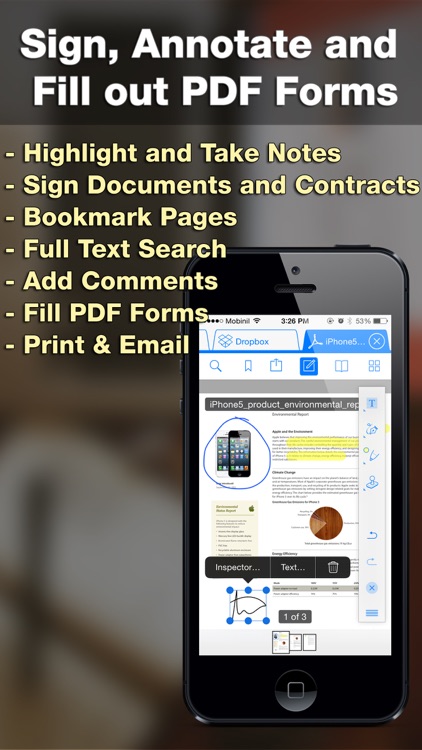
+ Annotate PDF Documents, Fill out PDF Forms, Sign & Send Documents
+ Create Voice Memos
+ FAX Documents
+ Transfer files...

Also Good

Apps with average score

iText Pad
iText Pad
iText Pad

iText Pad

LIGHT,WAY.

Do you want to pick favorite expressions out as you browse webpages or ebooks and store them in your notes directly? Do you want to edit a shared text between your computer and iPhone any time creative inspirations strike? That's easy with iText Pad!

iText Pad is a powerful and versatile...
Editor for Docs Sheets& Slides

Editor for Docs Sheets& Slides

las Condes

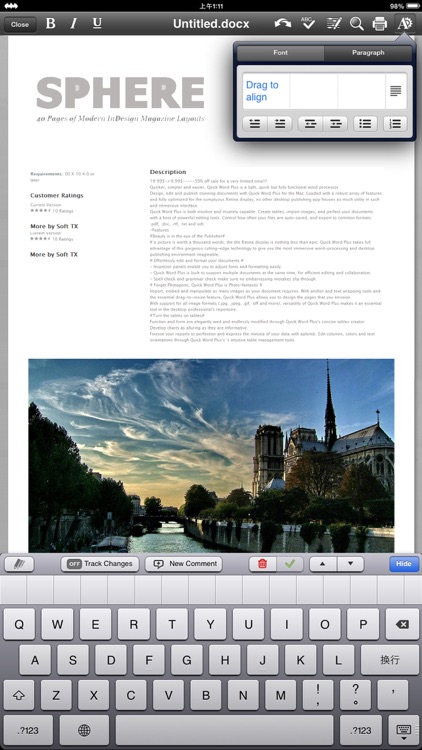
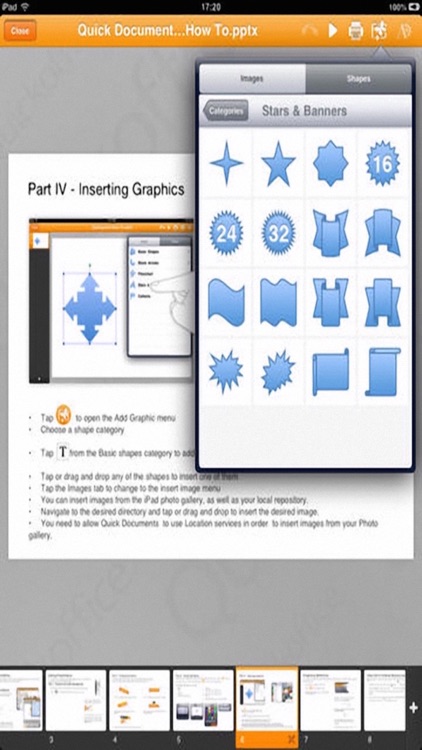
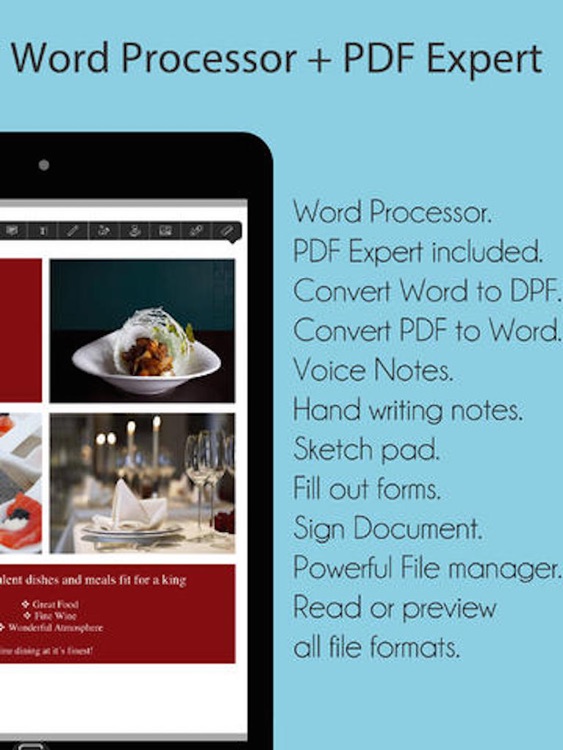
Office Docs is a fully featured office processor app, which lets you create and edit Word 97-2010 (.doc & .docx), Excel and PowerPoint format files on your iPhone/iPad. It supports advanced character and paragraph formatting, including tables, images, auto-correction, auto-completion, copy/paste and undo/redo. It also has support for tracked changes.

SUPERIOR...

Writer - ODT Word Processor

Writer - ODT Word Processor

ikuTeam Documents

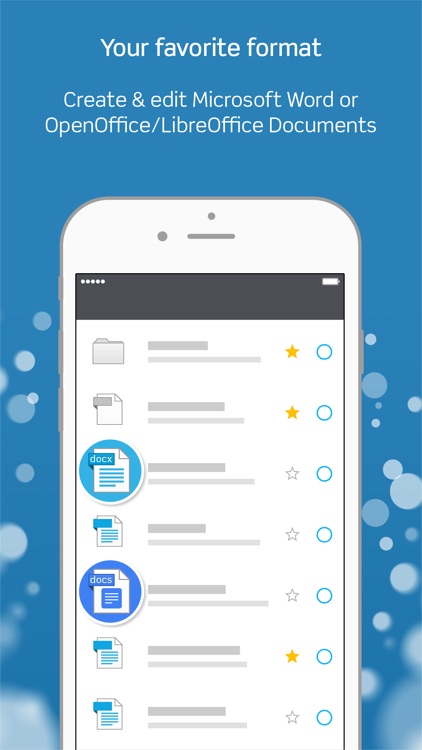
Writer by ikuTeam is the best word processor for your iPad and iPhone. It’s a powerful word processing tool for OpenOffice / LibreOffice, Microsoft Word and Google Docs Documents. It works with Dropbox, Google Drive, OneDrive, OneDrive for Business, Egnyte, Box and FTP Servers.

Leave behind all the problems of reading...

Create Document HD - Doc Write

Create Document HD - Doc Write

Abdul Rahim Khurram

====== 50 % off for very limited Time ======
For free version Please Download
Write Document for Microsoft
https://itunes.apple.com/bh/app/write-document-for-microsoft/id863074739?mt=8


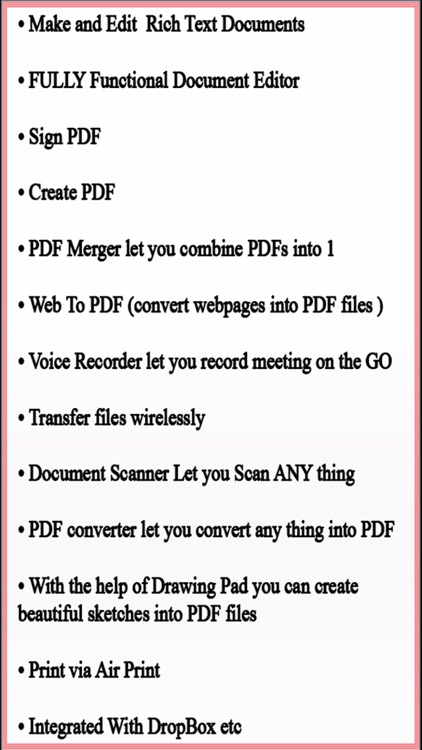
A Simple Scanner, DOCUMENT Maker , Document Writer , Document MANAGEMENT , Voice Recored App FOR iPhone AND iPad.

Professional Look & Feel optimized , Really attractive, Simple ,Smooth ,Lightweight and super easy...

Documents To Go- for Microsoft Office 365 Suite

Documents To Go- for Microsoft Office 365 Suite

静美 段

World’s most popular mobile office suite.
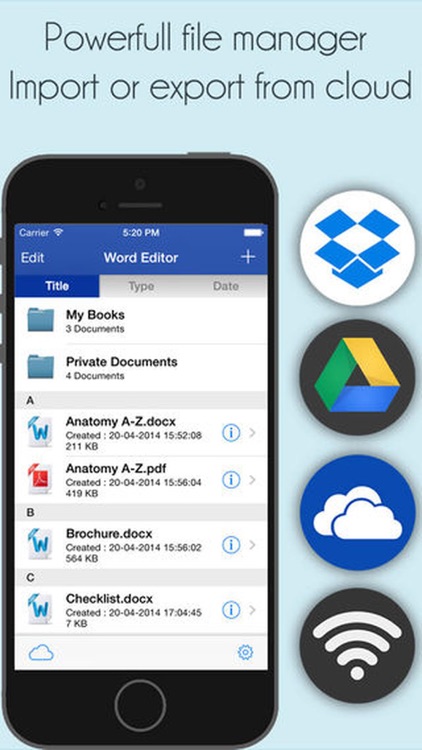
Fully compatible with Microsoft Office, PDF and dozens of other document formats
Now supports English, French, German, Portuguese, Spanish and Japanese


Feature Highlights:
• Better support on iOS 9
o Adapted for the all-new split view, which makes the interface layouts more user friendly.
• Fully supported by...

Word Documents - for Microsoft Office Word edition

Word Documents - for Microsoft Office Word edition

玉琪 吴

Productivity Suite allows you to create, view and edit Microsoft Office 2007 and 2010 documents on your iPhone/iPad.

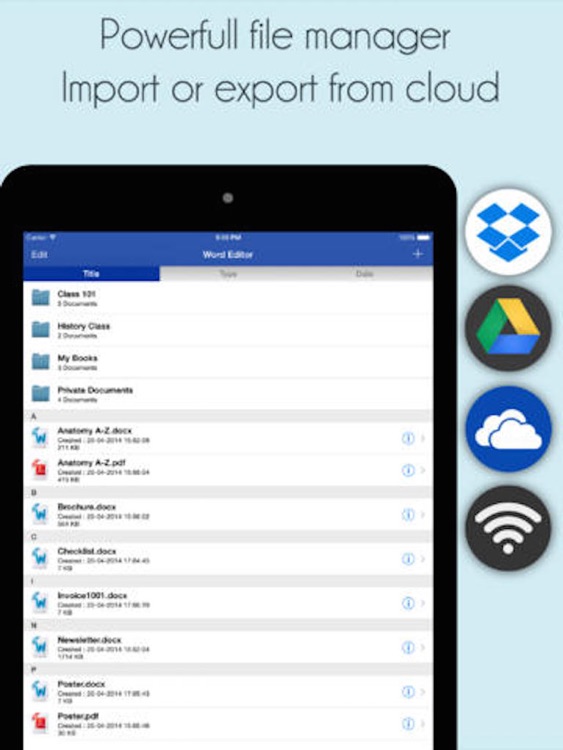
You can transfer existing .doc or .docx from your PC to the iPhone/iPad via Wifi Transfer or USB Sync.

Productivity Suite supports the following in editing Word and text documents

+ View, create and edit...

Office Word : for MS Docs edit

Office Word : for MS Docs edit

Aaron Prentice

Allows you to create, view and edit Microsoft Office 2007 and 2010 documents on your ios devices.

You can transfer existing .doc or .docx from your PC to the iPad via Wifi Transfer or USB Sync. .

Fantastic Write Pro for iPad supports the following in editing Word and text documents

+ View,...

Write Document for Microsoft

Write Document for Microsoft

Abdul Rahim Khurram

====== Free for very limited Time ======
Thank you 100000 + downloads


A Simple Scanner, DOCUMENT Maker , Document Writer , Document MANAGEMENT , Voice Recored App FOR iPhone AND iPad.

Professional Look & Feel optimized , Really attractive, Simple ,Smooth ,Lightweight and super easy to use interface for iPhone and...

Office Reader: For Microsoft Office

Office Reader: For Microsoft Office

iCubemedia Inc.

SPECIAL HOLIDAY PRICE TODAY!!! REGULAR PRICE $6.99

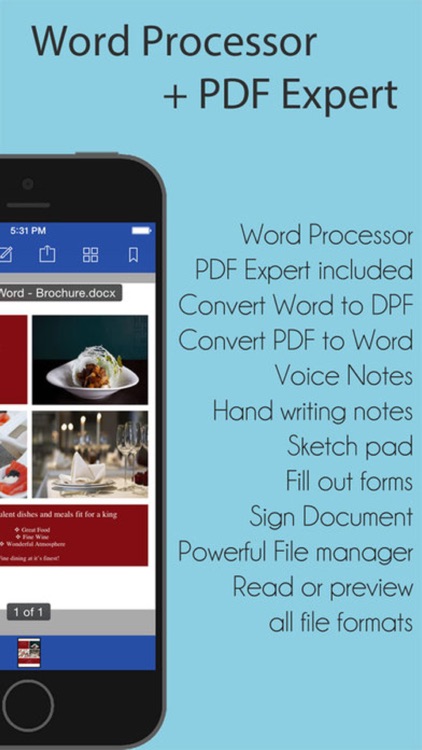
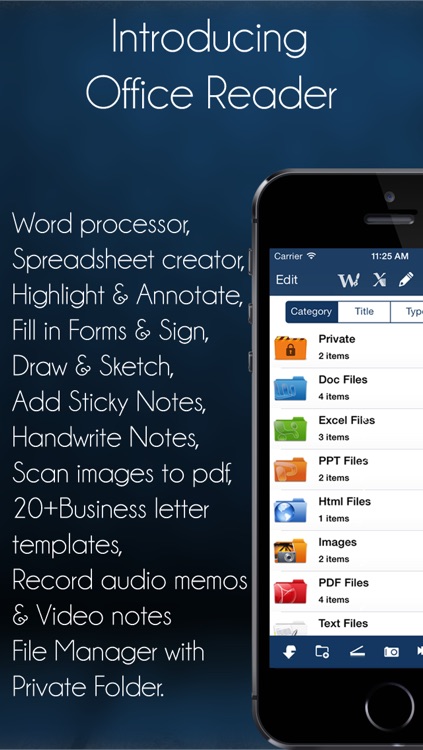
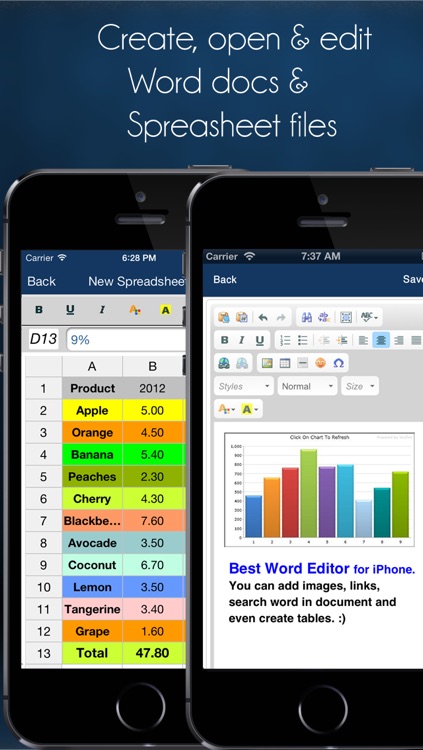
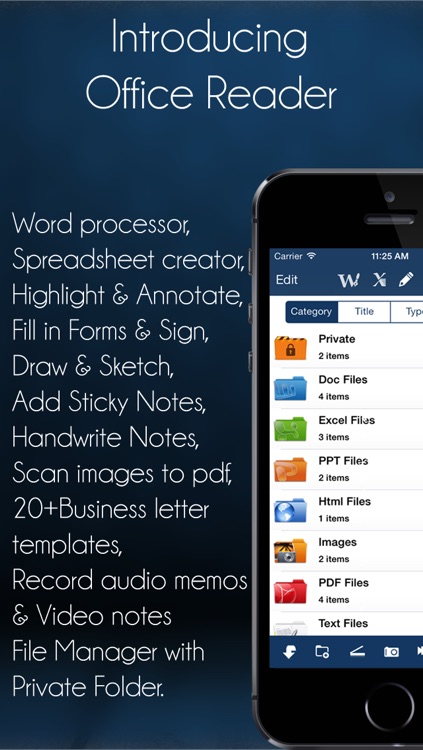
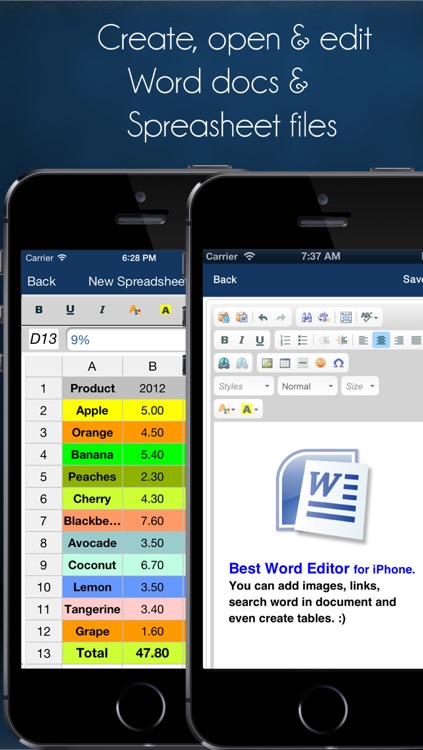
Office Reader is a powerful files and documents manager with an ALL IN ONE Office Suite allowing to create and edit Word documents and Spreadsheets files. Also included a full PDF Annotation with ability to fill-in forms and sign documents; Easy Drawing and Sketching...

Office Reader Pro: For Microsoft Office

Office Reader Pro: For Microsoft Office

iCubemedia Inc.

SPECIAL HOLIDAY PRICE TODAY!!! REGULAR PRICE $9.99

Office Reader Pro is a powerful ALL IN ONE Office Suite for Microsoft Office with PDF Expert included: Ability to create, edit & open Word documents; create Spreadsheet files; ability to annotate and highlight documents, fill-in forms and sign documents, draw graphics and sketches...

iWord Processor
iWord Processor
iWord Processor

iWord Processor

Myrtha Murat-Vernous

40% OFF HOLIDAY SALE FOR LIMITED TIME ONLY!!!

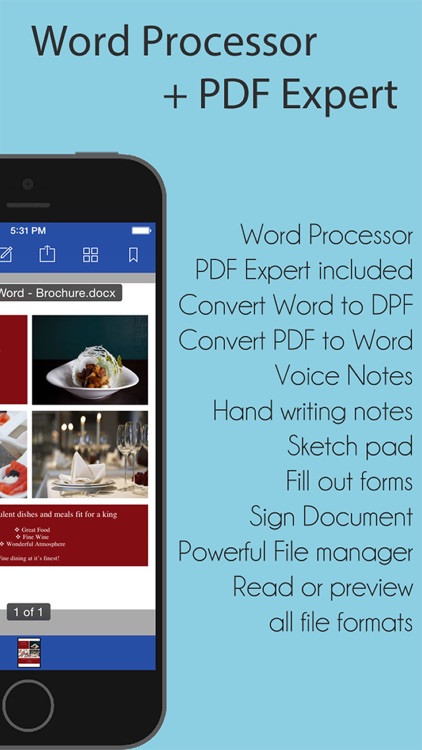
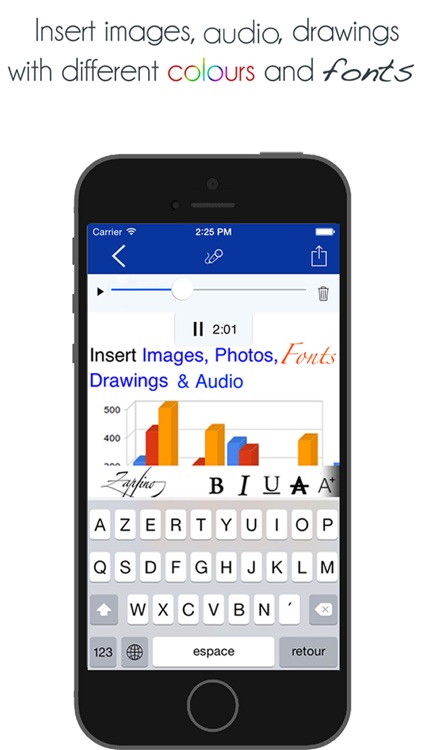
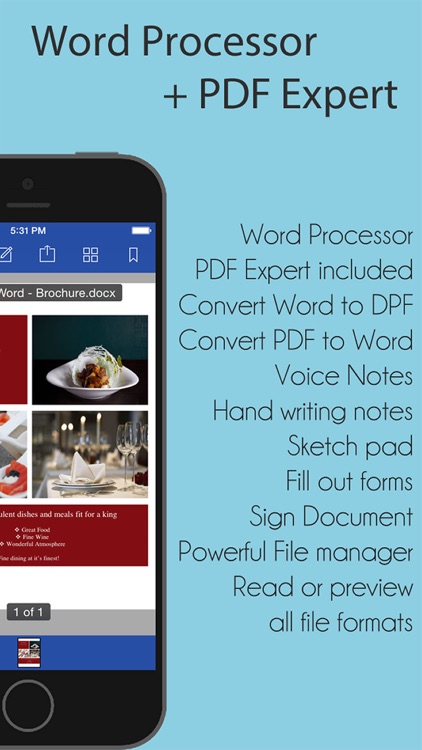
Word Processor is a powerful Word processor that allows to create and edit Word documents (.doc & .docx) format files on your iPhone/iPad. Also read Spreadsheet and Power Point files then convert to PDF. More importantly you can record audio memos directly in...

Documents Pro - for Word Docs edition

Documents Pro - for Word Docs edition

qi cao

Quick Word Processor - Document Editor for Microsoft Office Word

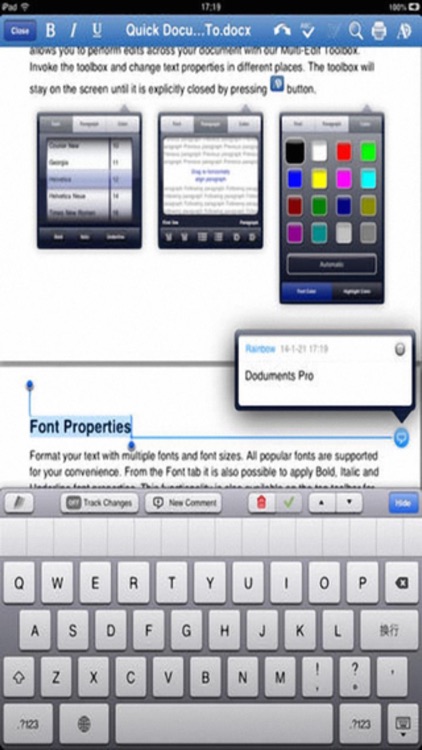
- Powerful yet very easy to use rich-text word processor for iPad
- Create and edit documents for Microsoft Word
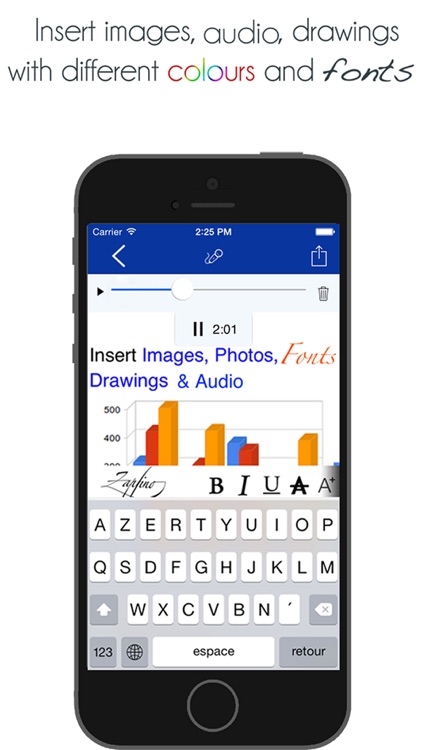
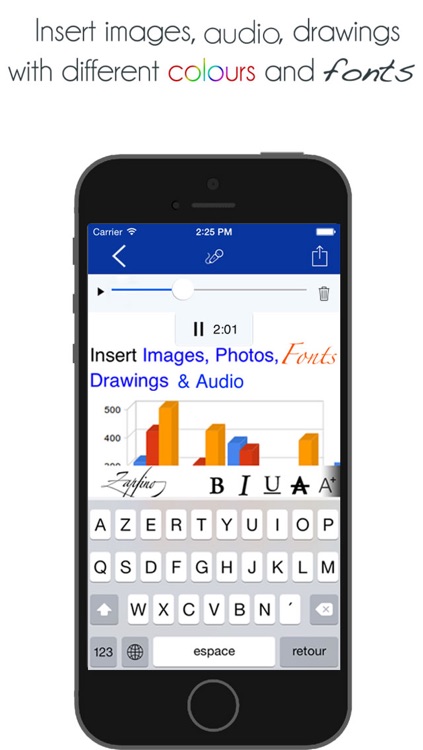
- Insert photos, charts, signatures and drawings in your documents. Compose sketches
- Sign your documents realistically with your finger
- Sync your documents...

Word To Go® Pro - for Microsoft Office Word Suite

Word To Go® Pro - for Microsoft Office Word Suite

feng jing

Word To Go is a powerful, easy-to-use word processor for the iPad, with a focus on long-form, professional writing tasks such as reports, research papers, and books.

With Word To Go, you can:

• Create and edit Microsoft Word documents
• Add headings, images, lists, and tables to your documents
• Use the outline...
Quick Docs Pro
Quick Docs Pro
Quick Docs Pro

Quick Docs Pro

Aaron Prentice

Document On The Go allows you to create, view and edit Microsoft Office 2007 and 2010 documents on your ios devices.

You can transfer existing .doc or .docx from your PC to the iPad via Wifi Transfer or USB Sync. .

Fantastic Write Pro for iPad supports the following in...
Docs U - Edit Office & Word Documents for iPad

Docs U - Edit Office & Word Documents for iPad

Appsverse Inc.

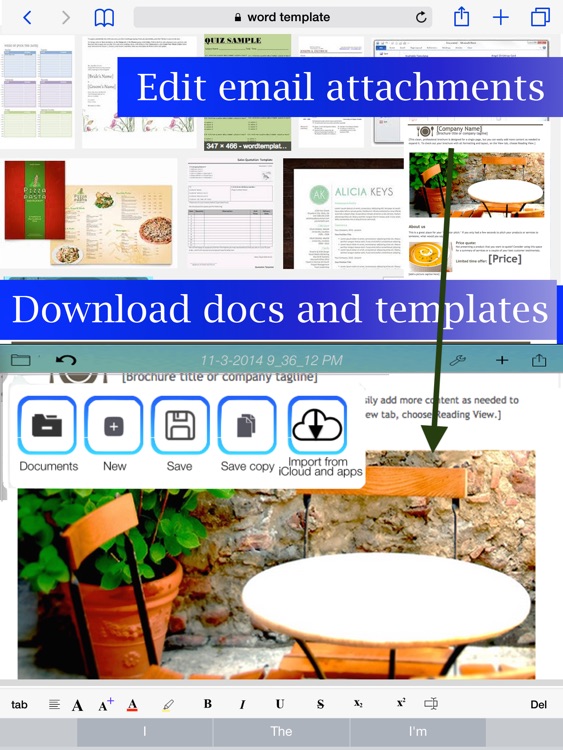
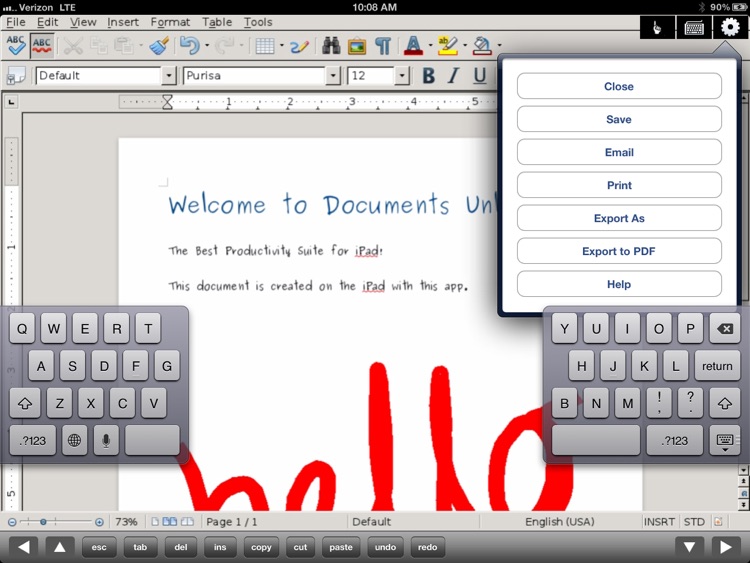
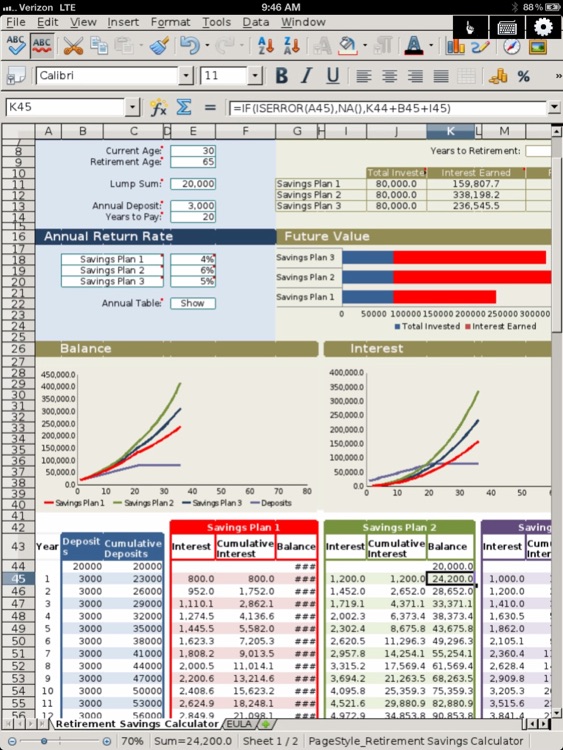
+ Create and edit Microsoft Office® and Open Office Documents on your iPad.

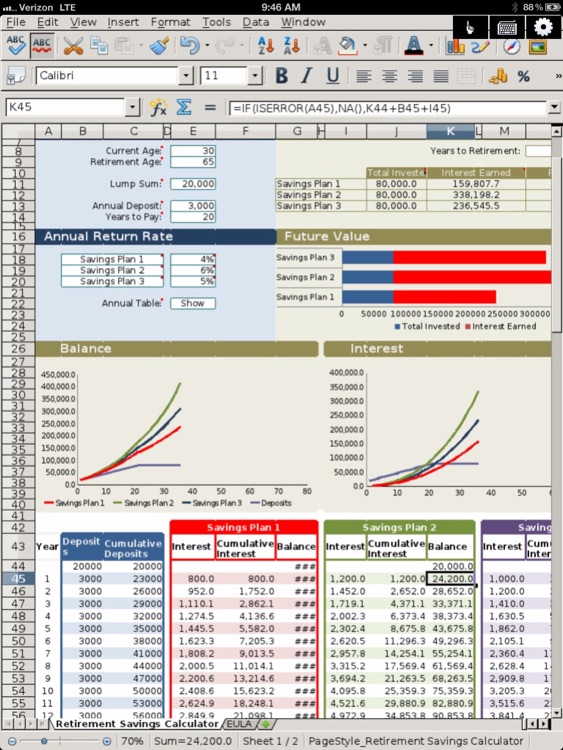
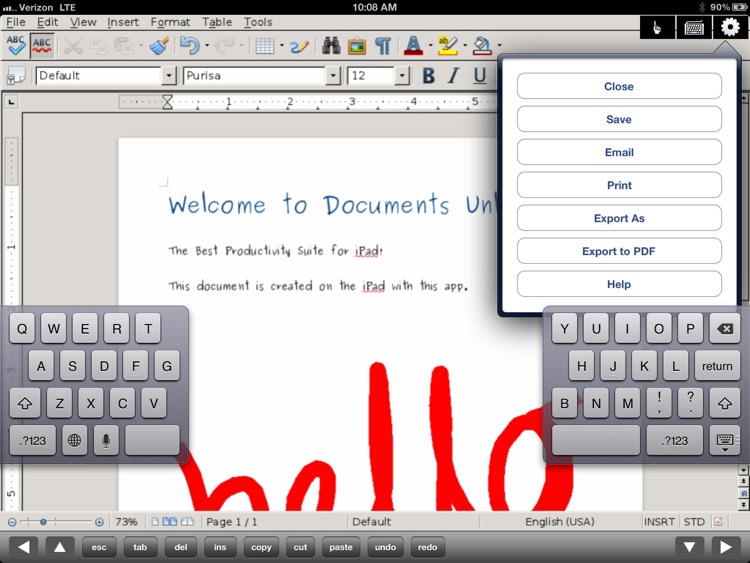
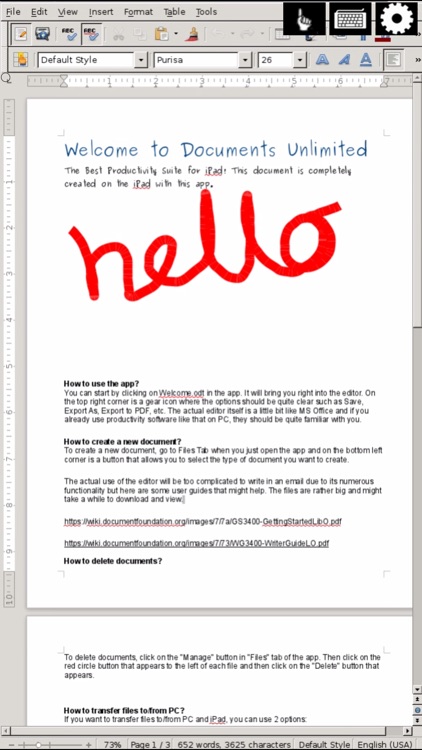
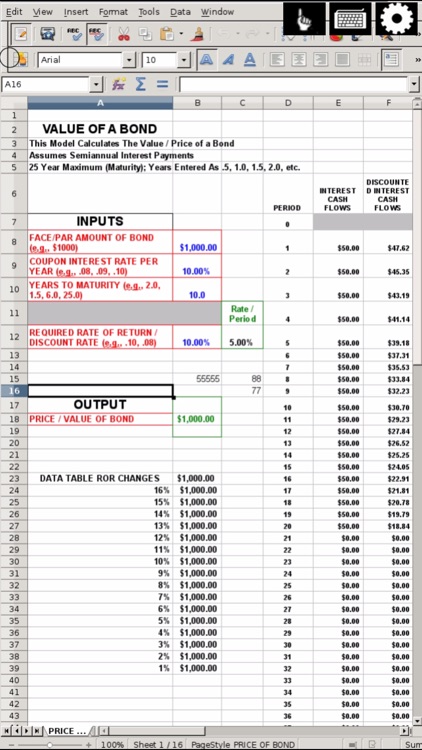
Documents Unlimited allows you to edit your Microsoft Office® and OpenOffice documents on your iPad. You can create, view and edit Microsoft Word®, Excel® & PowerPoint® documents. In addition, you can also create, view and edit LibreOffice and...
Documents On The Go - for Microsoft Office

Documents On The Go - for Microsoft Office

gaosi he

Documents To Go is a mobile office suit for iOS-based devices, providing the functionality of transferring files via Wi-Fi and allowing you to view, edit and manage all Microsoft® Office documents ANYTIME, from virtually ANYWHERE. Beyond that, Docs Plus is also the most pragmatic viewer with quite a lot of...
Documents Editor
Documents Editor
Documents Editor

Documents Editor

Beleela

Tapscape: "I’ve used a ton of different Word and PDF readers/editors on my iPhone over the years, and this is one of the best. It’s feature-rich, intelligently laid out, and powerful. There’s not much this little app can’t do."

App400: "To sum it up, if you wish to edit and manage...

Other Apps

Could be good for special cases

Open Word- Edit Microsoft Office Document for iPad

Open Word- Edit Microsoft Office Document for iPad

Appsverse Inc.

+ Create and edit Microsoft Word® (.doc and .docx) and Open Office Documents (.odt) on your iPad.

Open Word for iPad allows you to create, view and edit Microsoft Office 2007,2010,2013 documents, Open Office Open Text Documents and LibreOffice text documents.

You can transfer existing .doc or .docx from your PC to the iPad via Wifi Transfer or USB Sync. You can also edit existing files from Dropbox, Google Docs, Google Drive and Box.com.

Open Word for iPad supports the following in editing Word and text documents

+ View, create and edit Microsoft Word 2007,2010,2013 documents (.doc & .docx)
+ View, create and edit Open Text Documents (.odt)
+ Powerful file management capability for your iPad that is integrated with Dropbox, Google Docs, Google Drive and Box.com.
+ Convenient file transfer capability with support for Wi-fi transfers.
+ Spelling and grammar checking functionality
+ Insertion of headers, footers and comment
+ Support insertion, deletion, merging and spliting cells in tables
+ Word and characters Count
+ Text highlighting
+ Multiple and granular zooming
+ Unlimited number of undos and redos
+ Large number of font supports
+ International language input
+ Drawing tools support including drawing of shapes

Open Word Processor Professional for iPad is a cloud based solution hosting the popular LibreOffice which is a fork of the popular Open Office which has been downloaded more than 100M times.

DISCLAIMER -
- Not all documents can be opened or edited successfully. Some opened and saved documents may result in a loss of formatting due to formats in compatibility. If you are unsure, you can email us your non-confidential document to our support email to help you test if the app can open the documents successfully for you.
- OpenOffice.org™ is a registered trademark of Oracle.
- LibreOffice™ is a trademark of The Document Foundation.
- Microsoft® is a registered trademark of Microsoft Corporation in the United States and other countries.
- This app is not affiliated with, endorsed, or sponsored by LibreOffice, OpenOffice or Microsoft
- This app is a cloud based and hosted solution and requires users to be online for its editing features.
- If you are interested in using LibreOffice on desktop computers, please visit www.libreoffice.org

Docs U - Edit Microsoft Office Doc for iPhone Free

Docs U - Edit Microsoft Office Doc for iPhone Free

Appsverse Inc.

Create and edit Microsoft Office® and Open Office Documents on your iPhone.

Documents Unlimited for iPhone allows you to view and edit almost any document format including Microsoft Office® and OpenOffice documents on your iPhone. On your iPhone, you can view, edit and create Microsoft file formats including Word®, Excel® & PowerPoint® documents. Documents Unlimited also supports the creation, viewing and editing of LibreOffice and Open Office Documents based on the Open Document Format with Documents Unlimited Office Apps suite.

Documents Unlimited Free works by bringing you the power of the cloud to your iPhone or iPod by hosting LibreOffice online and streaming the app directly to you. The full functionality of LibreOffice in the cloud which is a fork of OpenOffice that has been downloaded more than 100 millions times is brought to you by our power cloud based solution. The premium version is also integrated with Dropbox, GDocs and Box.


+Create, view and edit files
Microsoft Word 2007/2010 (.docx)
Microsoft Word 97/2000/XP/2003 (.doc)
Microsoft Excel 2007/2010 (.xlsx)
Microsoft Excel 97/2000/XP/2003 (.xls)
Microsoft Powerpoint 2007/2010 (.pptx)
Microsoft Powerpoint 97/2000/XP/2003 (.ppt)
Open Document Format Text (.odt)
Open Document Format Spreadsheet (.ods)
Open Document Format Presentation (.odp)
Various graphics format (.png, .jpg, .gif and others)

+Other functionality
Convert files to any document format and email.
Print your documents wireless
Dictate your text
Use external keyboard
Mouse mode allows for precise control

NOTE: You can also import PDF files to edit. However, you should note that only simple PDF files can be imported accurately and the PDF import process is not perfect.

DISCLAIMER:
- Not all documents can be opened or edited successfully. Some opened and saved documents may result in a loss of formatting due to formats in compatibility. If you are unsure, you can email us your non-confidential document to our support email to help you test if the app can open the documents successfully for you.
- OpenOffice.org™ is a registered trademark of Oracle.
- LibreOffice™ is a trademark of The Document Foundation.
- Microsoft® is a registered trademark of Microsoft Corporation in the United States and other countries.
- The Documents Unlimited app is not affiliated with, endorsed, or sponsored by LibreOffice, OpenOffice or Microsoft
- Documents Unlimited is a cloud based and hosted solution for the popular LibreOFfice suite and requires users to be online for its editing features.
- If you are interested in using LibreOffice on desktop computers, please visit www.libreoffice.org

Open Word for Microsoft Documents & Office Writer

Open Word for Microsoft Documents & Office Writer

Appsverse Inc.

Open Word Processor Professional for iPhone helps you create, view and edit Microsoft Office 2007 and 2010 documents, Open Office Open Text Documents and LibreOffice text documents.

Transfer files and documents from your PC to the iPhone using Wifi Transfer or USB Sync and also edit existing files from Dropbox, Google Docs, Google Drive and Box.com.

Open Word Processor Pro for iPhone supports the following features for editing Word and text documents

+ Create, view and edit Microsoft Word 2007-2010 documents (.doc & .docx)
+ Create, view and edit Open Text Documents (.odt)
+ Powerful file management capability for your iPhone that is integrated with Dropbox, Google Docs, Google Drive and Box.com.
+ Transfer files via support for Wi-fi transfers.
+ Check spelling and grammar
+ Insert headers, footers and comment
+ Insert, delete and merge cells in tables
+ Count your words and characters
+ Highlight text
+ Multiple and granular zooming
+ Unlimited number of undos and redos
+ Large number of font supports
+ Multiple International languages input
+ Drawing tools support including drawing of shapes

Open Word Processor Professional for iPhone is a cloud based solution hosting the popular LibreOffice which is a fork of the popular Open Office which has been downloaded more than 100M times.

DISCLAIMER -
- Not all documents can be opened or edited successfully. Some opened and saved documents may result in a loss of formatting due to formats in compatibility. If you are unsure, you can email us your non-confidential document to our support email to help you test if the app can open the documents successfully for you.
- OpenOffice.org™ is a registered trademark of Oracle.
- LibreOffice™ is a trademark of The Document Foundation.
- Microsoft® is a registered trademark of Microsoft Corporation in the United States and other countries.
- This app is not affiliated with, endorsed, or sponsored by LibreOffice, OpenOffice or Microsoft
- This app is a cloud based and hosted solution and requires users to be online for its editing features.
- If you are interested in using LibreOffice on desktop computers, please visit www.libreoffice.org

Documents ToolKit for Word, Spreadsheet and Slides

Documents ToolKit for Word, Spreadsheet and Slides

Aaron Prentice

Documents Toolkit is an grate app for you to View, edit and create MS Word, MS Excel and MS PowerPoint on your iOS devices..

Main Features:

Word Editor:
• Edit MS Word 97 to 2010 documents (DOC, DOCX, RTF, TXT & LOG)
• Format text font, color, bold, italic, underline
• Bullets and numbering
• Undo/Redo
• Search/Replace
• Zoom In/Out
• Go to Page
• Page Finder (via right to left swipe)
• Word Count
• Switch between Edit and View mode
• Spell Check in 14 languages
• Auto-correct while typing
• Support for password protected files
• Print, share via email, send to other app

Spreadsheet Editor:
• Edit MS Excel 97 to 2010 spreadsheets (XLS, XLSX & CSV)
• Format cell font, color, bold, italic, underline
• Format cell border, number format
• Undo/Redo
• Search/Replace
• Zoom In/Out
• Multiple sheet support
• Go to Cell
• Sort columns and rows
• Freeze/unfreeze columns and rows
• Support for password protected files
• Print, share via email, send to other app

Presentation Editor:
• Create, Edit and View MS PowerPoint 97 to 2010 presentations (PPT, PPTX, PPS & PPSX)
• Search
• Zoom In/Out
• Go to Slide
• Slide Carousel (bottom)
• Manual and automatic slide show
• Support for slide transitions and animations
• Print, share via email, send to other app

PDF Viewer:
• View Adobe PDF files
• Search
• Zoom In/Out
• Go to Page
• Page Carousel (bottom)
• Switch between full screen and regular mode
• Print, share via email, send to other app

Docs Pro - Compatible with Microsoft Office Word RTF Documents & A Processor To Go for iPad

Docs Pro - Compatible with Microsoft Office Word RTF Documents & A Processor To Go for iPad

Component Studios

The best app for creating, editing, and sharing your documents on your iPad.

Features:
- Create and edit Rich Text Format (.rtf) files on your iPad that are fully compatible with Microsoft Word
- Share your saved documents as email attachments
- Open your text files with your favorite apps such as Evernote and Dropbox
- No limits on the amount of files you can create
- Works without the internet
- Edit the font size, color, style, text alignment, and much more!
- Landscape and portrait rotations supported